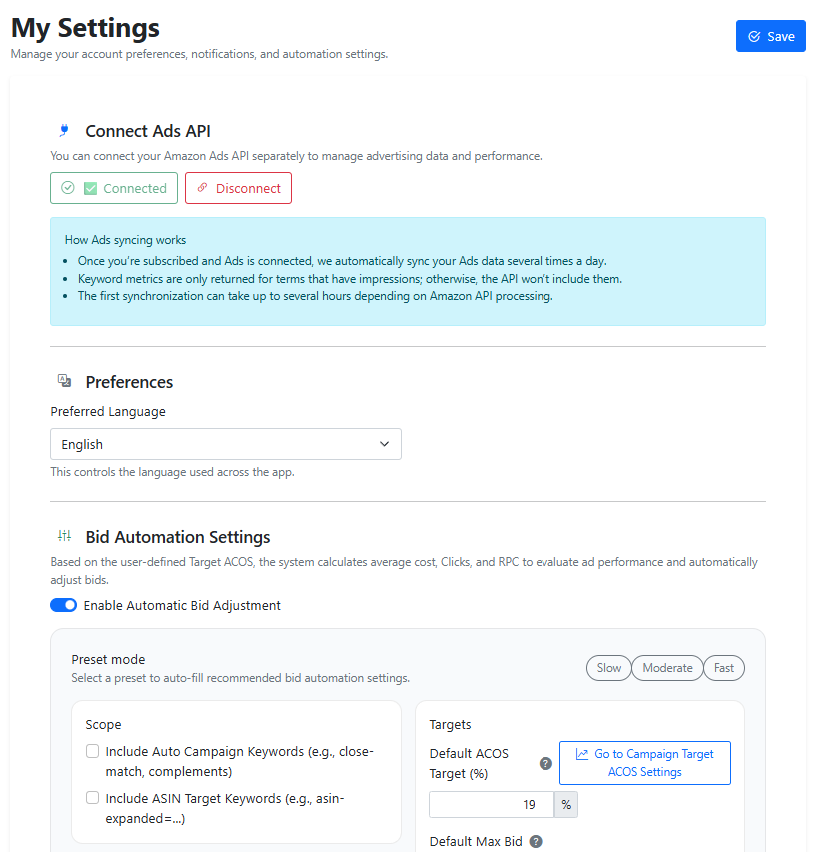
We’ve introduced Ads Automation Presets to make campaign optimization faster and easier—especially for new users.
🎯 Three Ready-to-Use Presets
You can now choose from:
-
Slow – Conservative adjustments with gradual bid changes. Ideal for stable campaigns where you want to minimize volatility.
-
Moderate – Balanced optimization with steady improvements. A good default for most users.
-
Fast – Aggressive bid adjustments designed to quickly respond to performance data and accelerate results.
Instead of manually configuring every rule and threshold, new users can simply select a preset and launch automation immediately—no complex setup required.
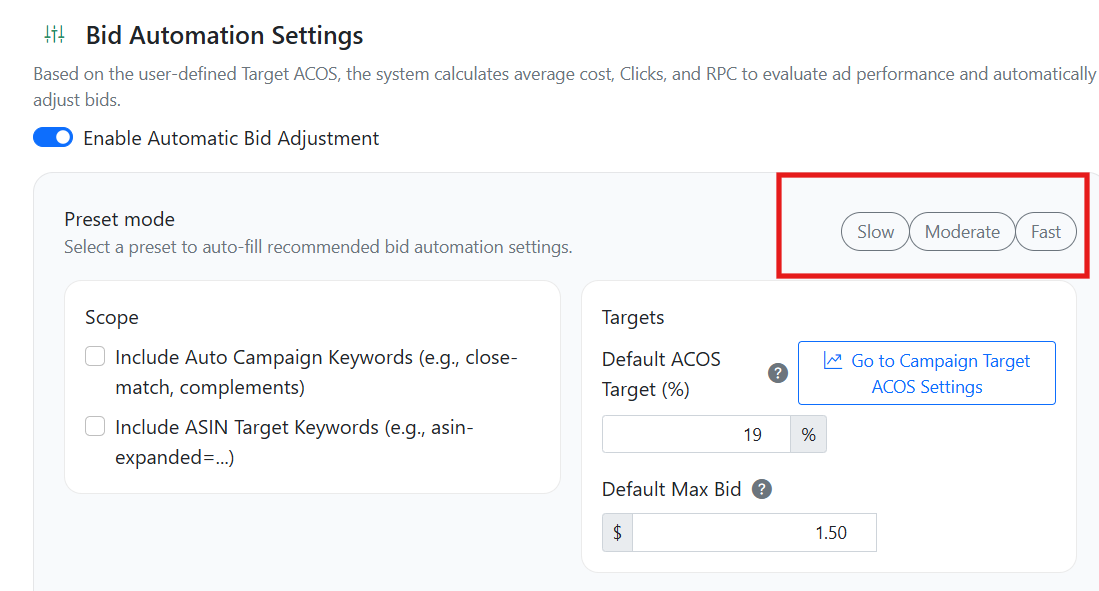
⚙️ Full Customization Still Available
While presets provide a strong starting point, you’re always in control.
-
Every parameter (ACOS targets, bid multipliers, impression thresholds, timing rules, etc.) can be adjusted manually.
-
You can fine-tune settings based on your product margin, risk tolerance, and campaign goals.
-
We recommend testing different speeds to see what delivers the best performance for your specific niche and ad structure.
Automation should adapt to your strategy—not the other way around.
👁️ Enhanced Settings UI
We’ve also updated the automation settings interface for better visibility and clarity:
-
Cleaner layout
-
Improved grouping of controls
-
Easier-to-read values and thresholds
-
More intuitive interaction
The new design helps you understand exactly how your automation is configured at a glance, reducing setup time and preventing misconfiguration.