






Your Amazon business in one workspace
Compare markets and products, track daily keyword rankings, create product images and videos, and connect advertising results with profit.
Trusted by ambitious Amazon brands & agencies
From solo sellers to multi-brand teams, SellerVisor helps you monitor performance, reduce wasted ad spend, and uncover new growth opportunities.


Trusted by Amazon Sellers Worldwide
Review highlights from experienced sellers and brand operators using SellerVisor.


You're paying for the entire suite.
How much of it do you actually use?
Too many features
Dozens of tools look impressive, but most sellers return to the same few workflows every week.
Too much cost
Paying $100+ every month makes little sense when only a fraction of the suite becomes part of your real workflow.
Too much complexity
Critical signals get buried across dashboards, reports, and tools that take time to learn.
The workflows sellers use most. Starting at $29/month.
One focused workflow for Amazon growth.
Move from scattered information to a confident next action.
Discover
Find product, market, competitor, and keyword opportunities.
Track
Monitor rankings, advertising performance, and profitability.
Compare
Understand where competitors win and what your listing misses.
Act
Use AI recommendations and automation to improve faster.
Watch SellerVisor in Action
Stop drowning in data. Focus on what sells.
Explore every module
Open a module to see its current interface, capabilities, and step-by-step tutorial.

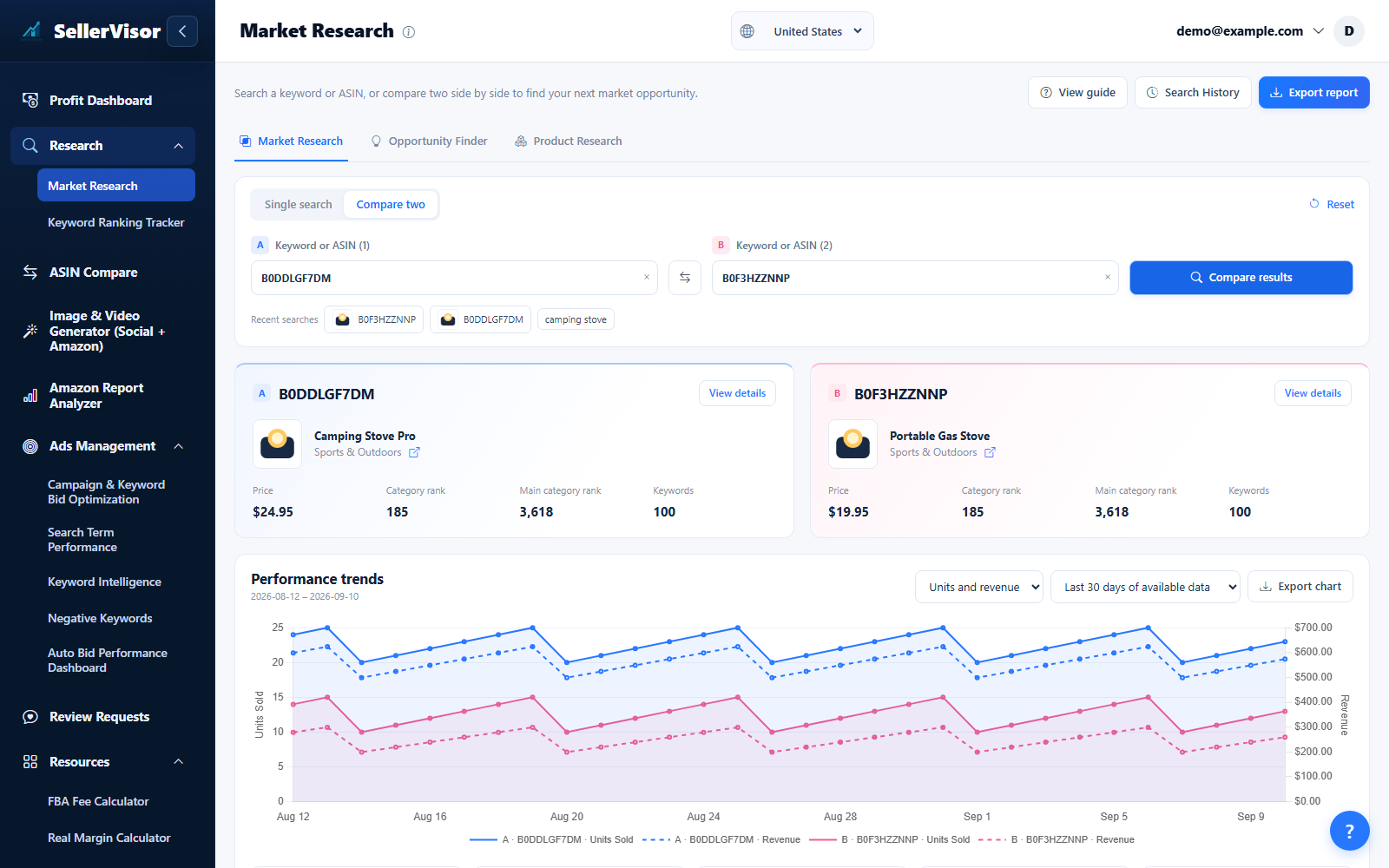
Market Research
Analyze market data by ASIN or keyword to discover opportunities.
Explore feature
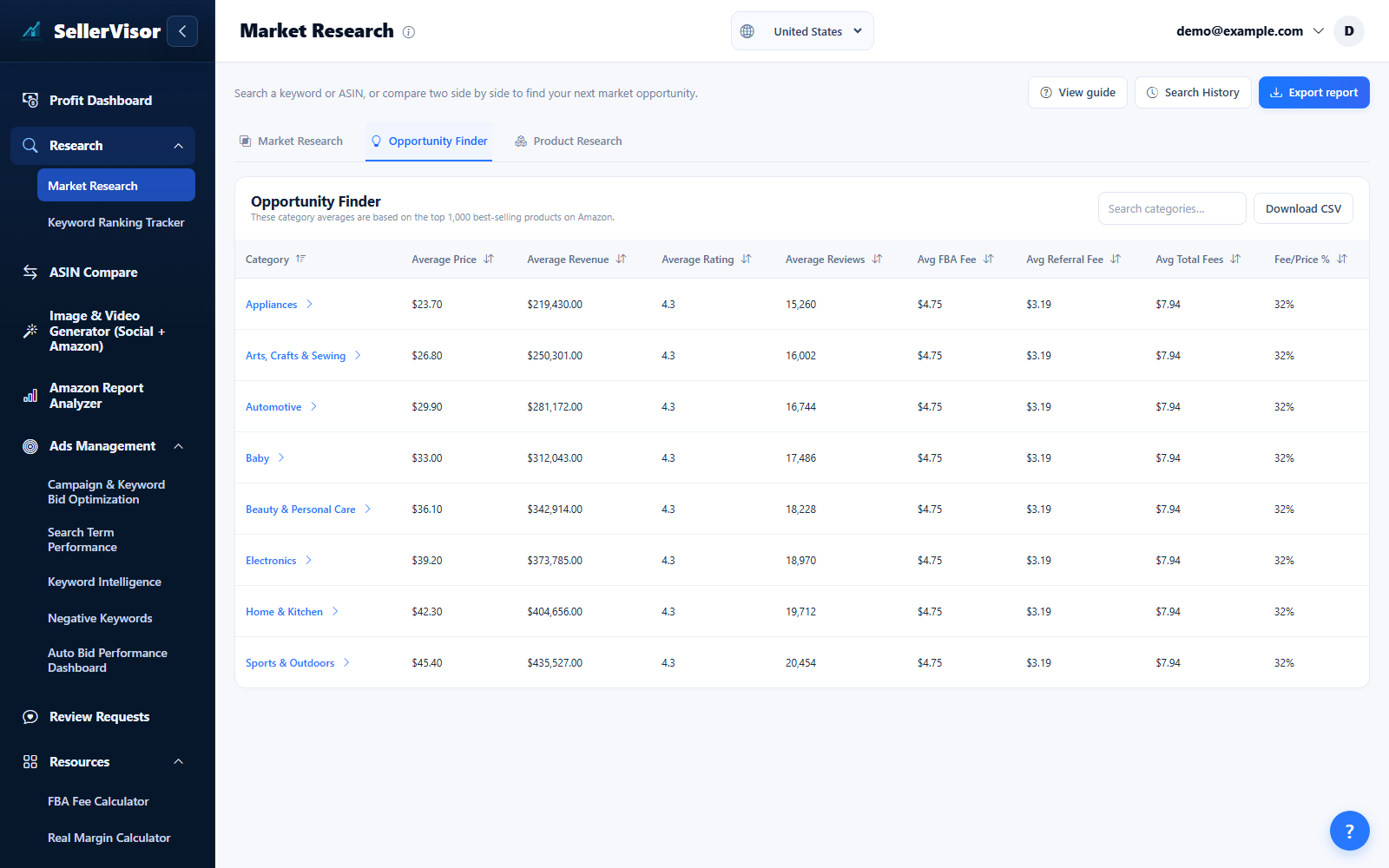
Opportunity Finder
Identify fast-growing categories and niche keywords using combined Amazon and Google trend data.
Explore feature
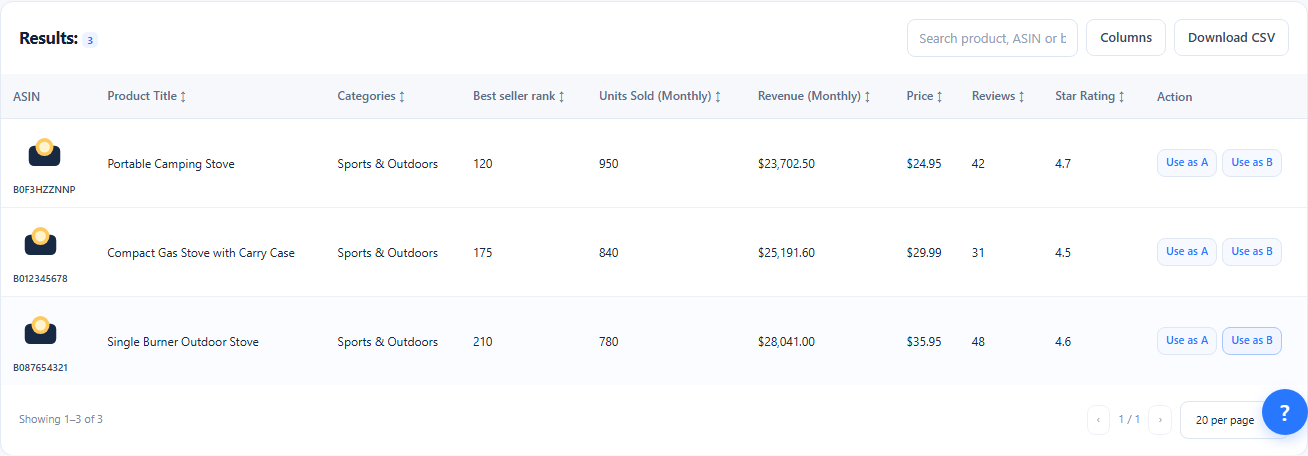
Product Research
Open the Product Research tab, select categories or a preset, and adjust price, revenue, reviews, and competition filters. Review matching products and send an ASIN to A or B for deeper research.
Explore featureKeyword Ranking Tracker
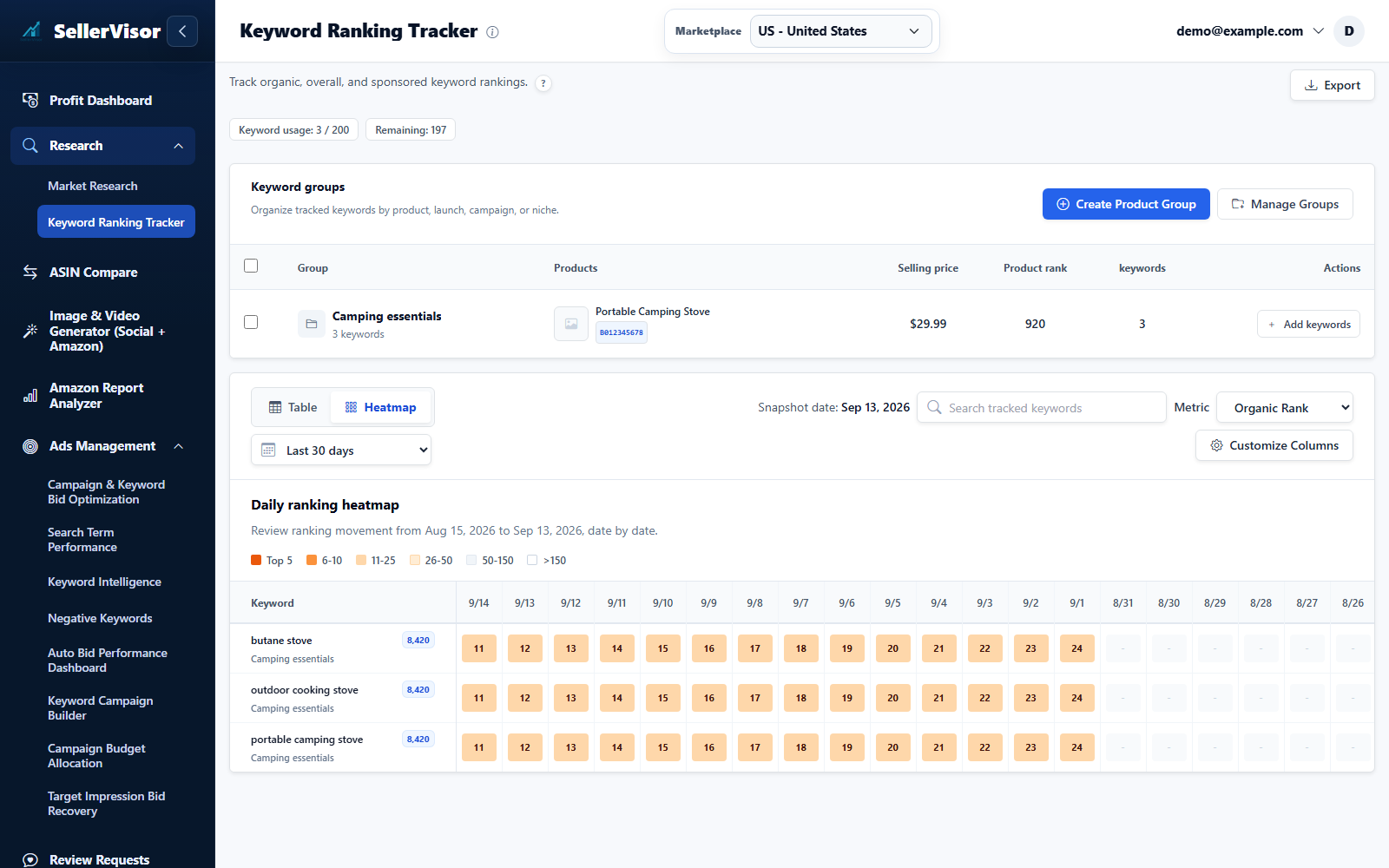
SellerVisor keeps ranking changes tied to the exact product groups and ASINs you are trying to grow.
Explore feature
Listing Analysis
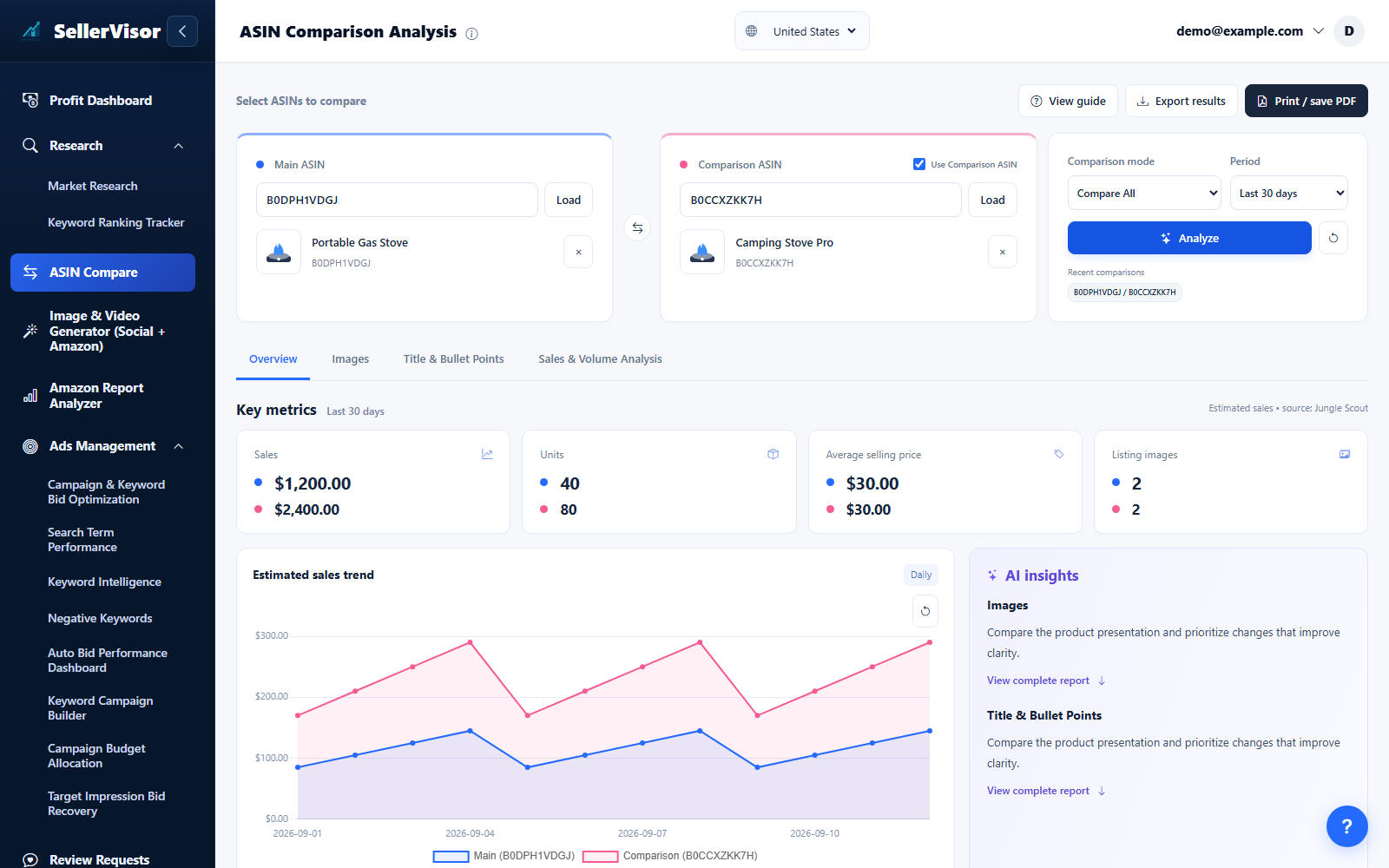
Walk through image quality, copy clarity, and performance signals in a single side-by-side view.
Explore feature
Profit Dashboard
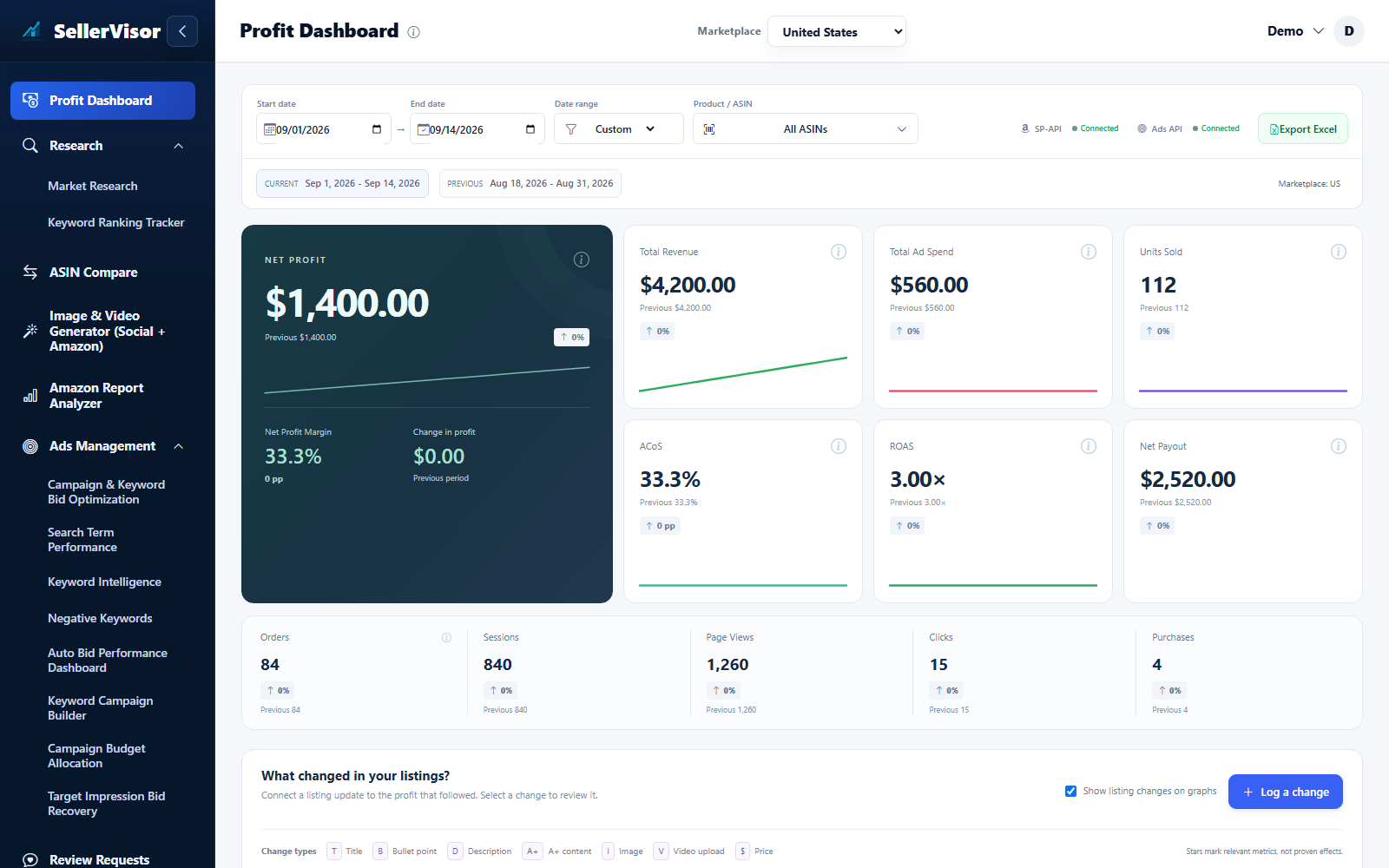
Review revenue, costs, advertising, and net profit by marketplace and date. Compare periods and inspect the products and changes behind the totals.
Explore feature
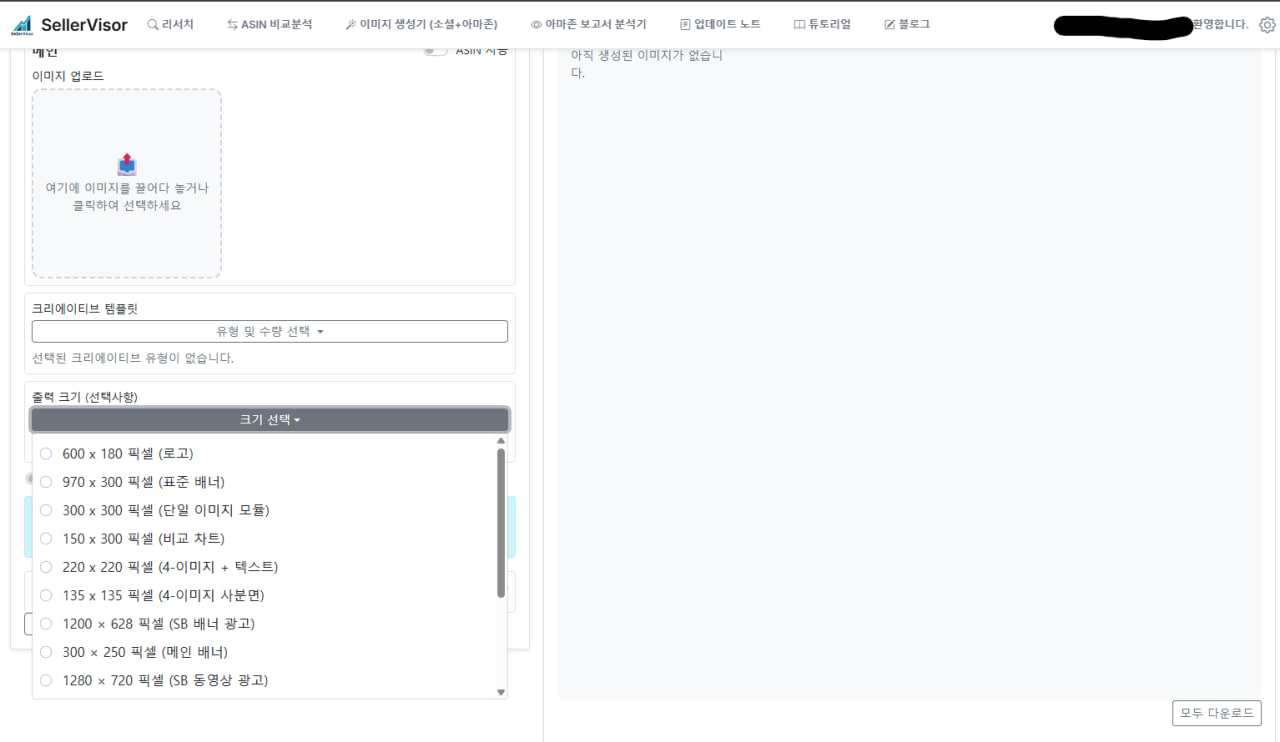
AI Image Generator
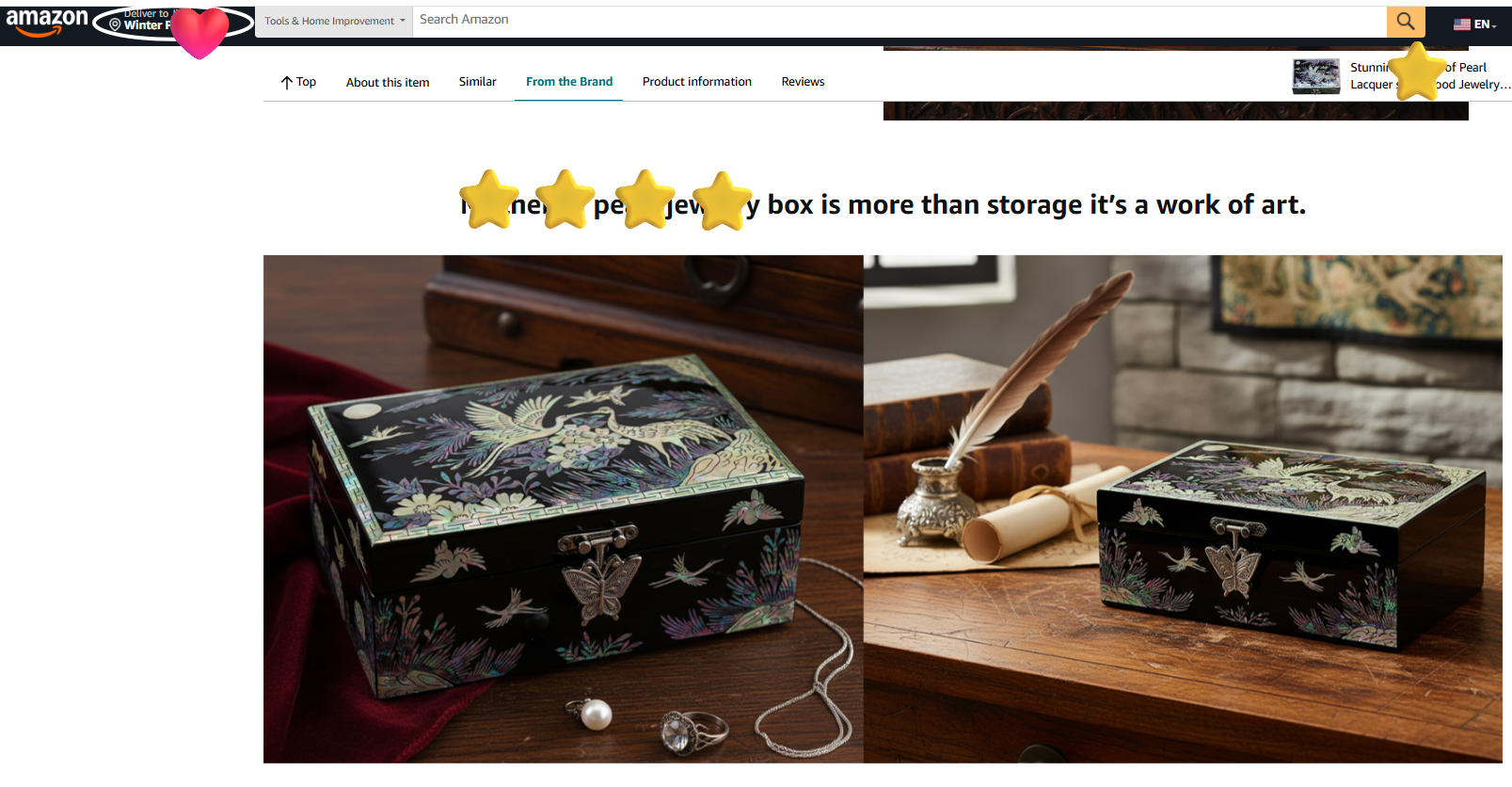
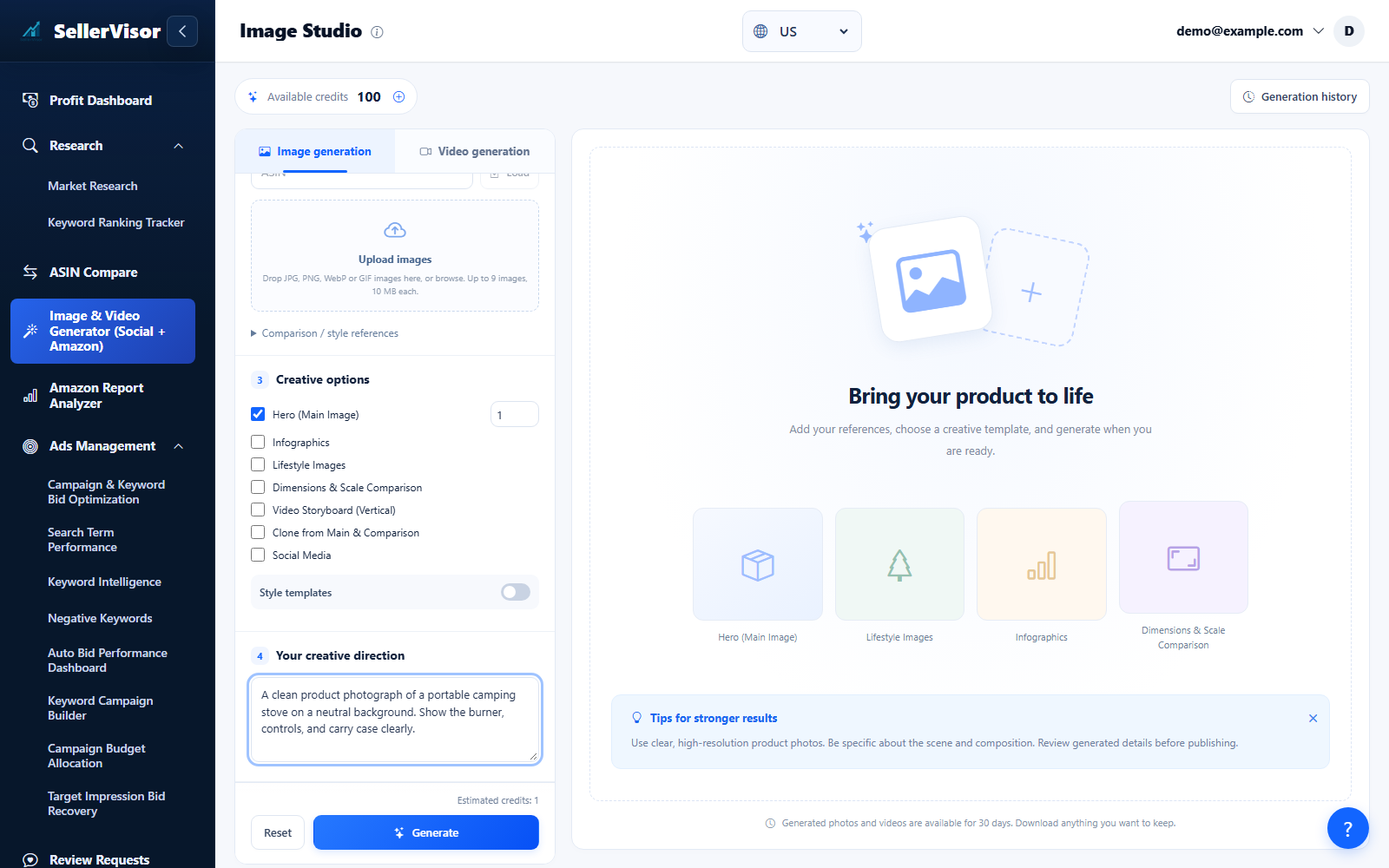
Design product and social images with cloning, multi-image sets, precise output sizes, and seasonal presets.
Explore feature
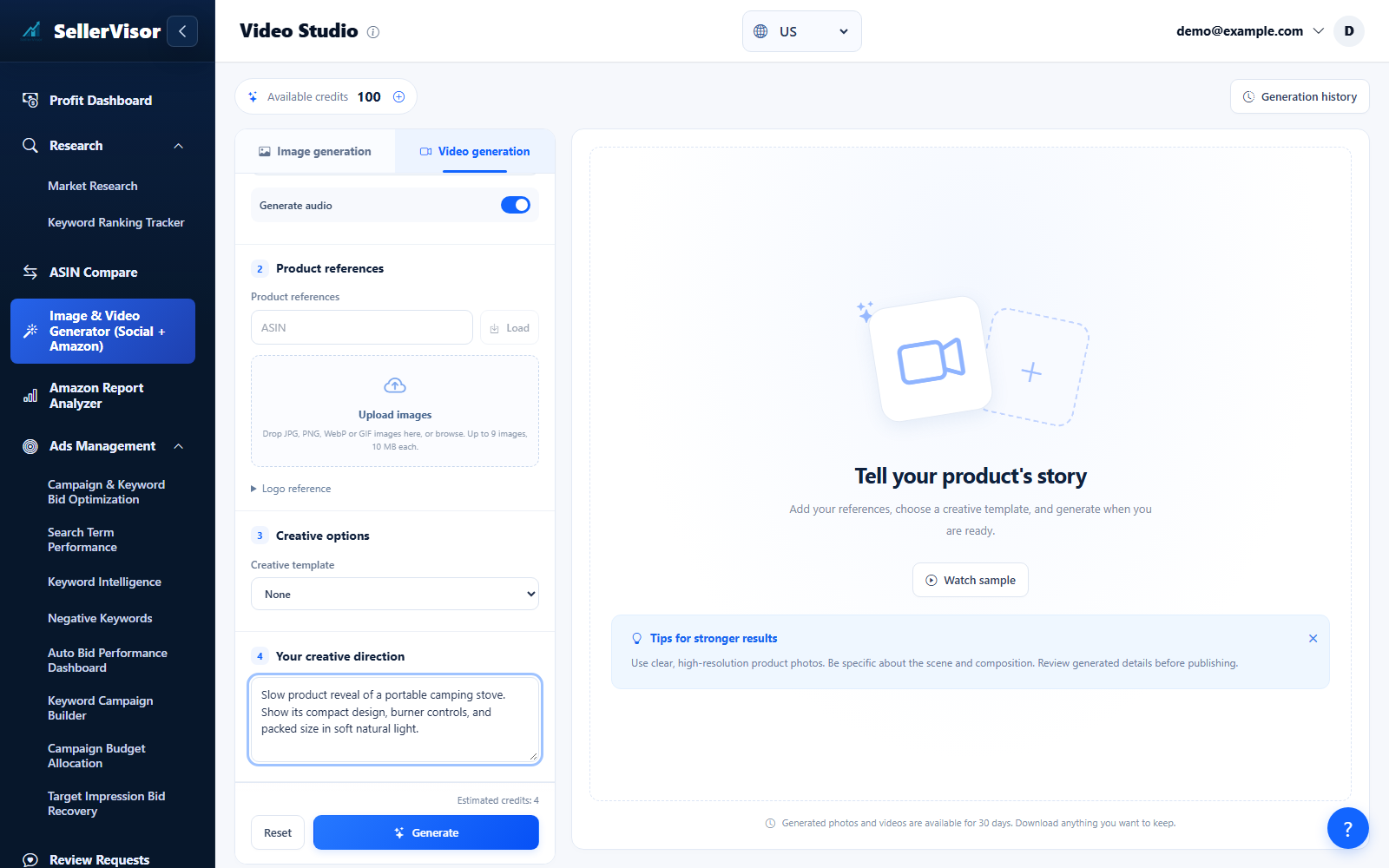
AI Video Generator
Turn a prompt or reference images into a product video. Choose the available generation settings, review the credit estimate, and download the finished result.
Explore feature
Ads Management
Review campaign performance, manage bids and negatives, and monitor automation from one workspace.
Explore feature
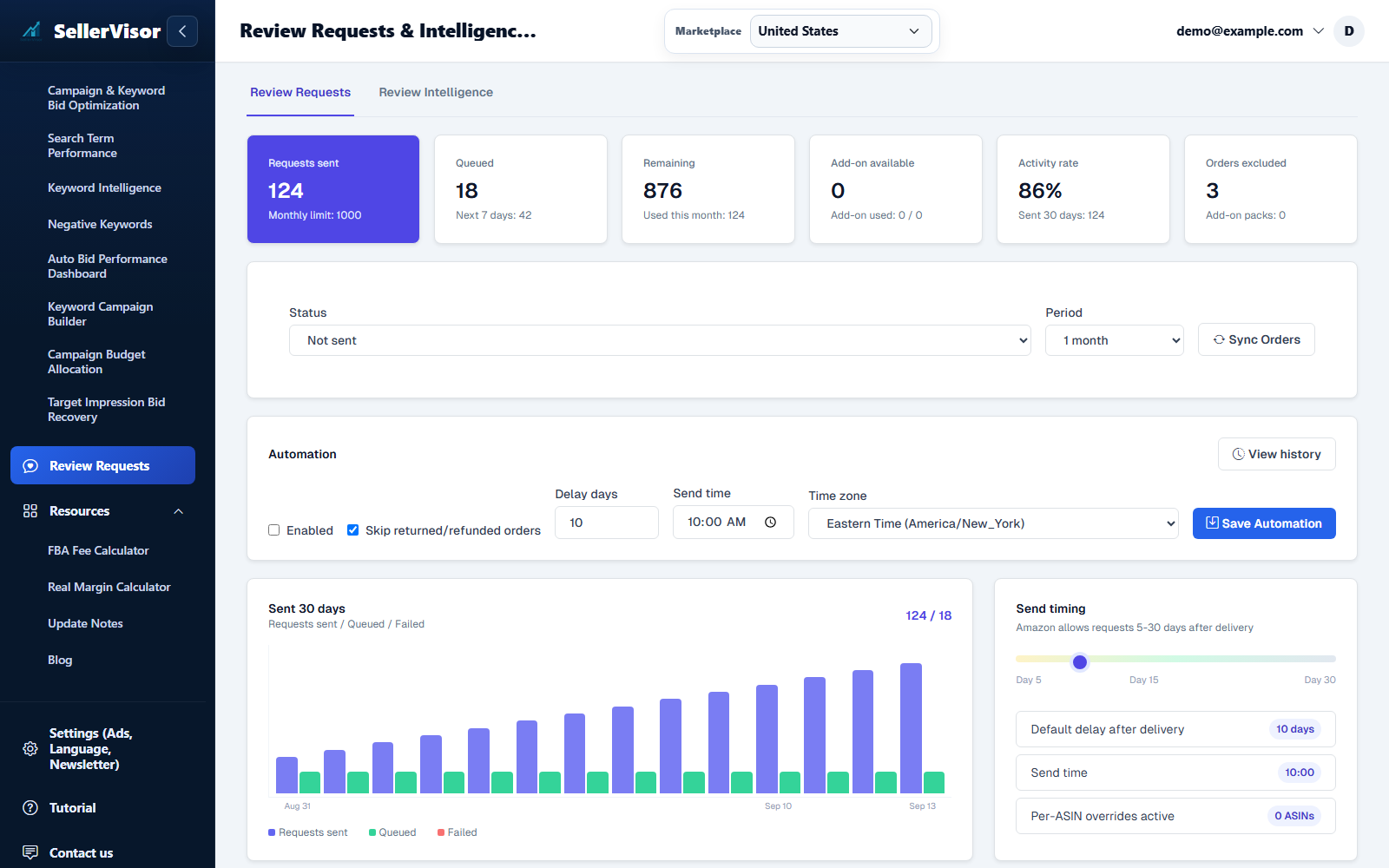
Review Requests & Intelligence
SellerVisor gives you a focused review request workspace for settings, ASIN-level automation, and order-level sending.
Explore feature
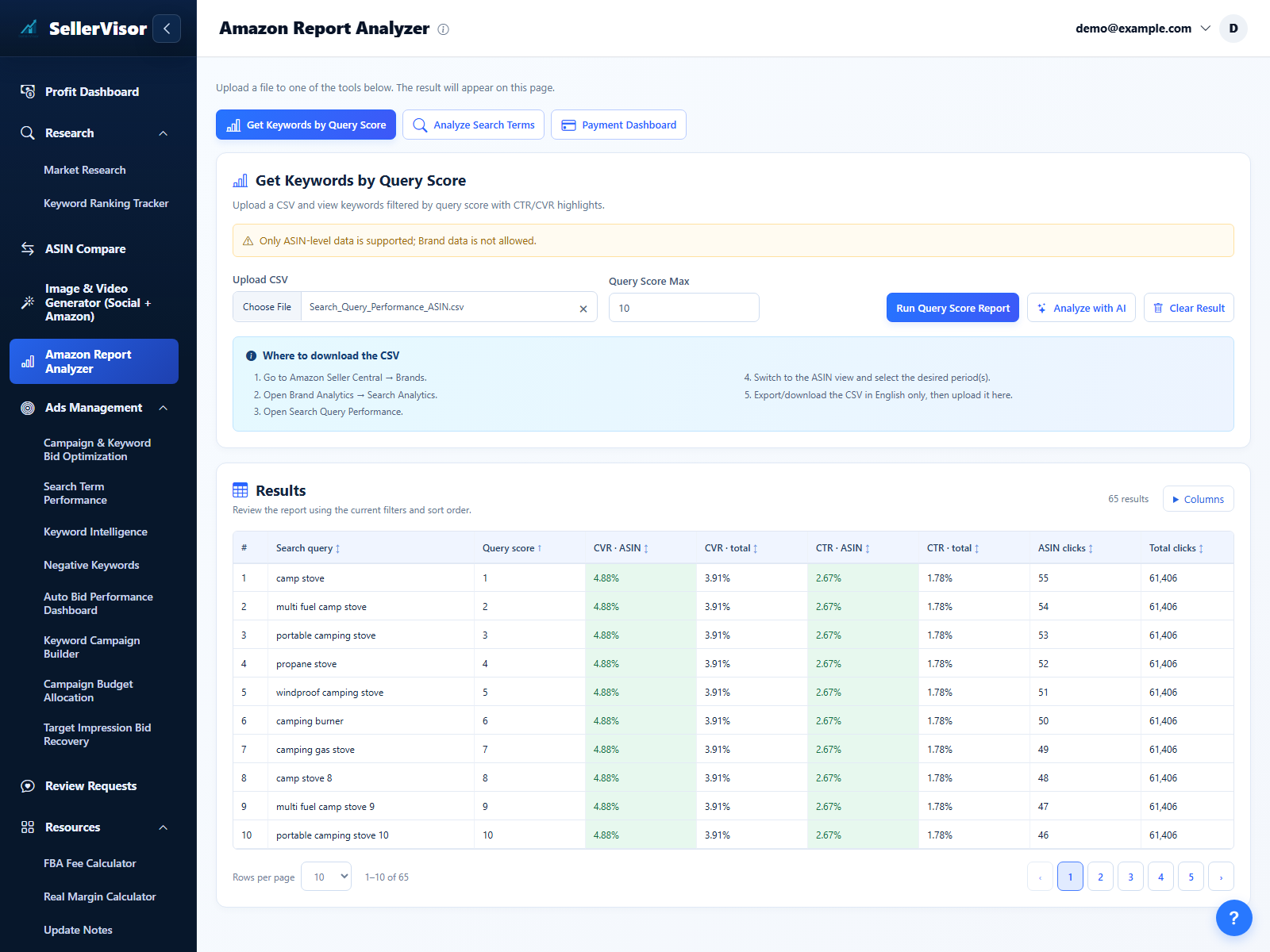
Search Query Performance (SQP)
Upload ASIN-level Search Query Performance (SQP) CSV files and convert them into a simple, visual insight workflow.
Explore feature
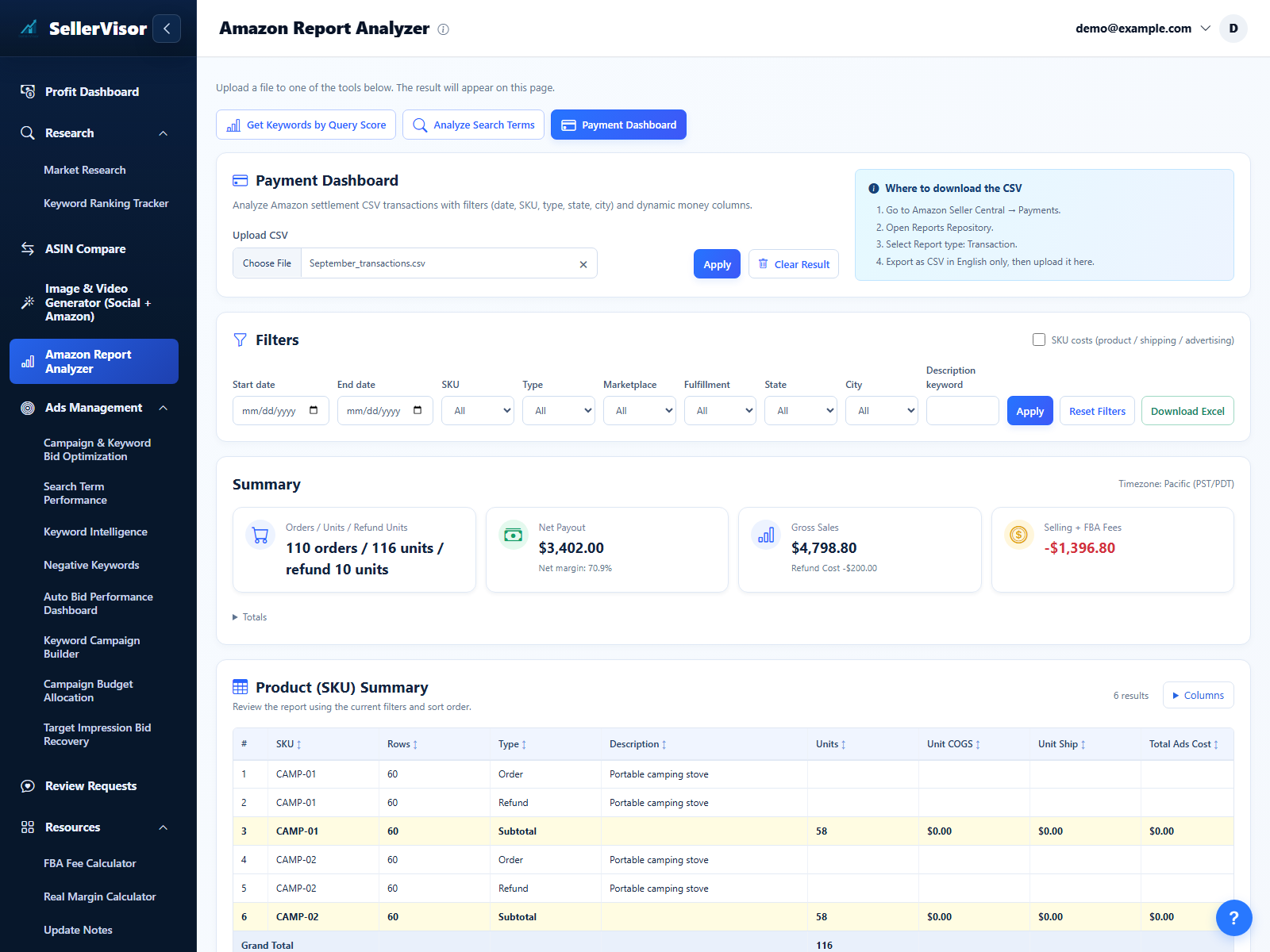
Payment Dashboard Report
Turn Amazon settlement files into a clean, interactive dashboard that shows real profit after product cost, shipping, ads, and refunds.
Explore feature
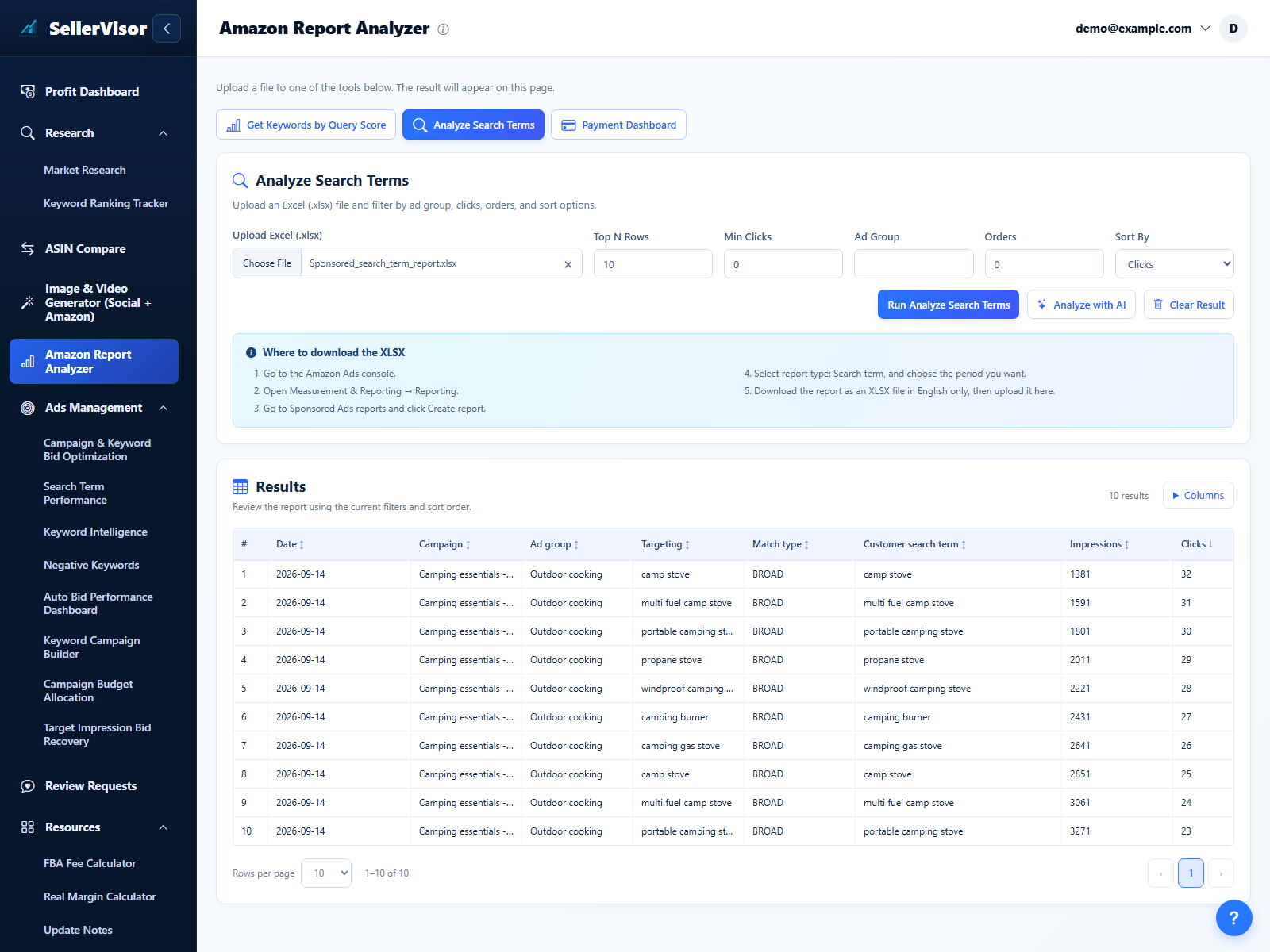
Search Term Report (STR)
Upload a Search Term Report, filter its results, and use AI to plan your next review.
Explore feature
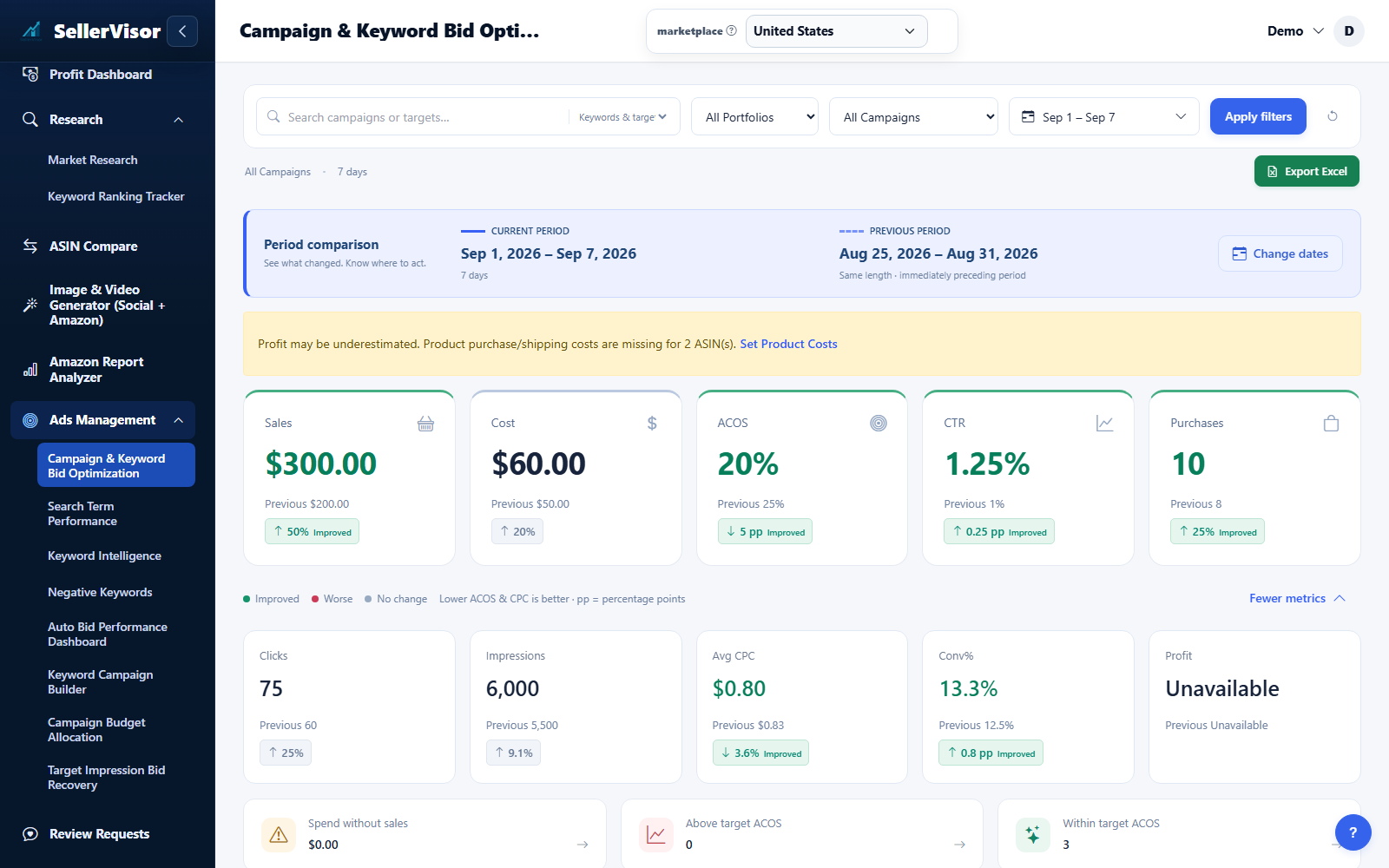
Campaign & keyword bids
Review performance by campaign and keyword, then apply smart bid rules so your ads spend stays aligned with your Target ACOS.
Explore feature
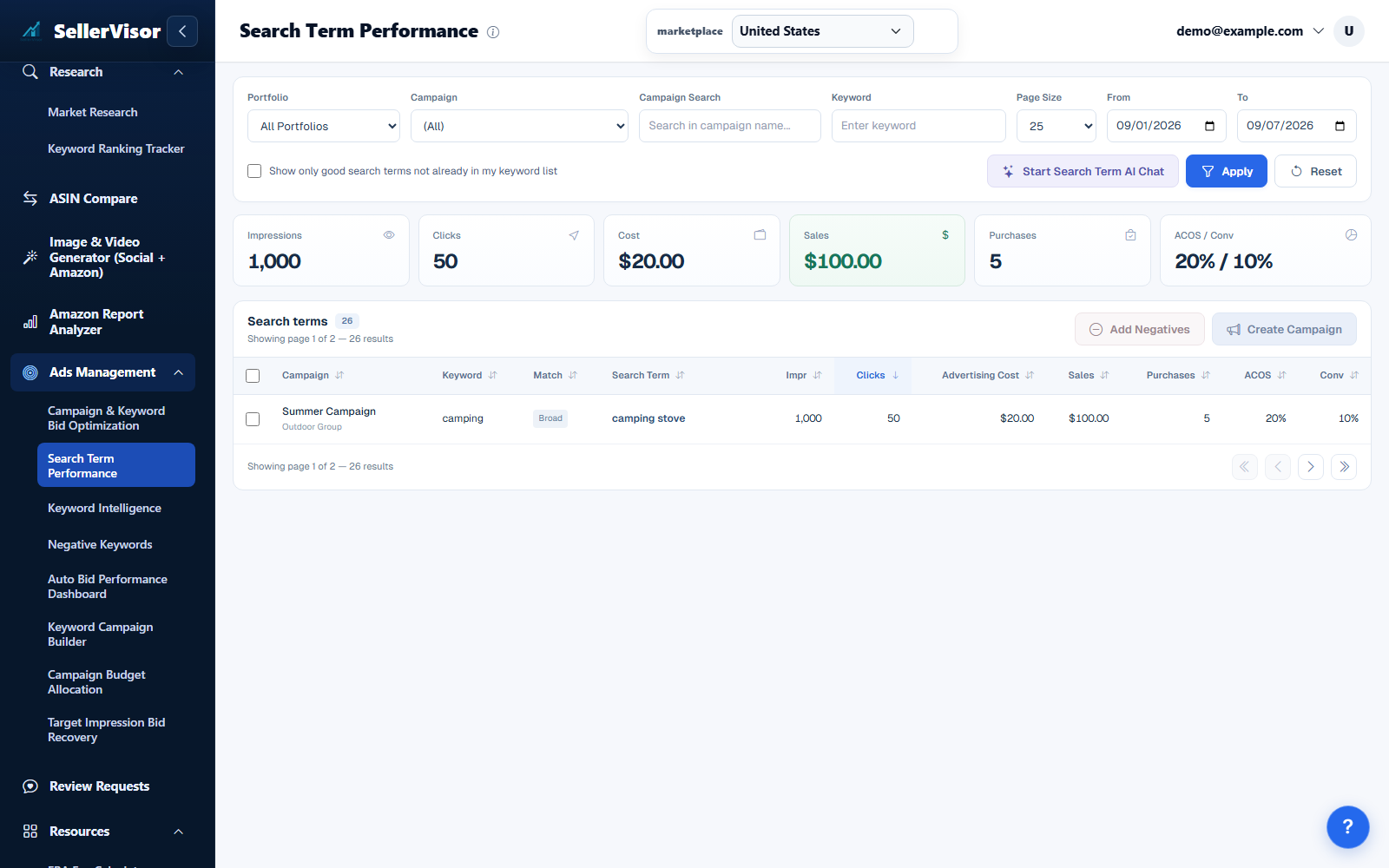
Search term performance & AI chat
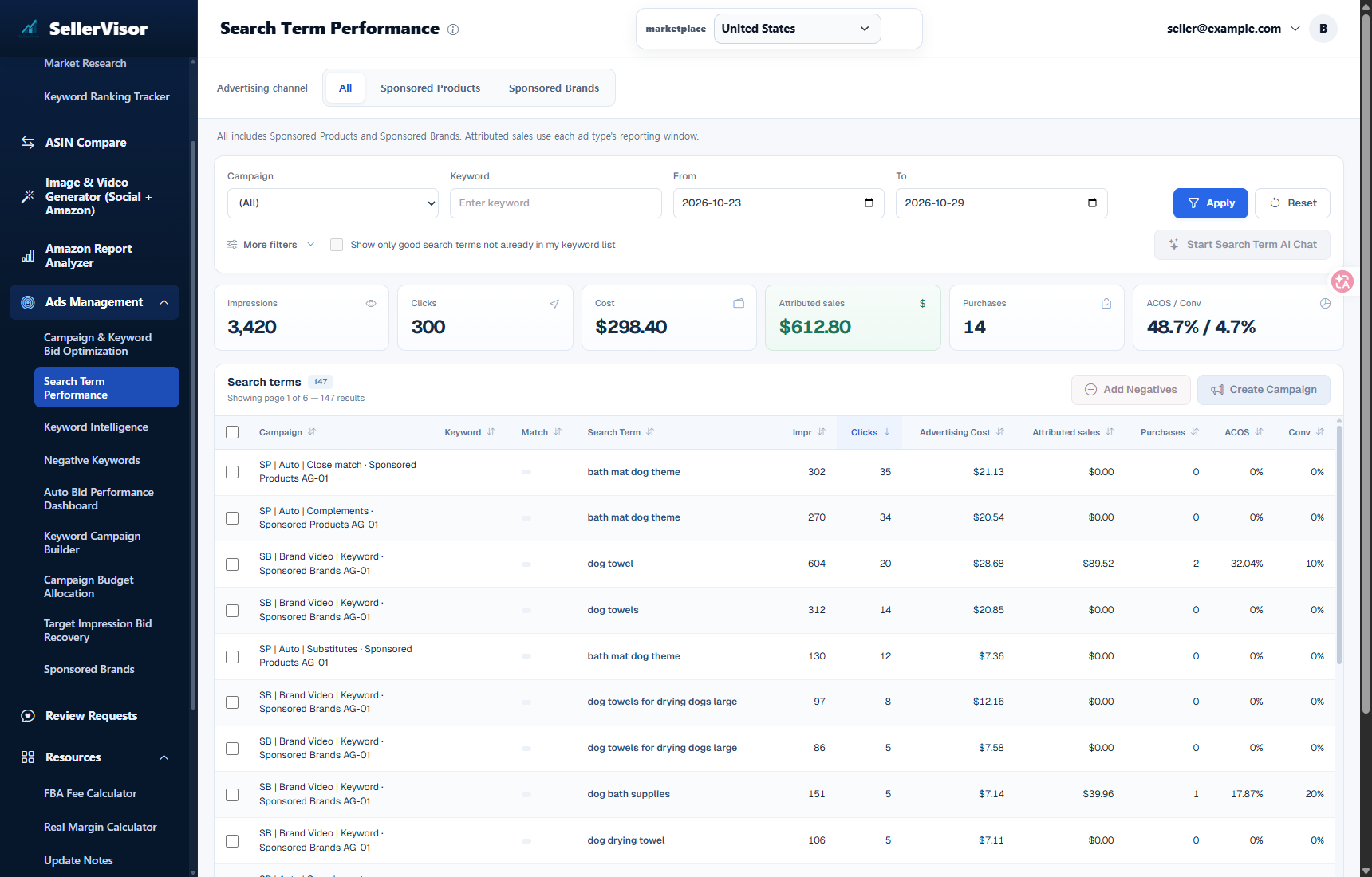
Analyze search term performance across campaigns in one view, quickly separate winners from wasted spend, and turn insights into negative keywords or new opportunities.
Explore feature
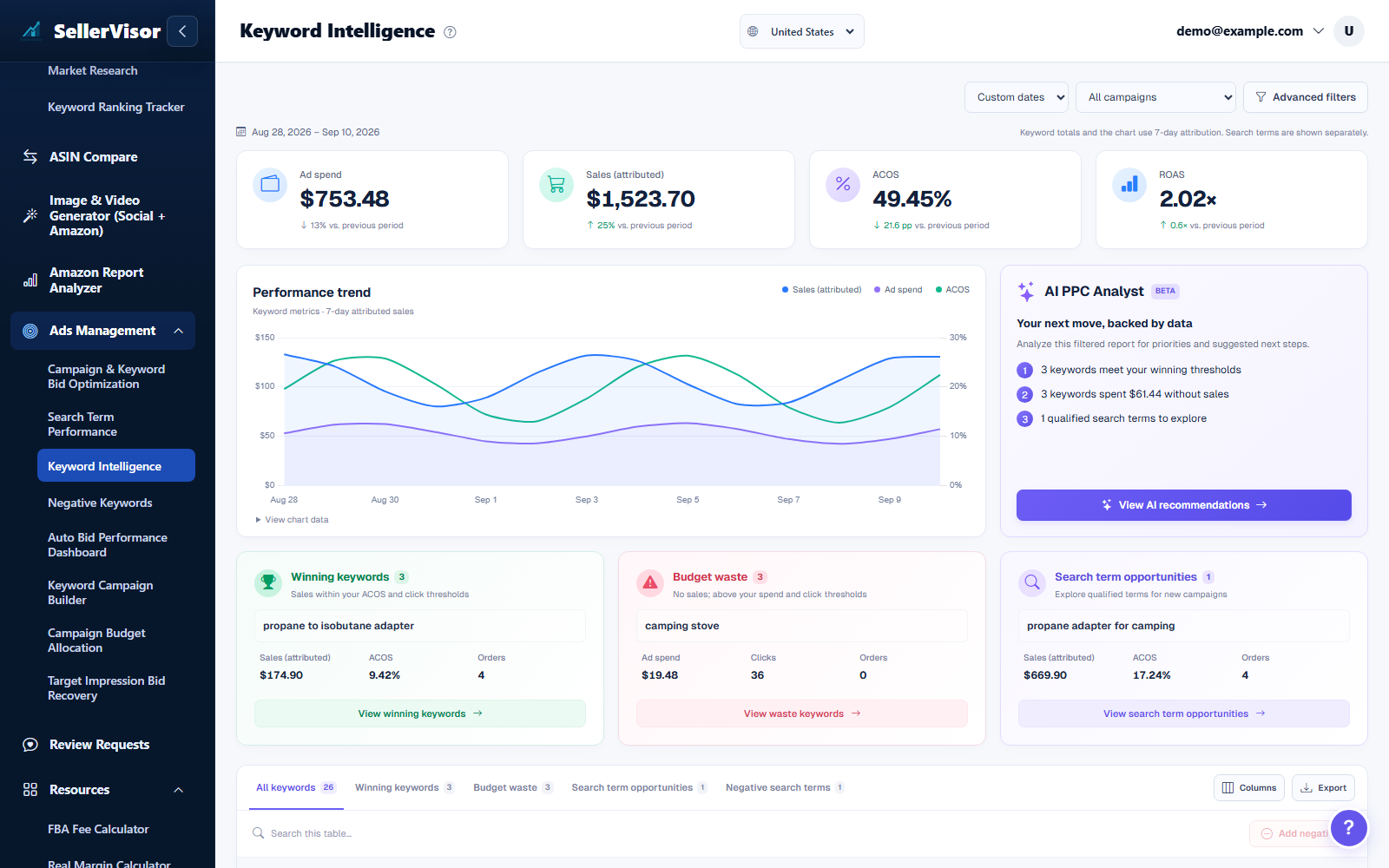
Keyword Intelligence
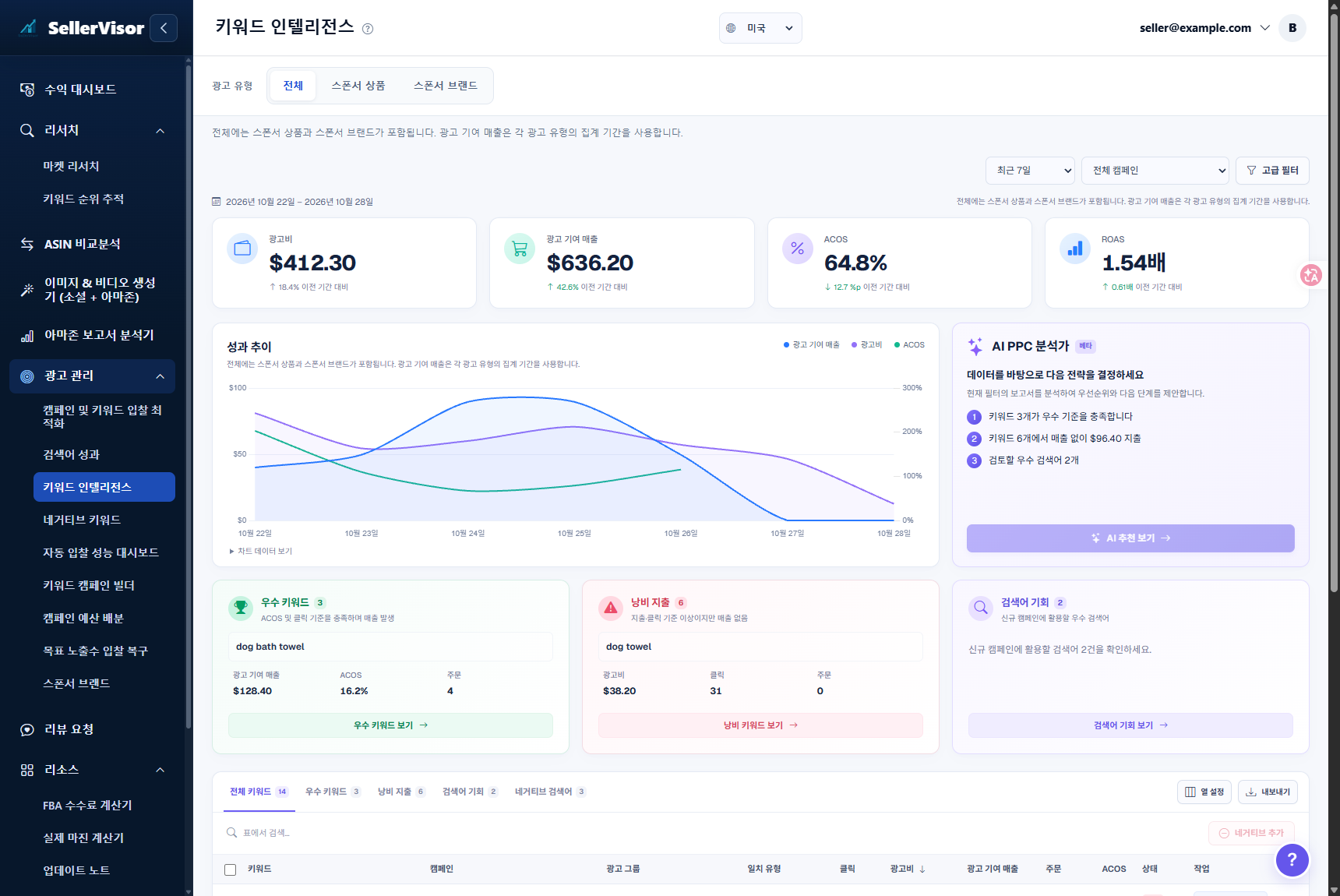
Measure how “healthy” your targeting is by separating strong keywords and search terms from those that only consume spend without generating sales.
Explore feature
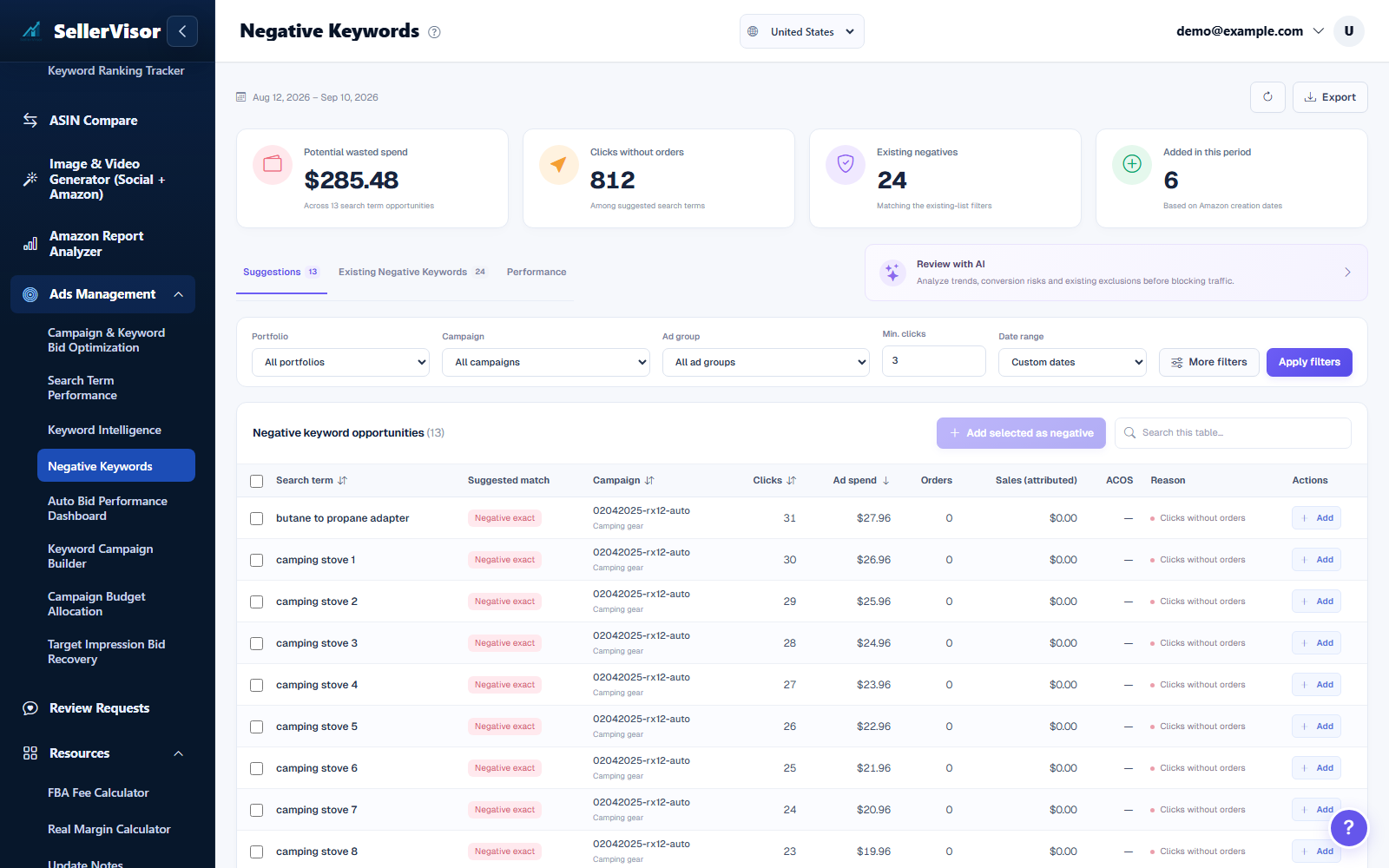
Negative keywords
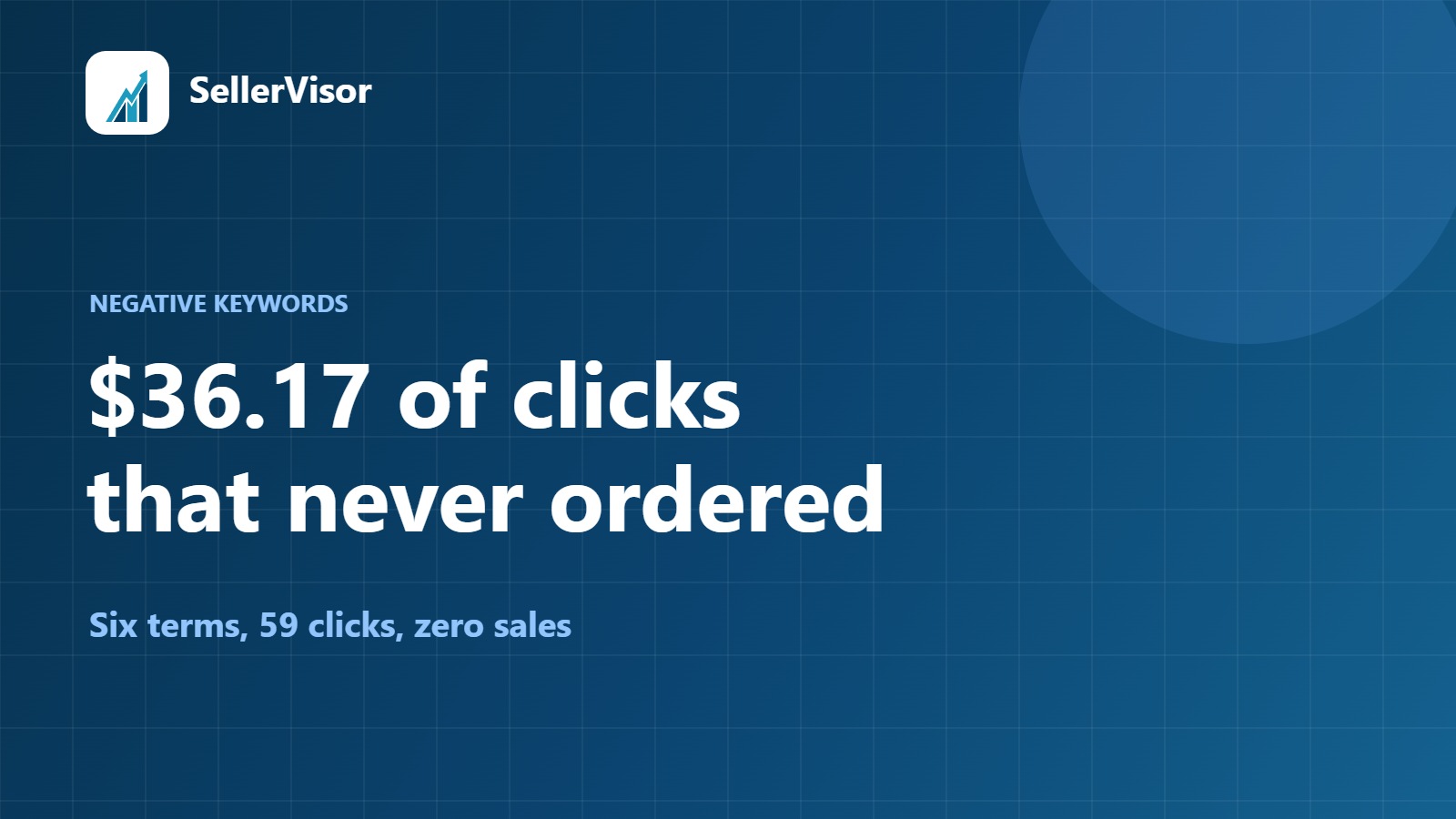
Stop hunting through individual campaigns to find negative keywords. Manage every new negative in one clean, centralized workspace.
Explore feature
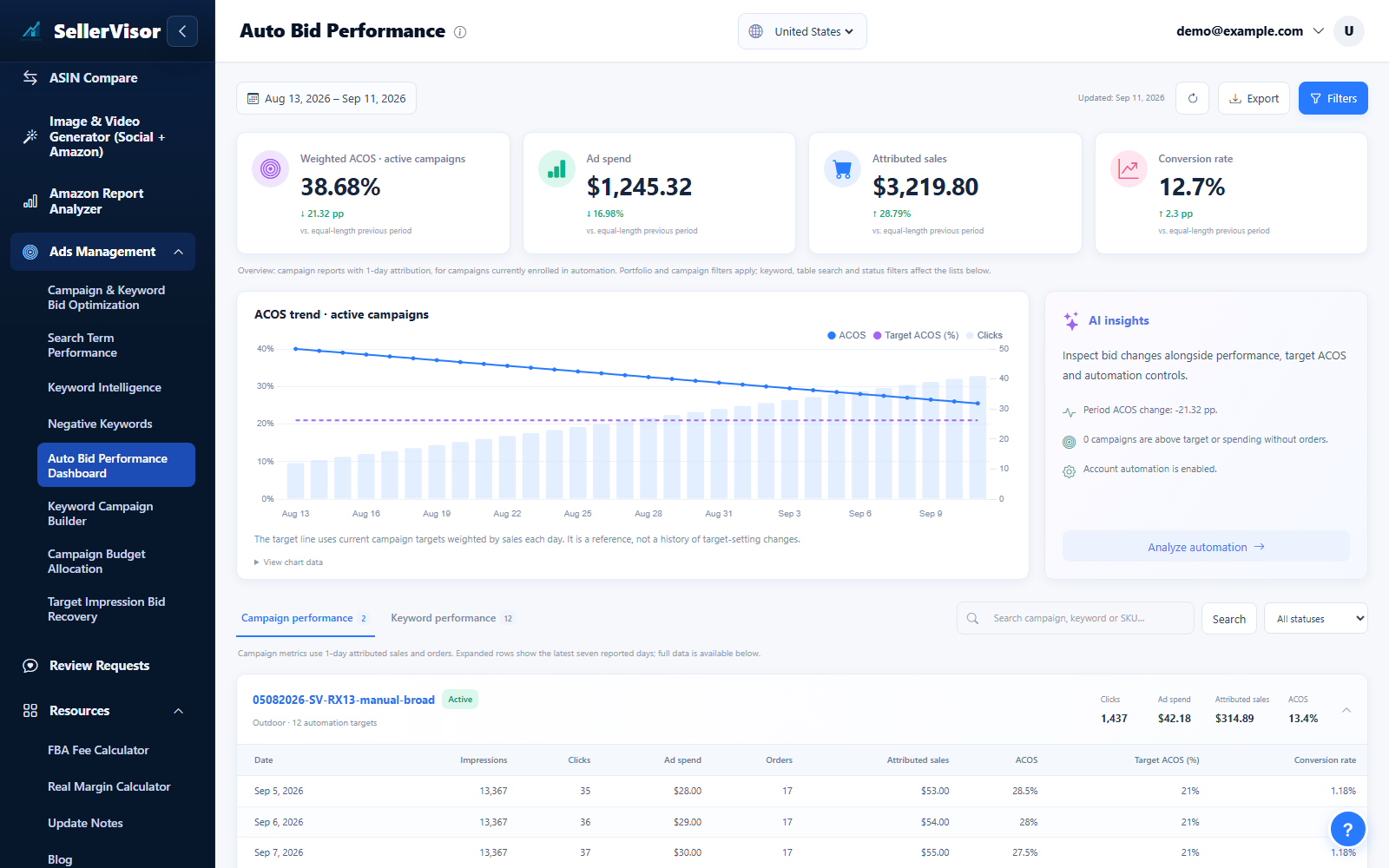
Bid Automation Performance Dashboard
Review how bid automation adjusted bids and placements based on RPC performance, and inspect detailed bid history to understand the impact on conversions.
Explore feature
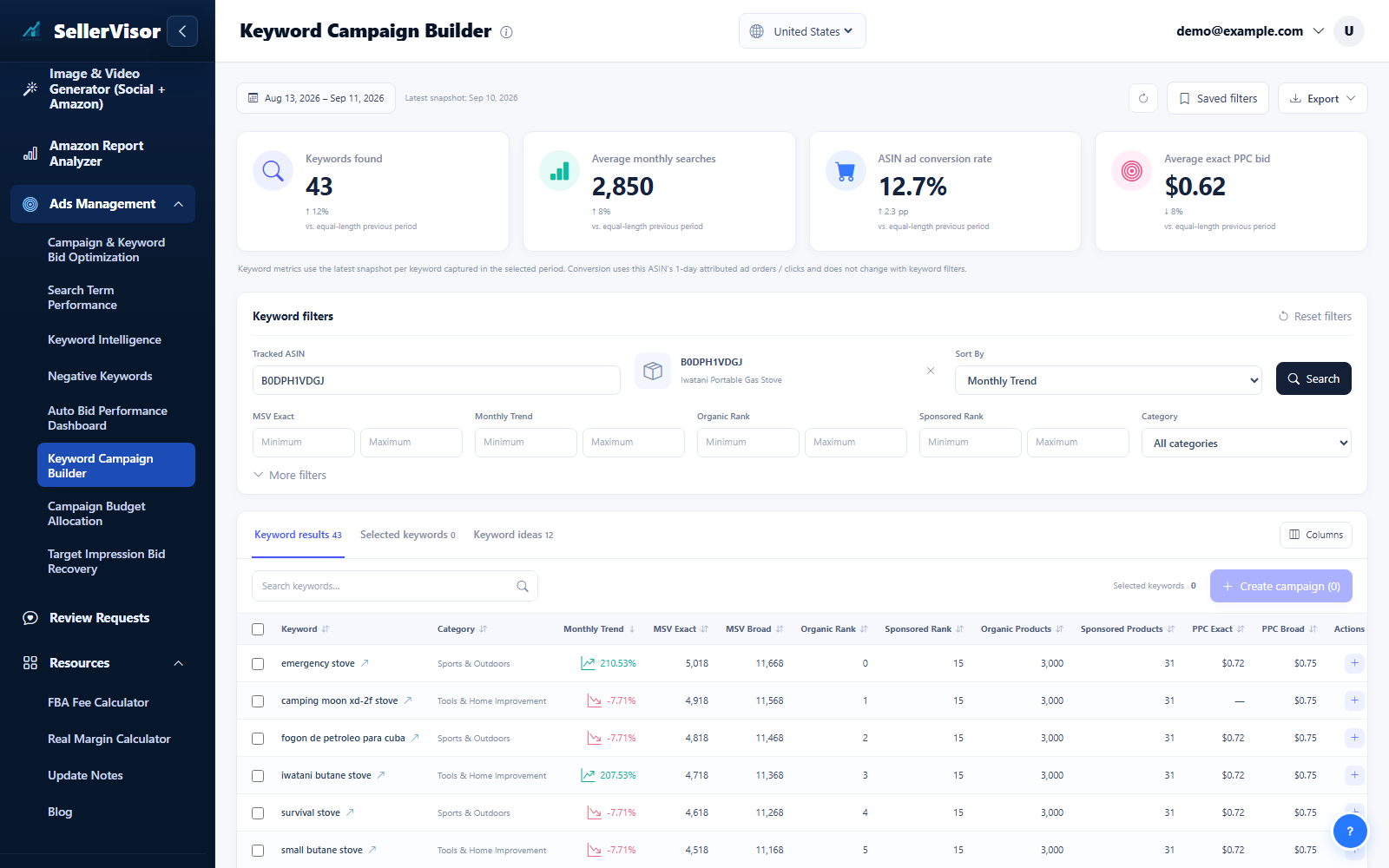
Keyword Campaign Builder
Choose the marketplace and a tracked ASIN, then run the keyword search. Narrow results with search volume, bid, category, and keyword filters.
Explore feature
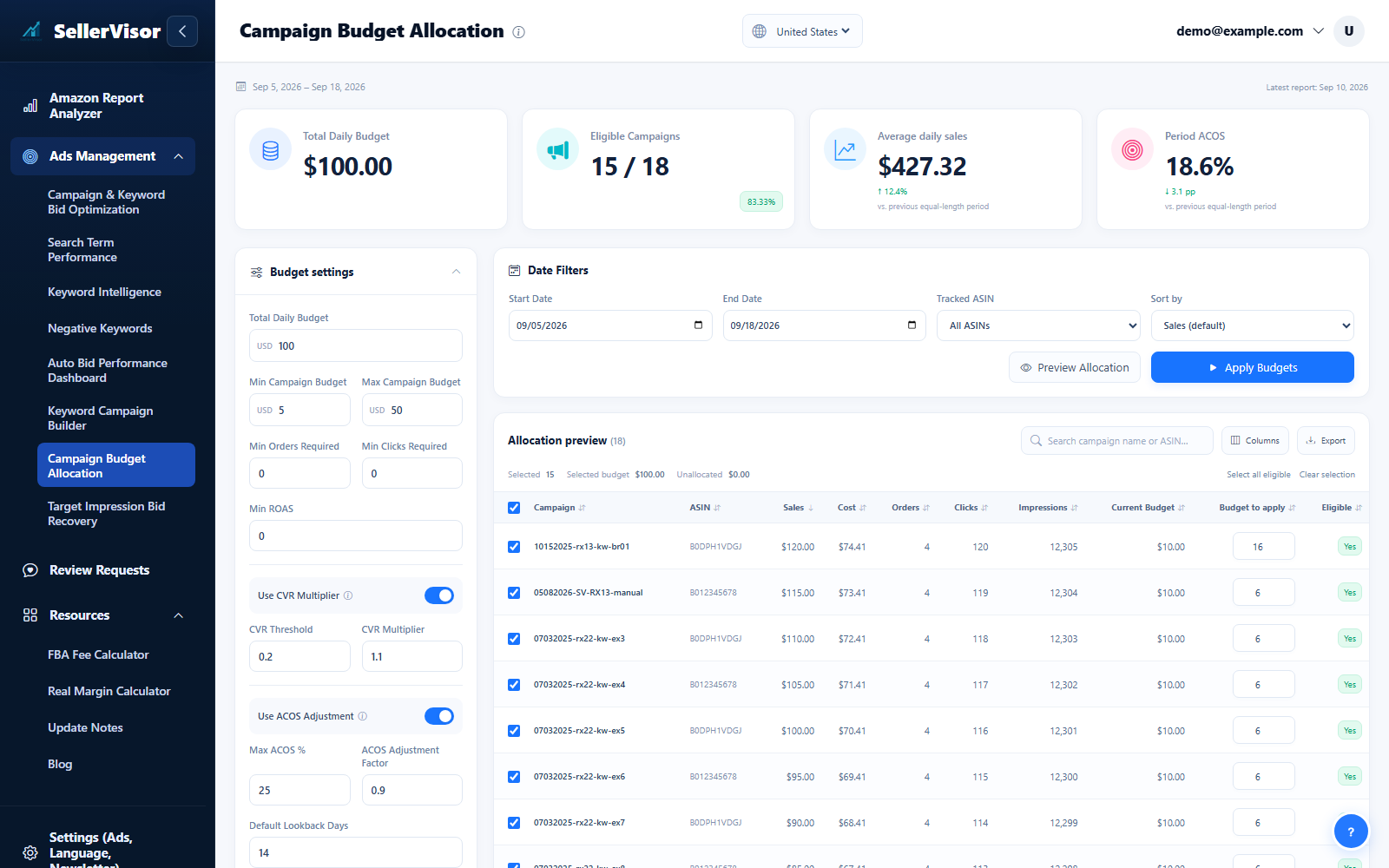
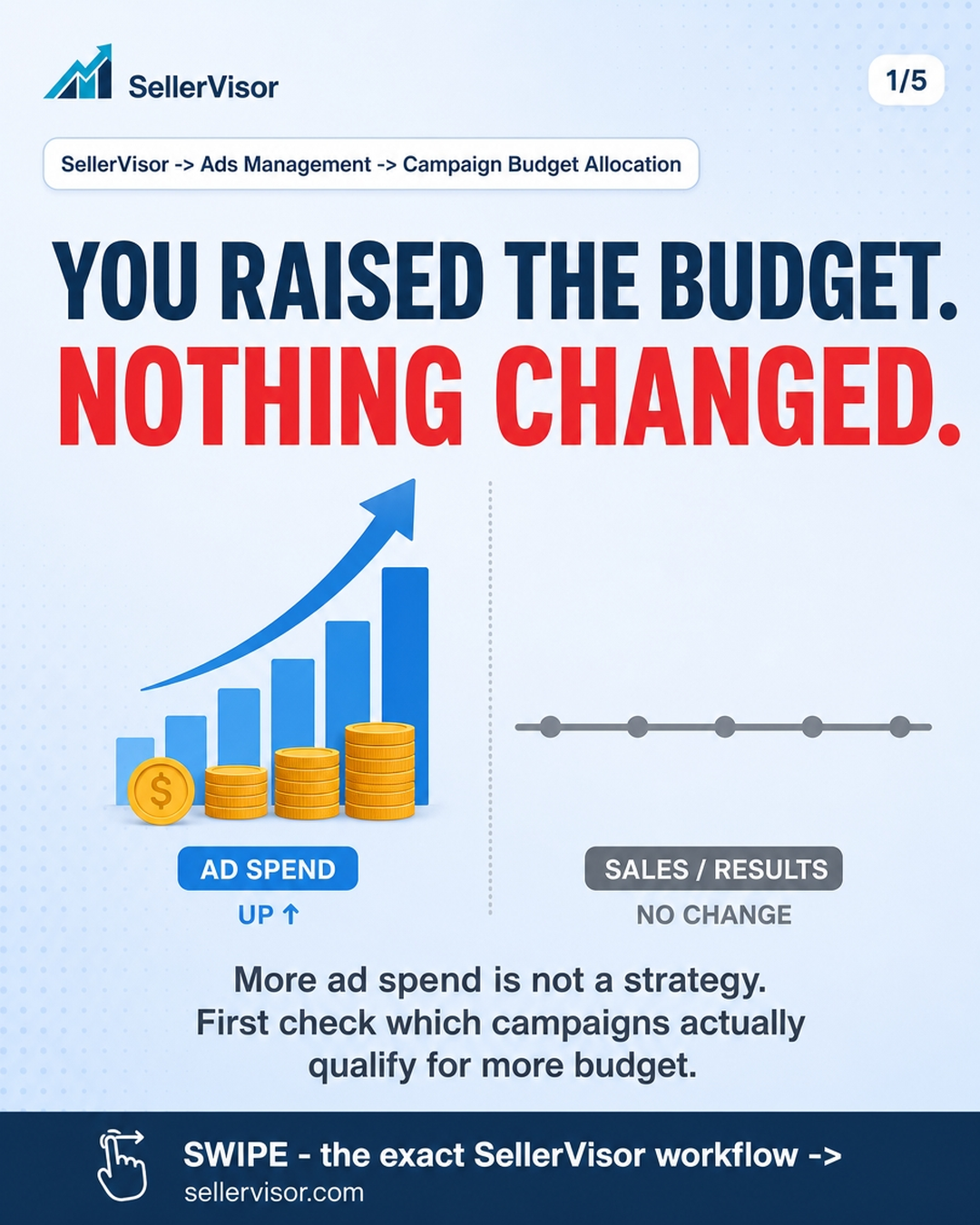
Campaign budgets
Open Campaign Budget to review spend and budget recommendations. Filter the campaigns, inspect the proposed amounts, and confirm only the budget changes you intend to apply.
Explore feature
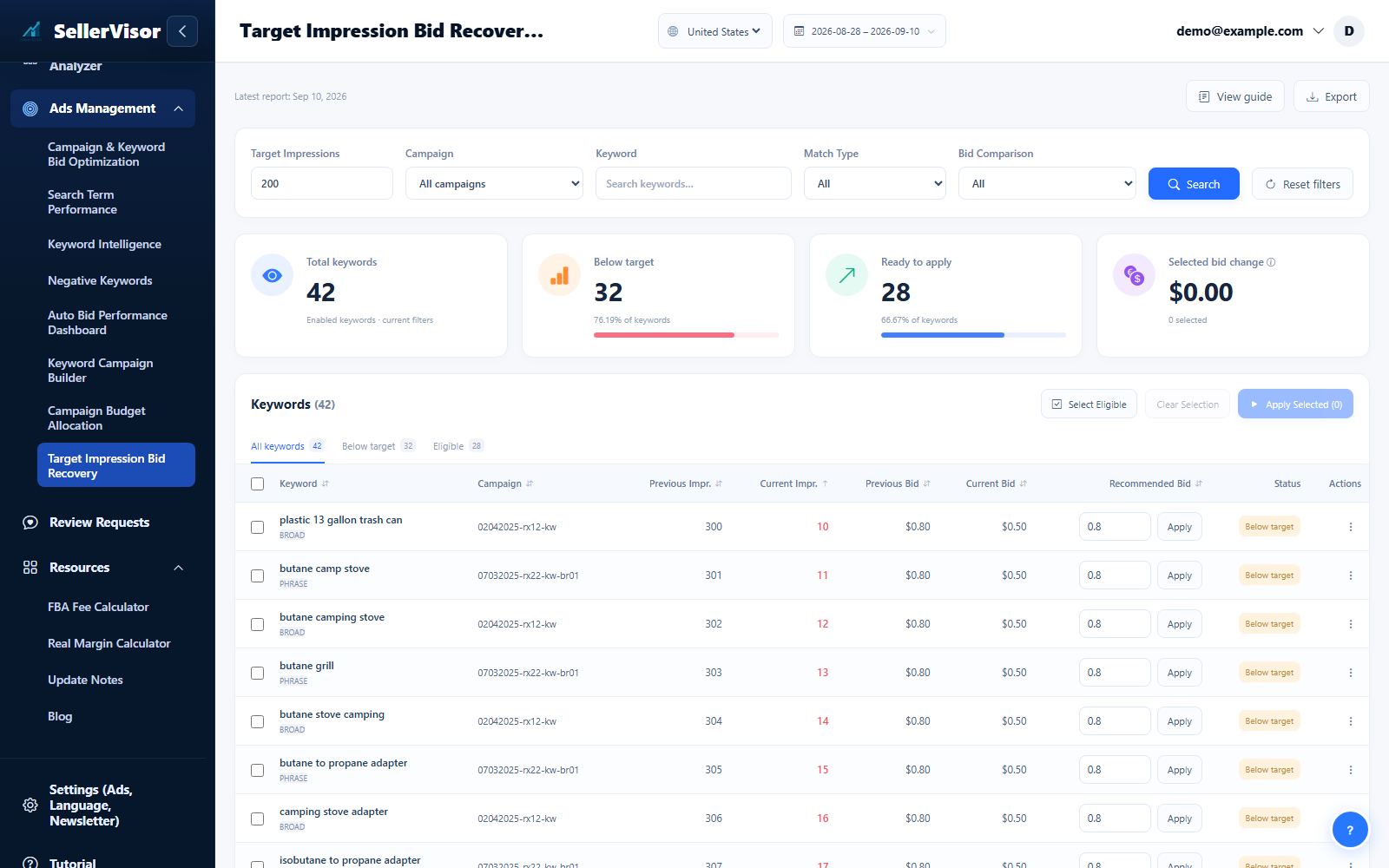
Target Impression Recovery
Use Target Impressions to find targets that need attention. Inspect the campaign, current bid, delivery, and suggested adjustment before selecting and applying a recovery action.
Explore feature
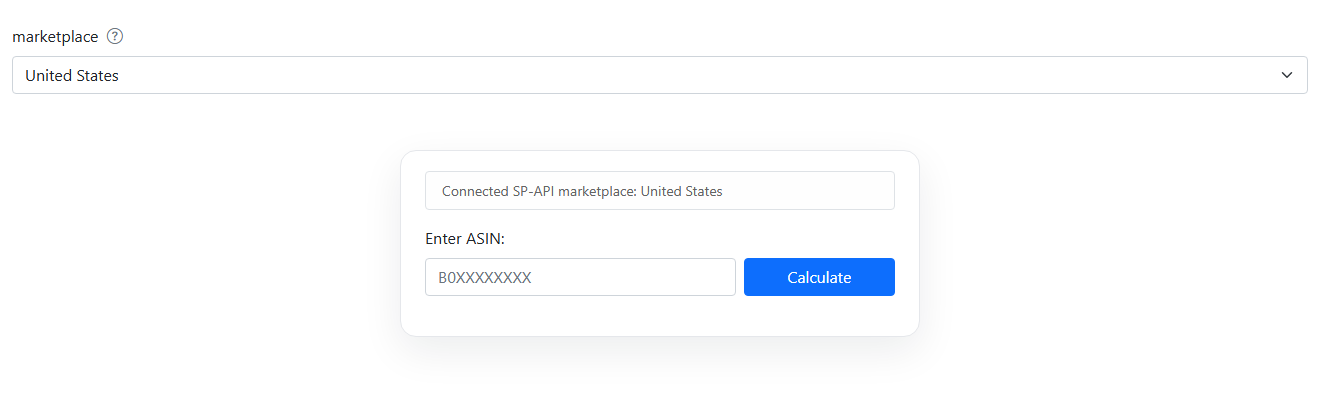
FBA Fee Calculator
Estimate fulfillment fees and compare product profitability scenarios.
Explore feature
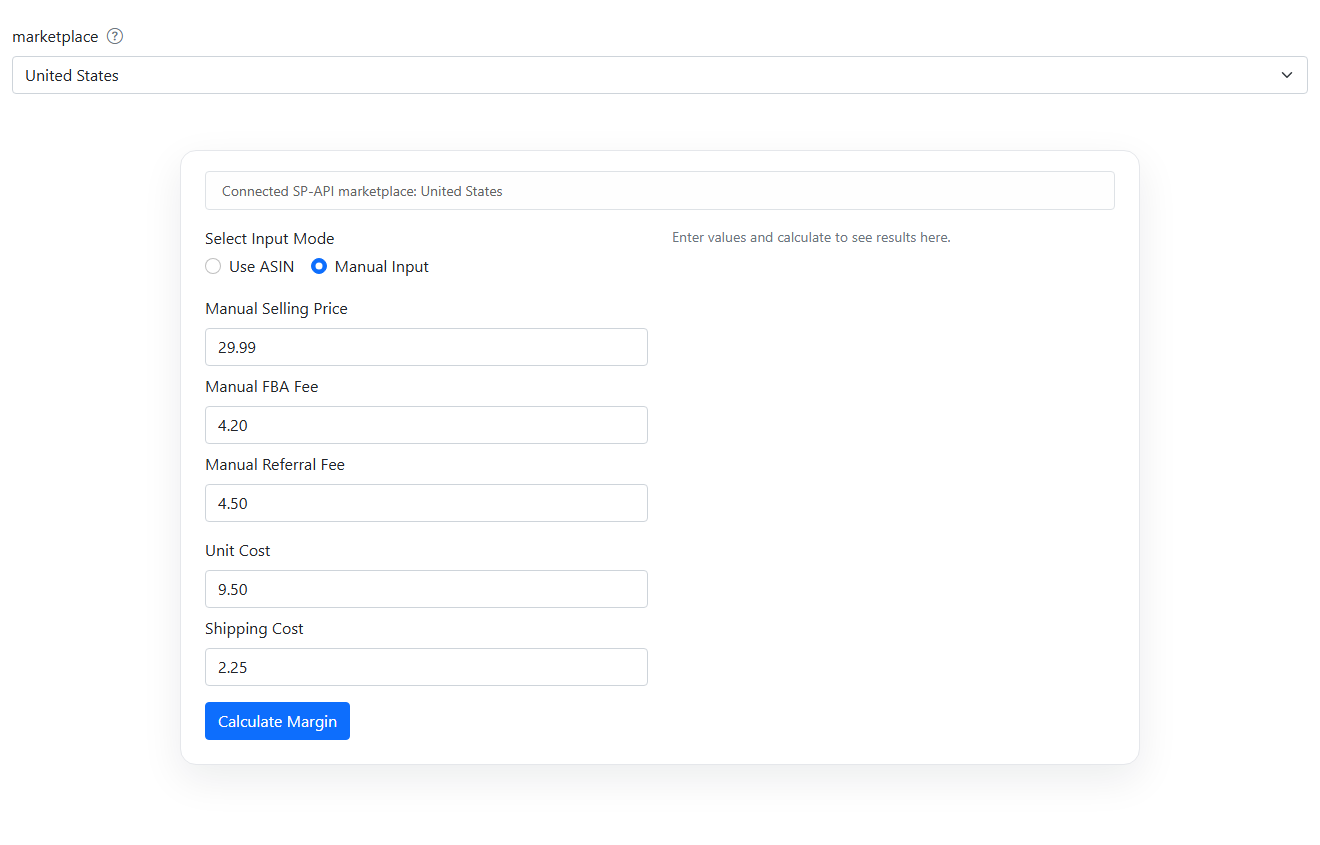
Real Margin Calculator
Estimate fulfillment fees and compare product profitability scenarios.
Explore feature
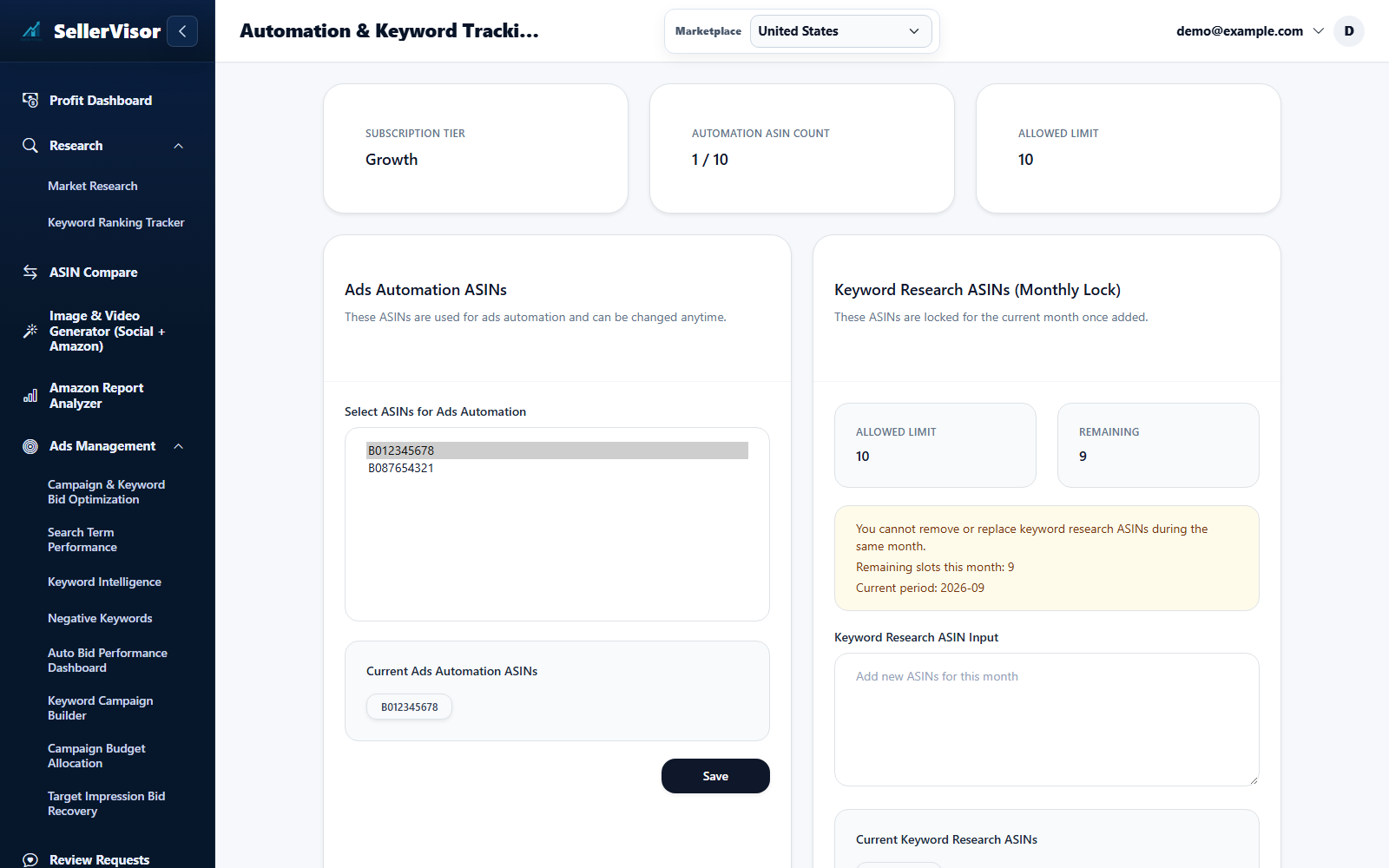
Tracked ASIN Settings
Open Automation & Keyword Tracking ASIN Settings from your account menu and select the marketplace.
Explore feature
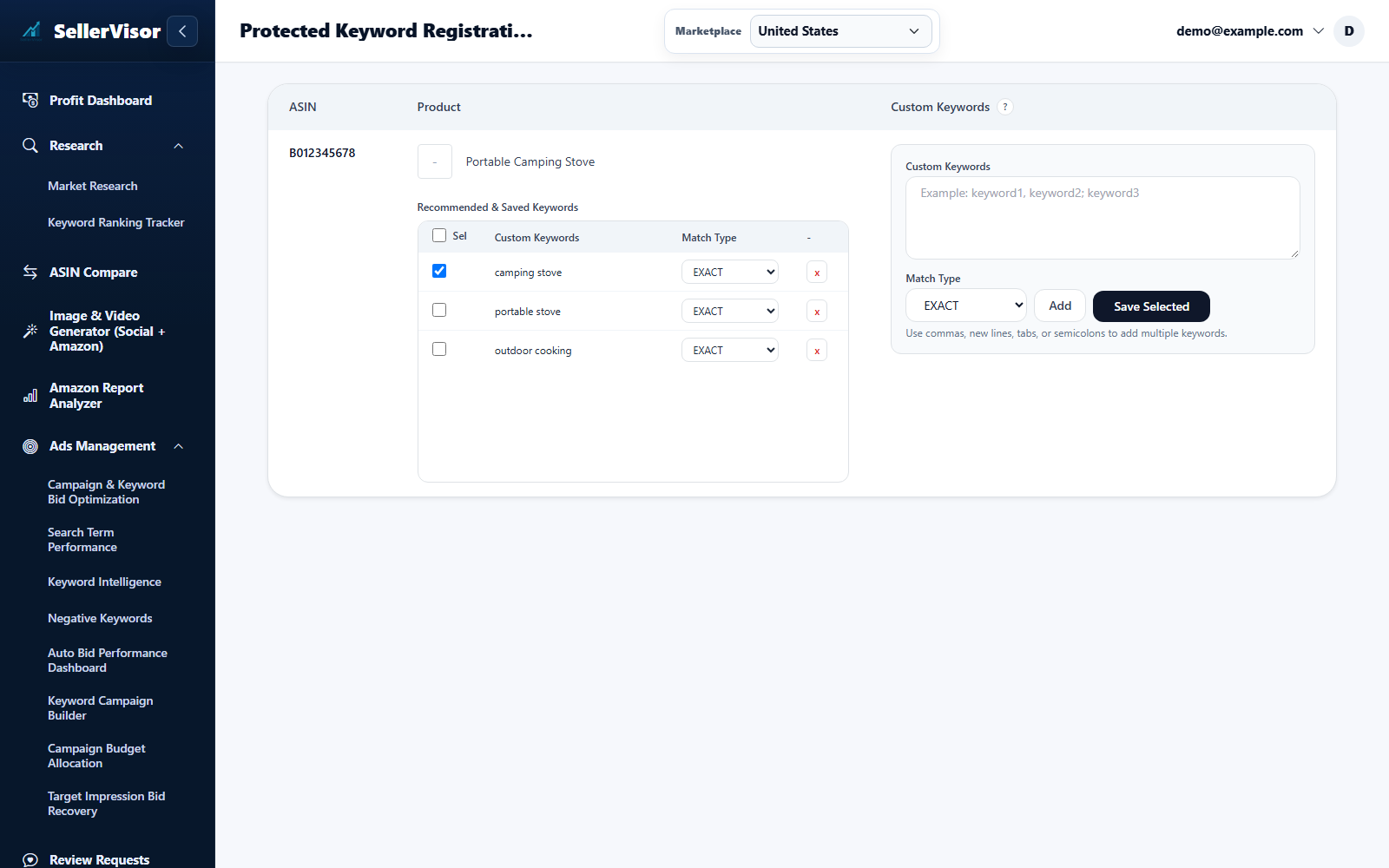
Protected Keywords
Open Protected Keyword Registration and select the marketplace and product ASIN. Review the recommended terms.
Explore feature
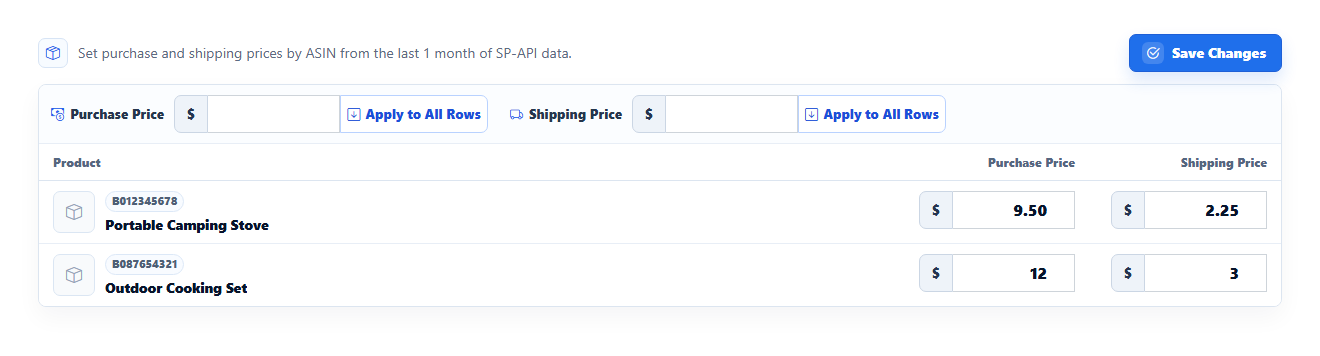
Product Cost Settings
Enter purchase cost and shipping cost for each product. Use Apply All only when the same amount should apply across the displayed products.
Explore featureScreenshots are in English and may contain sample data. Available features depend on your plan, connections, and data.
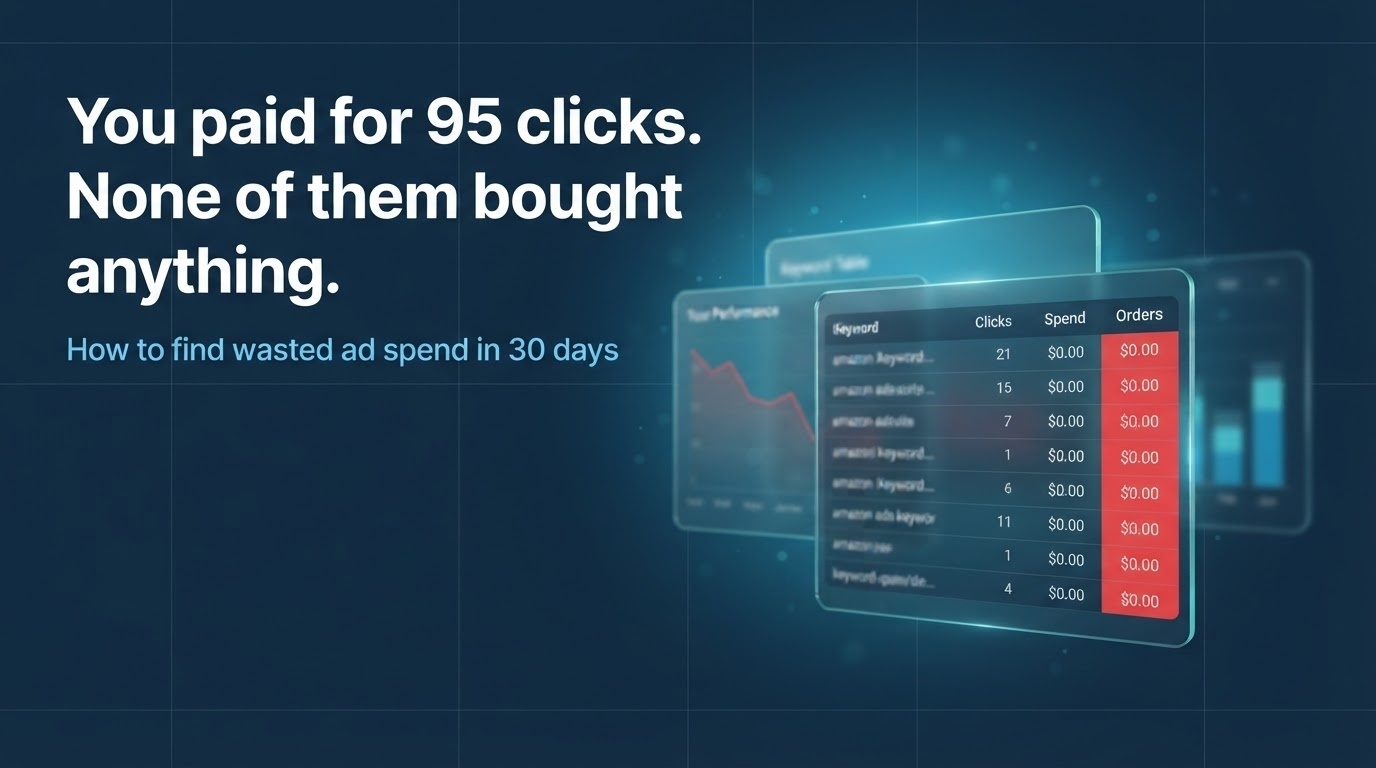
Learn the strategy behind the tools.
Practical Amazon research, ranking, advertising, and automation guidance from the SellerVisor team.
Pricing
Start free. Upgrade when you’re ready.Free
- Review requestsNo subscription accounts include 300 review requests / month. Active free trials include 1,000 / month.
- ResourcesReal Margin Calculator and FBA Fee Calculator are available after registration and SP-API connection.
- AccessRegister and connect Seller Central SP-API first.
Light
- CreditsNone
- Review requests500 / month
- 0
- Keyword-based Automated Campaign CreationN/A
- Data SyncNo ads sync
- Marketplace SetupMultiple marketplaces (select 1 primary marketplace to use at a time)
- Ads Automation SettingsN/A
- AccessMarket Research only after trial
Starter
- Credits10 / month
- Review requests1,000 / month
- 5
- Keyword-based Automated Campaign CreationN/A
- Data SyncSyncs up to the most recent 30 days of ads data
- Marketplace SetupMultiple marketplaces (select 1 primary marketplace to use at a time)
- Ads Automation SettingsShared Ads automation setting across marketplaces
- AccessCore pages only (advanced Ads automation/operations pages are available on Growth+)
Growth
Popular- Credits20 / month
- Review requests3,000 / month
- 10
- Keyword-based Automated Campaign Creation5
- Data SyncSyncs up to the most recent 60 days of ads data
- Marketplace SetupMultiple marketplaces (marketplace dropdown available on pages)
- Ads Automation SettingsMarketplace-specific Ads automation settings
- Access
Pro
- Credits40 / month
- Review requestsUnlimited
- 50
- Keyword-based Automated Campaign Creation20
- Data SyncSyncs up to the most recent 90 days of ads data
- Marketplace SetupMultiple marketplaces (marketplace dropdown available on pages)
- Ads Automation SettingsMarketplace-specific Ads automation settings
- Access
Scale
Best value- Credits100 / month
- Review requestsUnlimited
- 50+
- Keyword-based Automated Campaign Creation20+
- Data SyncSyncs up to the most recent 90 days of ads data
- Marketplace SetupMultiple marketplaces (marketplace dropdown available on pages)
- Ads Automation SettingsMarketplace-specific Ads automation settings
- Access
Automated ASIN Guide (US Marketplace)
Automated ASIN usage is calculated from what you automate, not from your total catalog size.
Counted by enabled automation
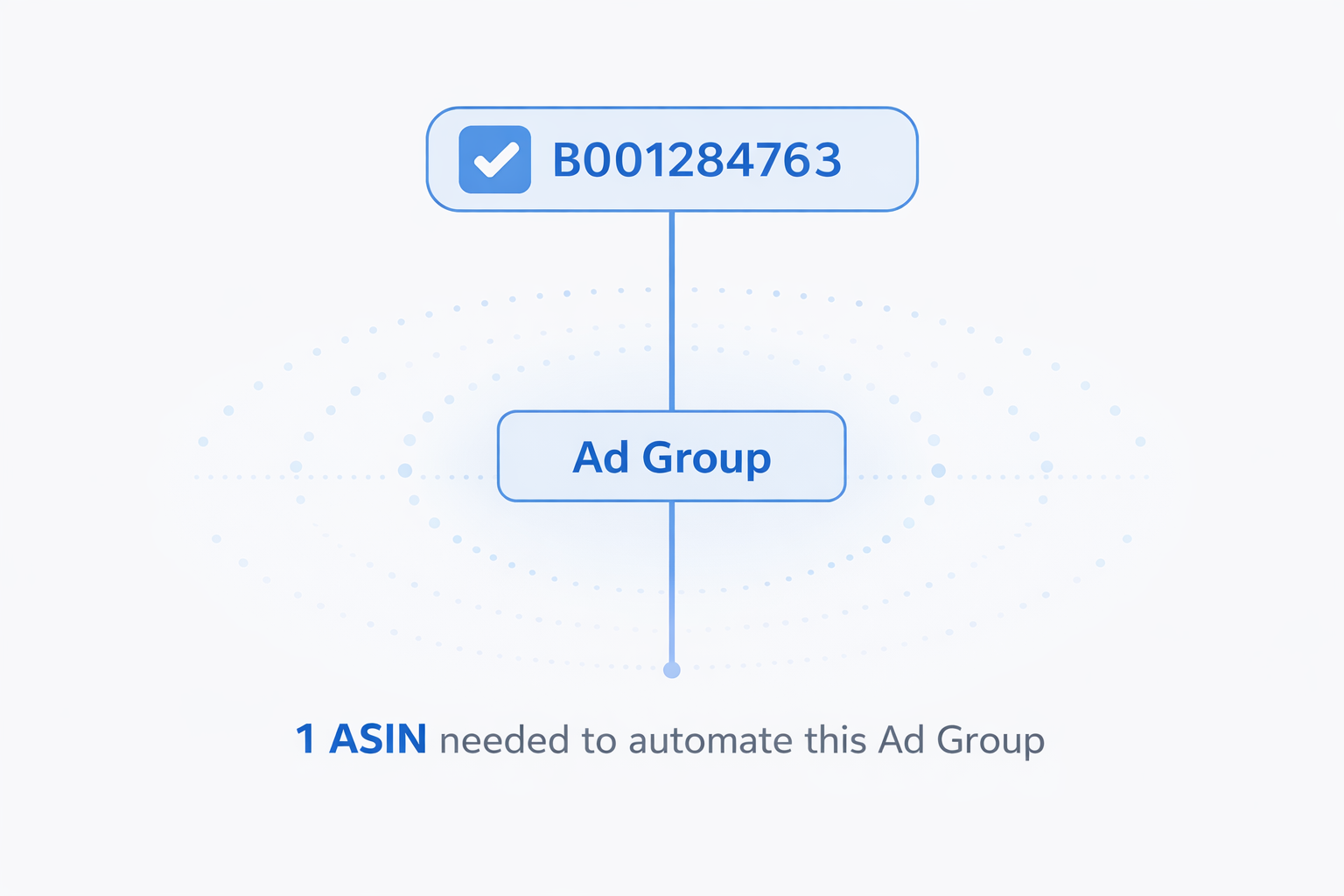
You are charged based on ASINs with automation turned on. If you have 1,000 ASINs but automate only 3, you only need 3 automated ASINs.
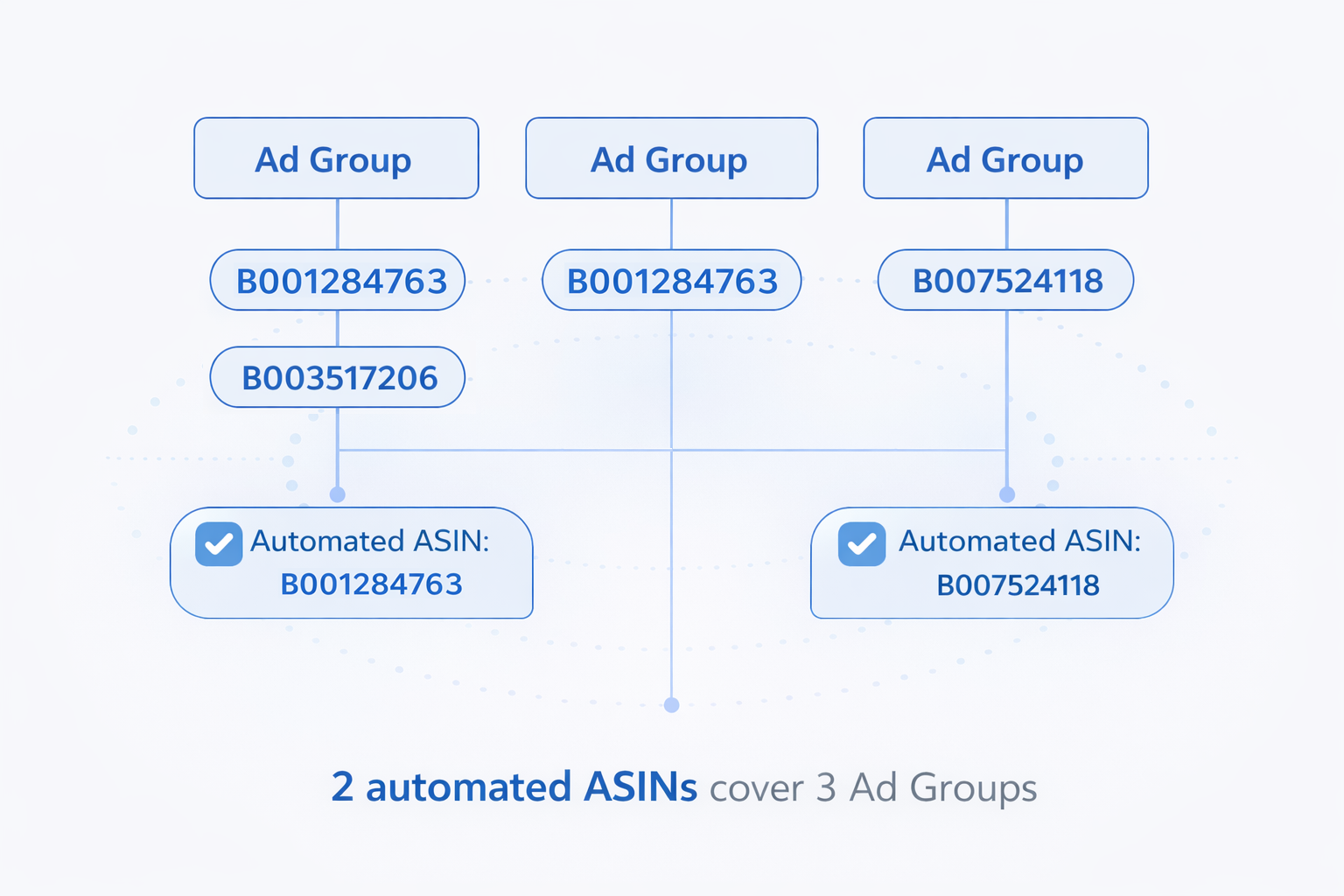
Applied by each ad group's associated ASIN
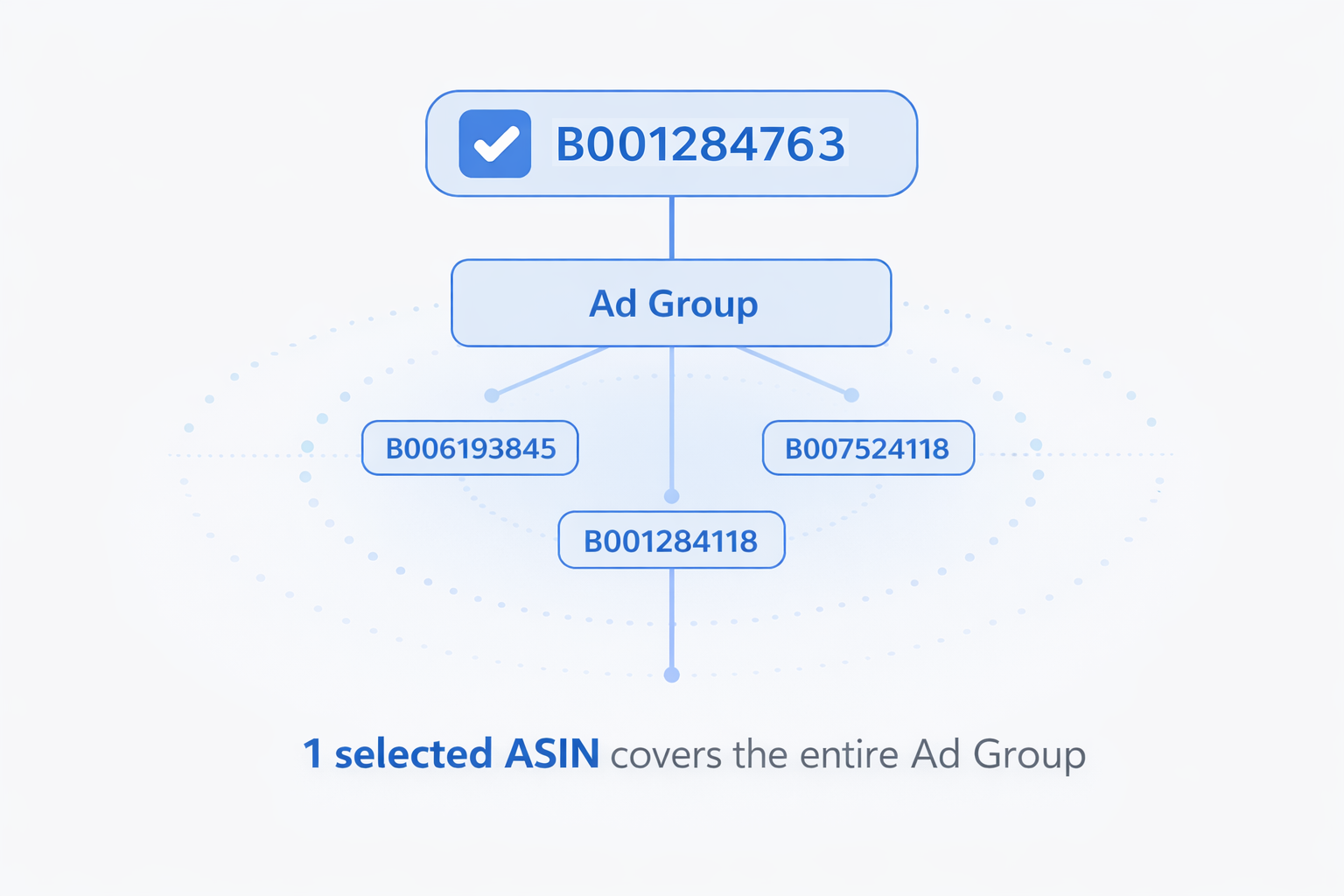
When an ad group maps to one ASIN, enabling automation for that ASIN can cover that ad group and other ad groups associated with the same ASIN.
For ad groups containing multiple variations, first set the associated ASIN manually, then enable automation for that ASIN.
US-only scope
SellerVisor automation in this flow is for the US marketplace only. One automated ASIN slot covers one ASIN in the US market.
Growth+ Access: Advanced Ads Pages
Growth, Pro, and Scale include the full Ads experience, including advanced manual operations and automation workflows.
Manual operation pages
- Tracked ASIN Keyword Explorer (build manual campaigns from tracked ASIN insights)
- Campaign Budget Allocation
- Target Impression Bid Recovery
- Protected Keywords registration (keep high-value keywords from being auto-added to negatives)
Automation features
- Automatic negative target registration
- Search-term based automatic campaign creation
- Keyword-research based automatic campaign creation
- Automatic campaign budget optimization
14-Day Free Trial Includes Full Access
Try every major page before choosing a plan. During trial you can test key workflows end-to-end.
Test Ads Automation workflows during your free trial.
-
Market Research
Discover product demand, trend movement, and niche opportunities faster.
View page -
ASIN Analysis Comparison
Compare multiple ASINs to spot listing gaps and positioning opportunities.
View page -
Image Generator
Generate listing visuals quickly and test creative directions with AI support.
View page -
Amazon Reporting Tools
Analyze search terms, SQP, and report metrics to find performance drivers.
View page -
Ads Management
Run Ads Automation for bid optimization, search-term actions, and quality control.
View page
Recommend a tool sellers can actually use - and earn lifetime commissions.
Join in minutes, share your unique referral link, and track clicks, signups, paid users, and payouts from your affiliate dashboard.
- 01Apply
Join with Google or email and get your affiliate dashboard.
- 02Share
Copy your unique link and promote it through content, communities, email, or social media.
- 03Earn
Track paid referrals and receive monthly payouts after reaching the threshold.
Questions sellers ask before switching.
Clear answers about product scope, Ads Automation, plans, and data access.
Visit the full FAQ →SellerVisor focuses on the workflows sellers repeatedly use: research, rank tracking, ASIN comparison, advertising decisions, report analysis, creative support, and review automation.
Market Research includes ASIN comparison, demand signals, sales trends, keyword volume, category context, and AI-assisted interpretation.
It monitors keyword rank movement by product group and ASIN, so you can see which keywords move and which products are gaining visibility.
Ads tools help analyze search terms, bids, negative keywords, wasted spend, and automation actions from one workflow.
Start with the plan that matches your active ASIN count and workflow needs. You can upgrade as your research, tracking, and automation needs grow.
SellerVisor uses authorized Amazon SP-API connections and keeps account data protected with tenant-aware access controls.