 SellerVisor
Create listing-ready and social-ready images in one workflow
Design product and social images with cloning, multi-image sets, precise output sizes, and seasonal presets.
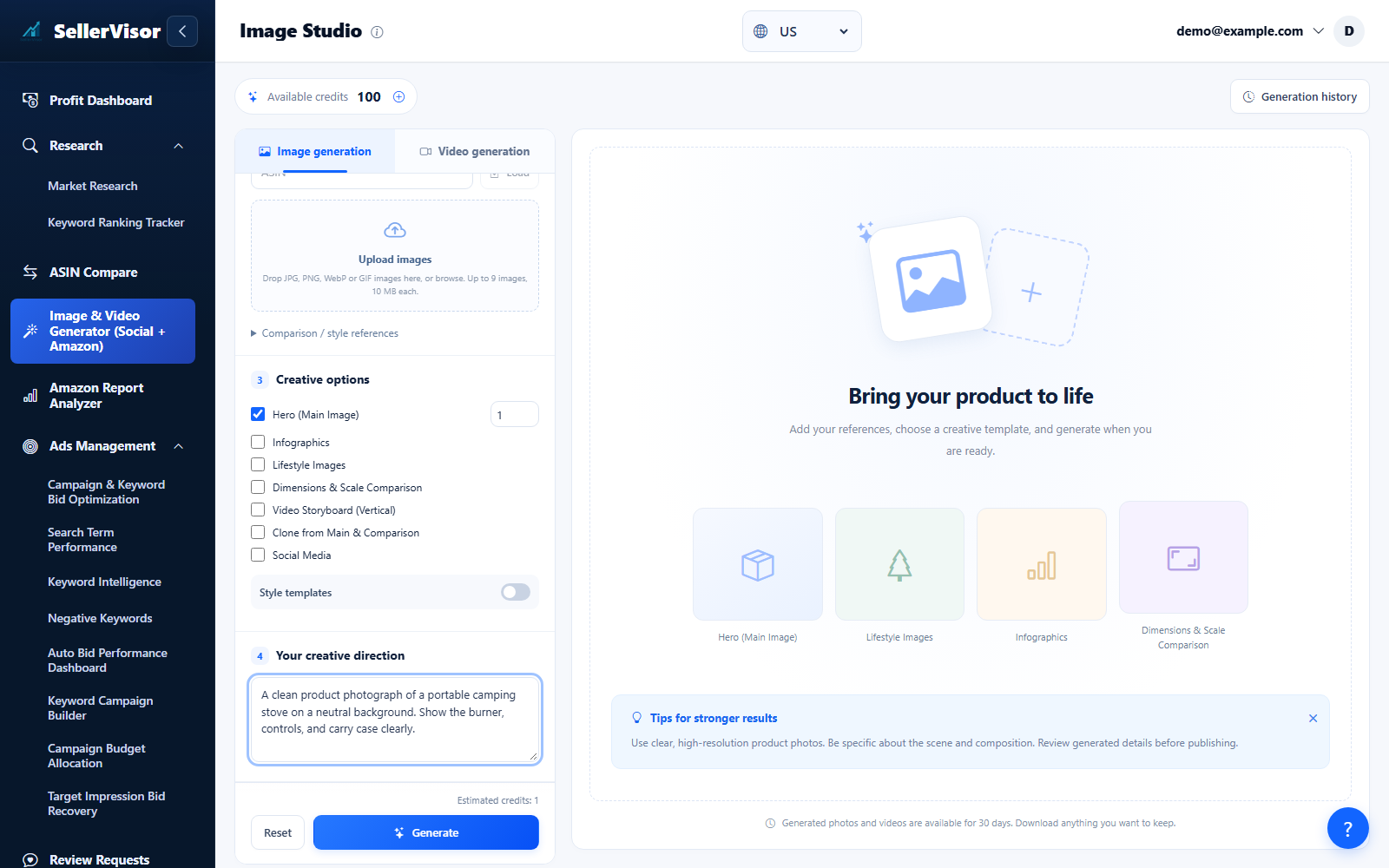
Choose Image or Video, add your references, and review the model, format, quality, and credit estimate before confirming generation. Use saved history to revisit finished work.
Creative Studio
Clone
Replicate a style or mood while preserving your product identity.
- Use Dataset B only as abstract style reference; never copy logos or shapes.
- Keep colors, materials, and form true to Product A.
- Export clean, text-safe comps suitable for Amazon or social.
Creative Studio
Other Listing Images
Generate hero, lifestyle, and infographic variants for your listing gallery.
- Plan a set that answers buyer questions visually.
- Balance context shots with clean product close-ups.
- Keep typography minimal and legible when used.
Creative Studio
Output Size Adjusting
Choose exact canvas sizes or aspect ratios to match placement.
- Select an available aspect ratio or canvas preset, then choose the resolution supported by your model.
- Ensure key subjects stay inside safe areas for crops.
- Review the credit estimate before confirming generation with the selected dimensions.
Creative Studio
Social Media
Generate platform-fit images with category presets for faster, on-brand posts.
- Choose an aspect ratio in Generation Settings for the intended placement.
- Enable Social Media in Creative Options and choose a category such as Outdoor, Beauty, or Electronics.
- Export multiple variations to A/B test engagement.
Creative Studio
Promotion (Seasonal & Holidays)
Combine style templates with a discount percentage for seasonal promotional images.
- Enable Styles, open the style picker, filter by an event such as Black Friday, and select a template.
- Apply the selected style and enter the discount percentage in Creative Options.
- Set the output types and dimensions, review the estimated credits, and confirm generation.
Screenshots are in English and may contain sample data. Available features depend on your plan, connections, and data.