 SellerVisor
One workspace. Every stage of selling.
Explore research, creative tools, reporting, advertising, and product settings. See how each feature works with the current SellerVisor interface.
26 features
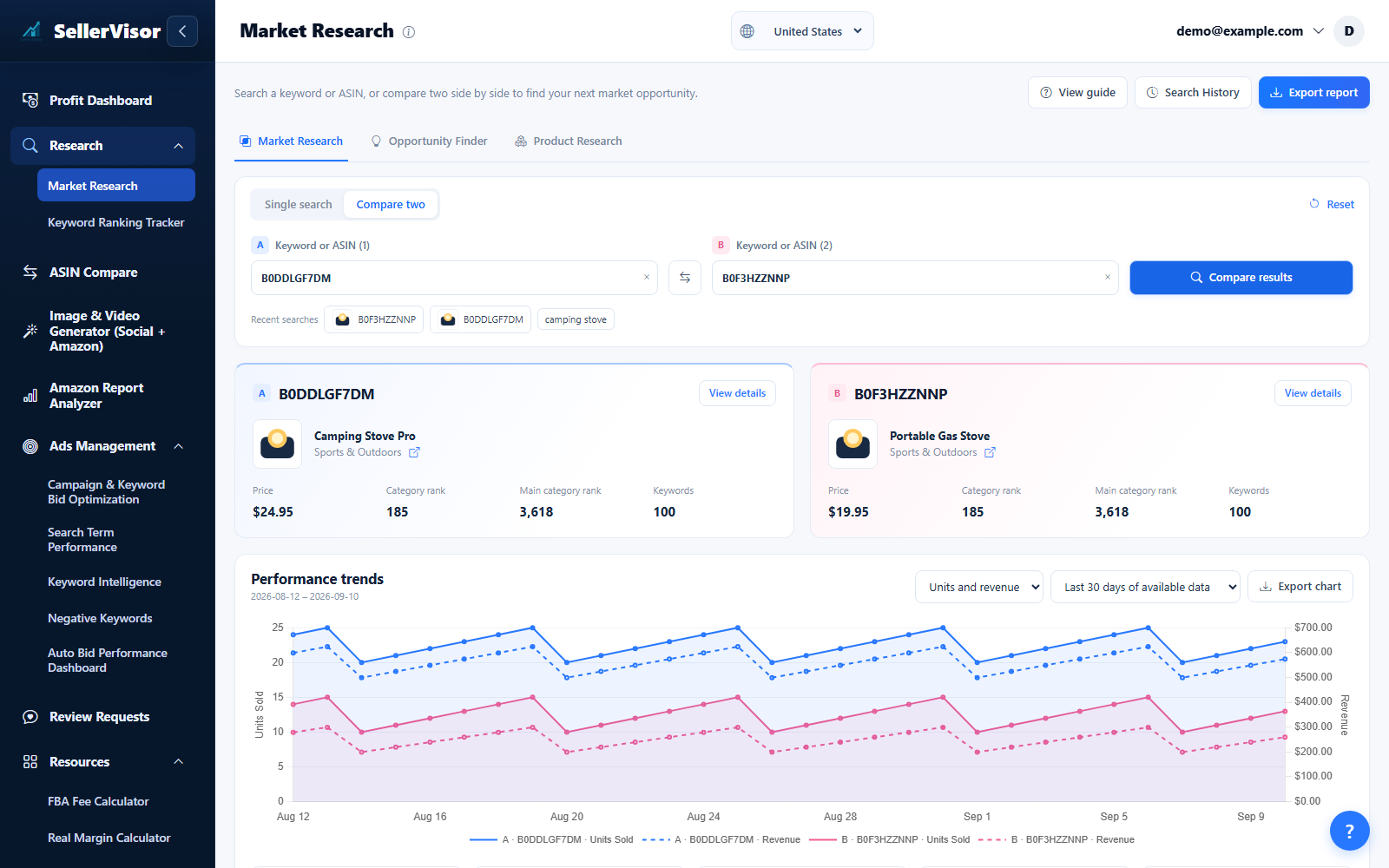
Market Research
Analyze market data by ASIN or keyword to discover opportunities.
Explore feature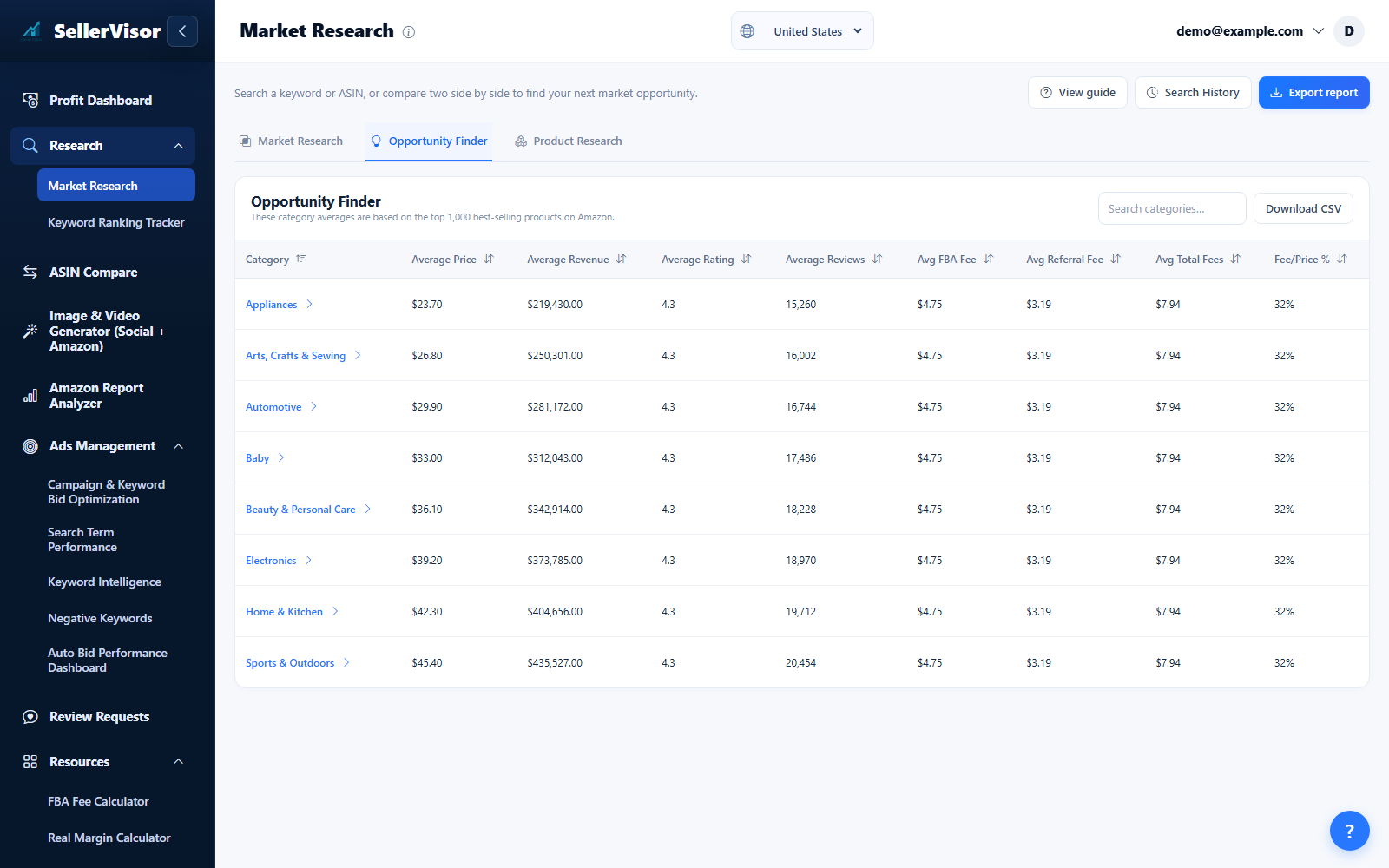
Opportunity Finder
Identify fast-growing categories and niche keywords using combined Amazon and Google trend data.
Explore feature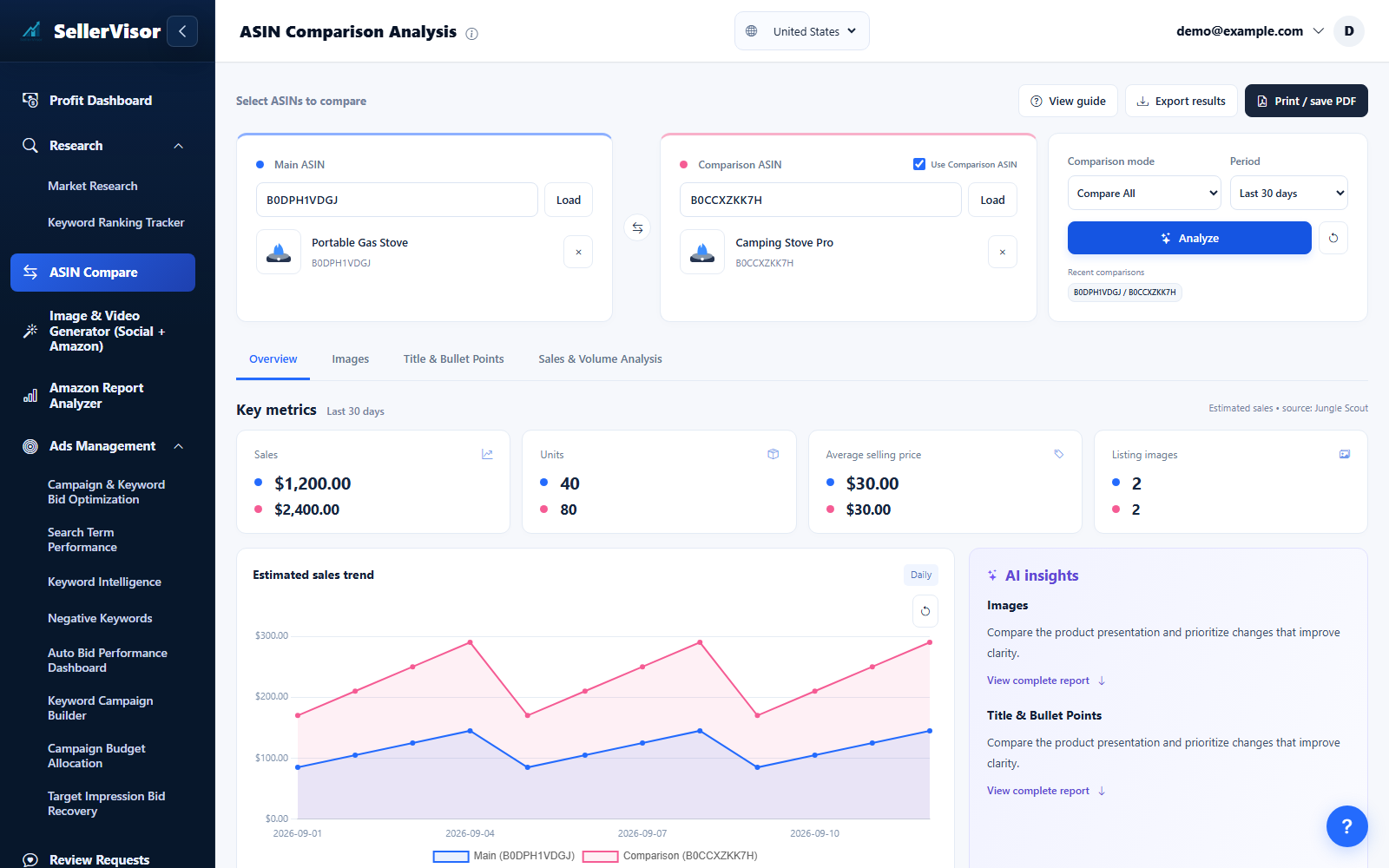
Listing Analysis
Walk through image quality, copy clarity, and performance signals in a single side-by-side view.
Explore feature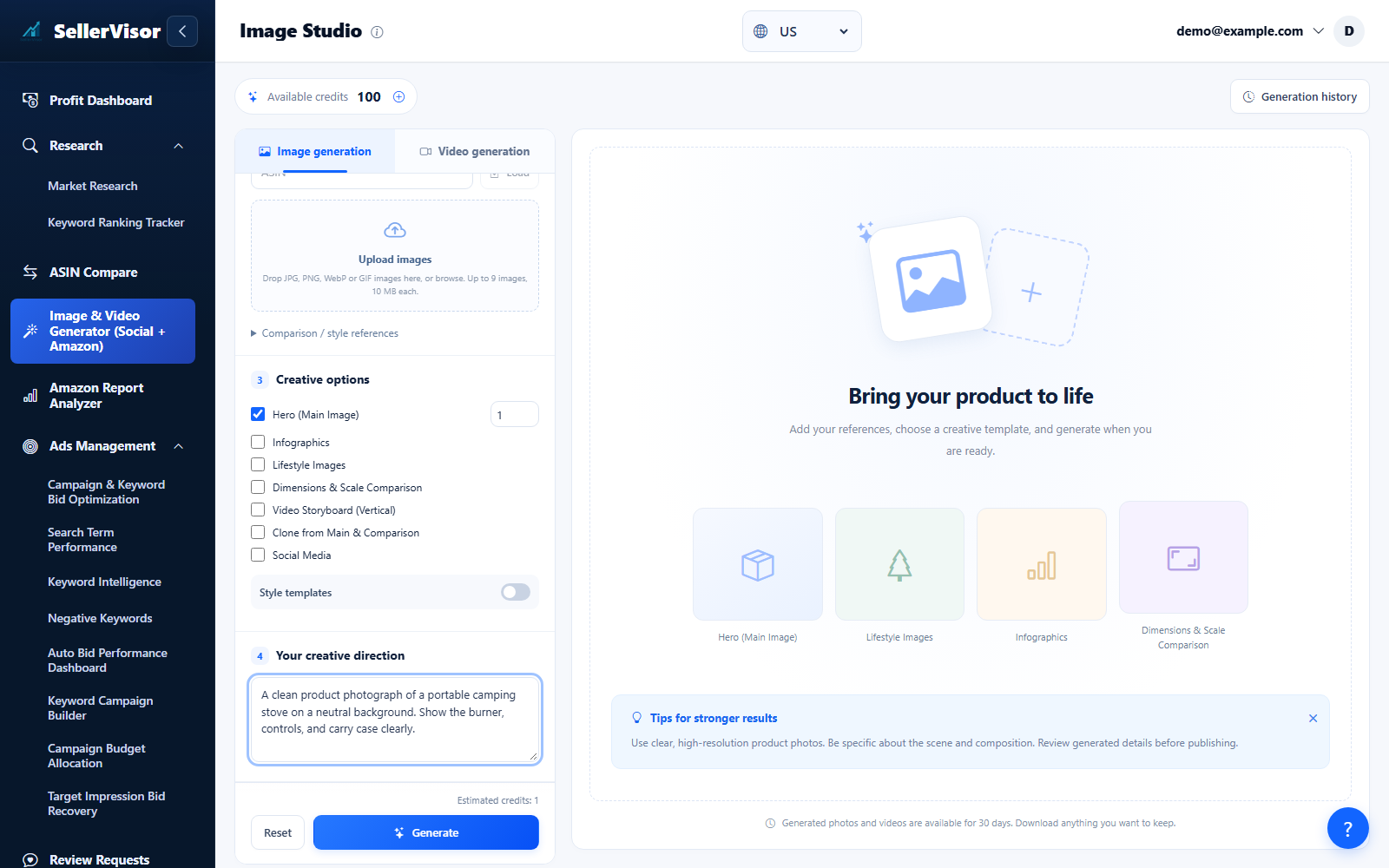
AI Image Generator
Design product and social images with cloning, multi-image sets, precise output sizes, and seasonal presets.
Explore feature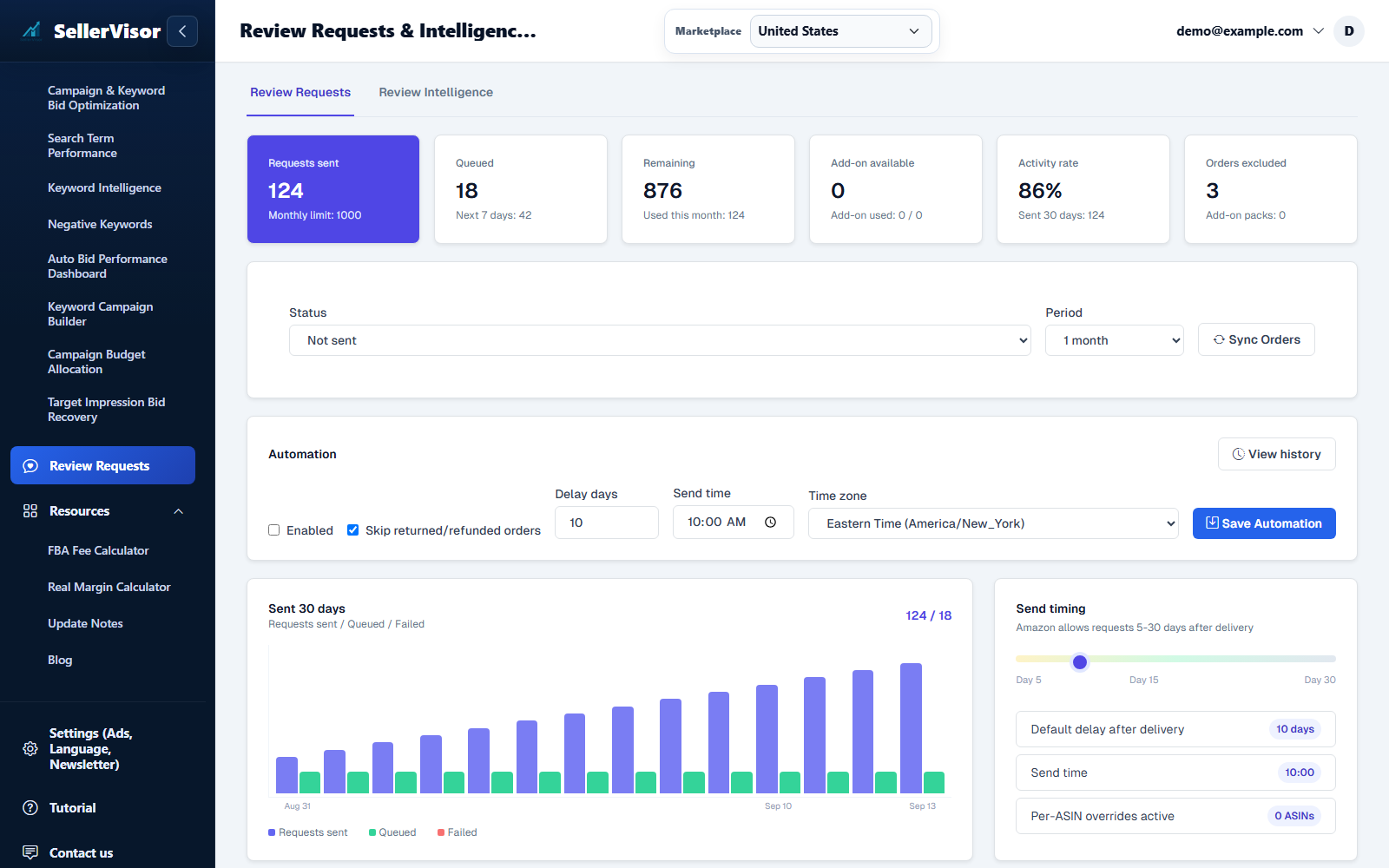
Review Requests & Intelligence
SellerVisor gives you a focused review request workspace for settings, ASIN-level automation, and order-level sending.
Explore feature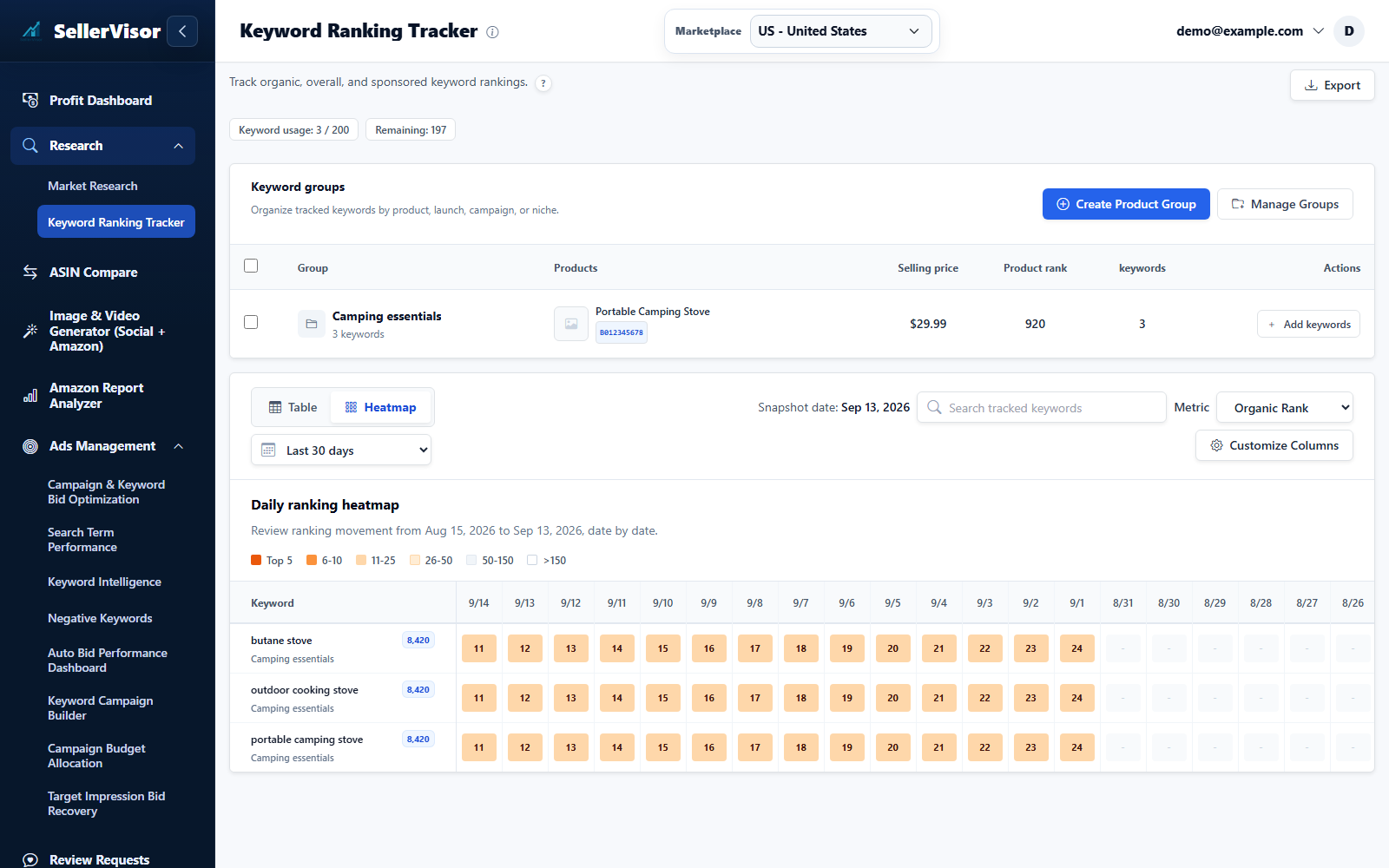
Keyword Ranking Tracker
SellerVisor keeps ranking changes tied to the exact product groups and ASINs you are trying to grow.
Explore feature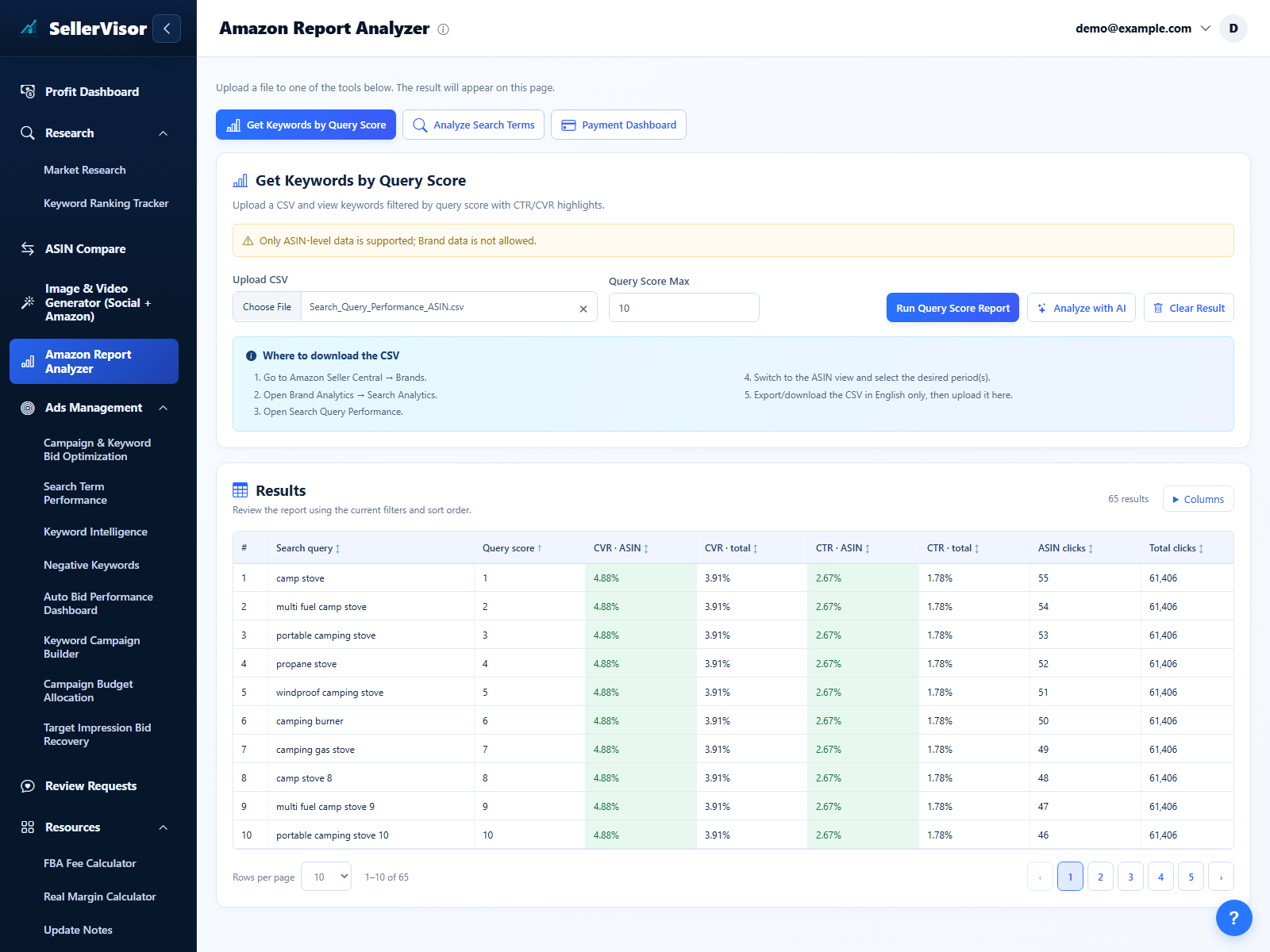
Search Query Performance (SQP)
Upload ASIN-level Search Query Performance (SQP) CSV files and convert them into a simple, visual insight workflow.
Explore feature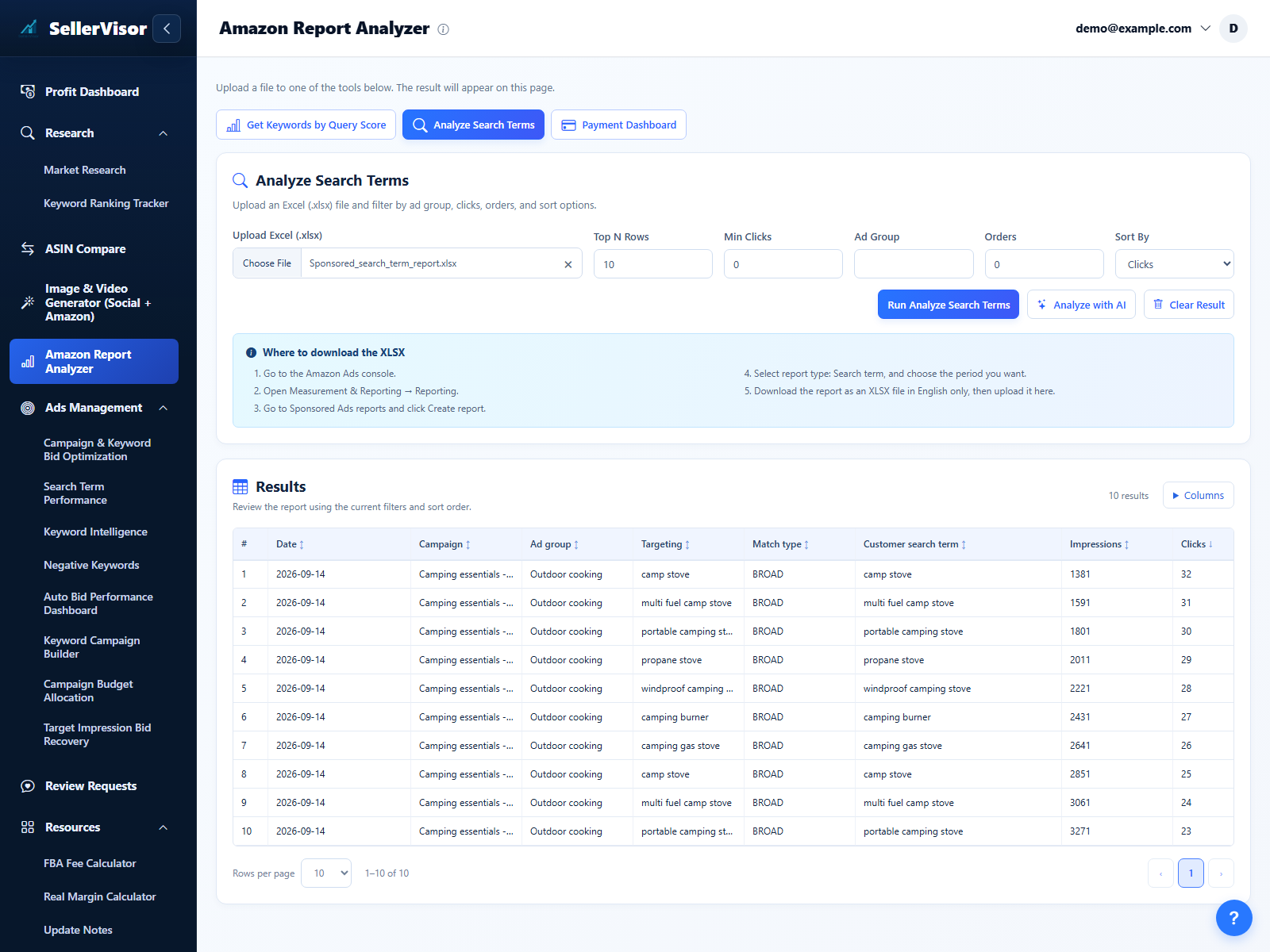
Search Term Report (STR)
Upload a Search Term Report, filter its results, and use AI to plan your next review.
Explore feature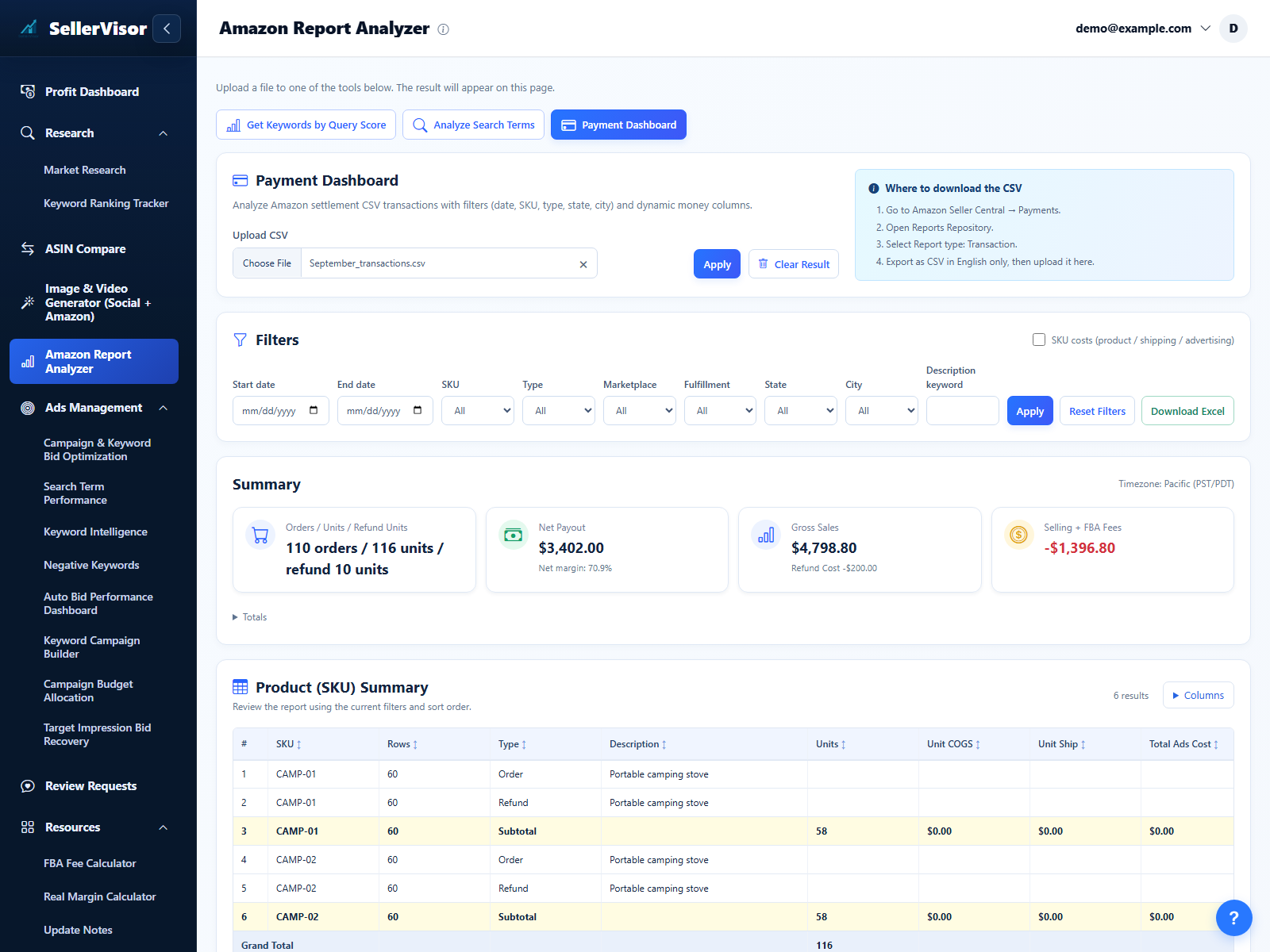
Payment Dashboard Report
Turn Amazon settlement files into a clean, interactive dashboard that shows real profit after product cost, shipping, ads, and refunds.
Explore feature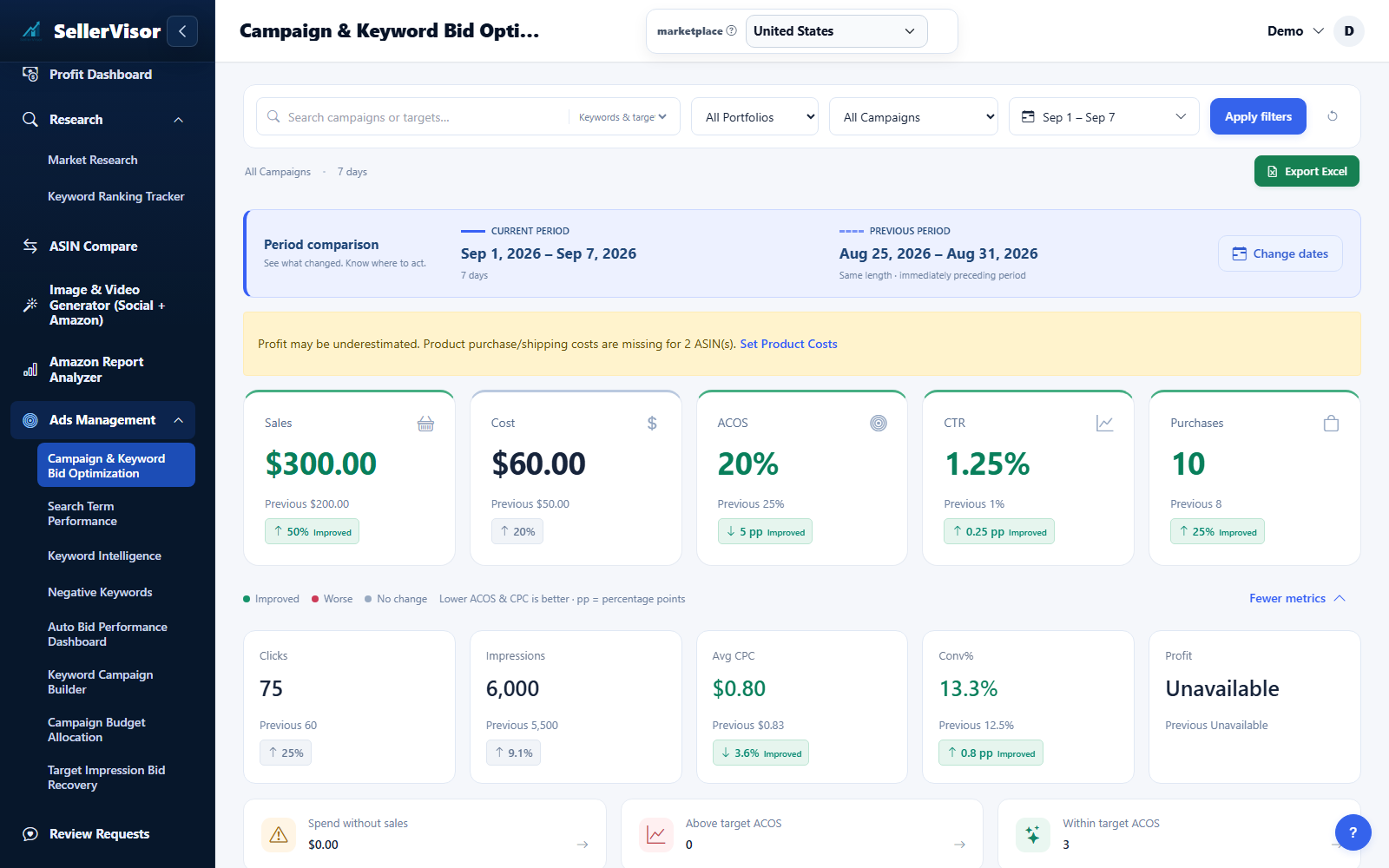
Campaign & keyword bids
Review performance by campaign and keyword, then apply smart bid rules so your ads spend stays aligned with your Target ACOS.
Explore feature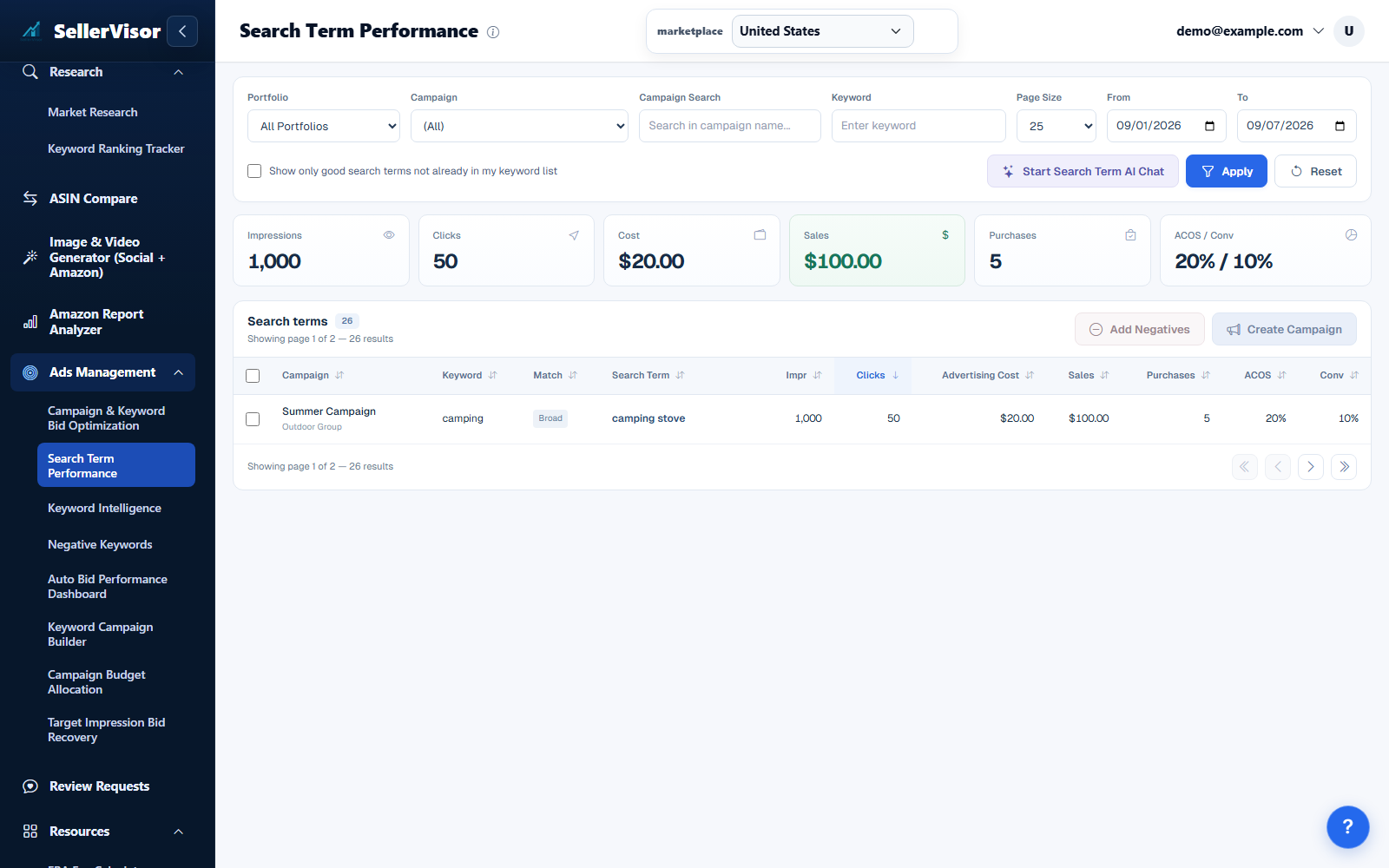
Search term performance & AI chat
Analyze search term performance across campaigns in one view, quickly separate winners from wasted spend, and turn insights into negative keywords or new opportunities.
Explore feature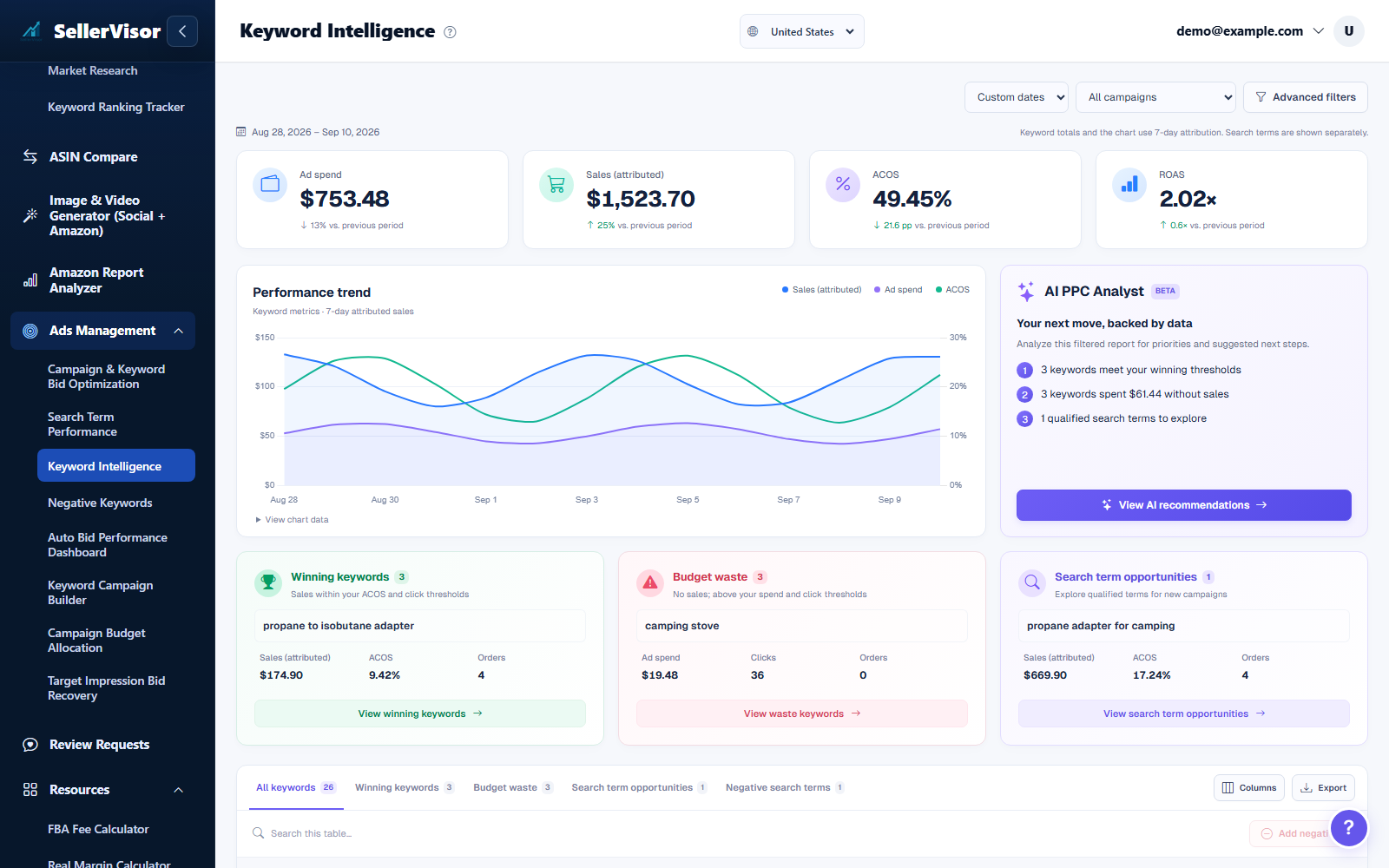
Keyword Intelligence
Measure how “healthy” your targeting is by separating strong keywords and search terms from those that only consume spend without generating sales.
Explore feature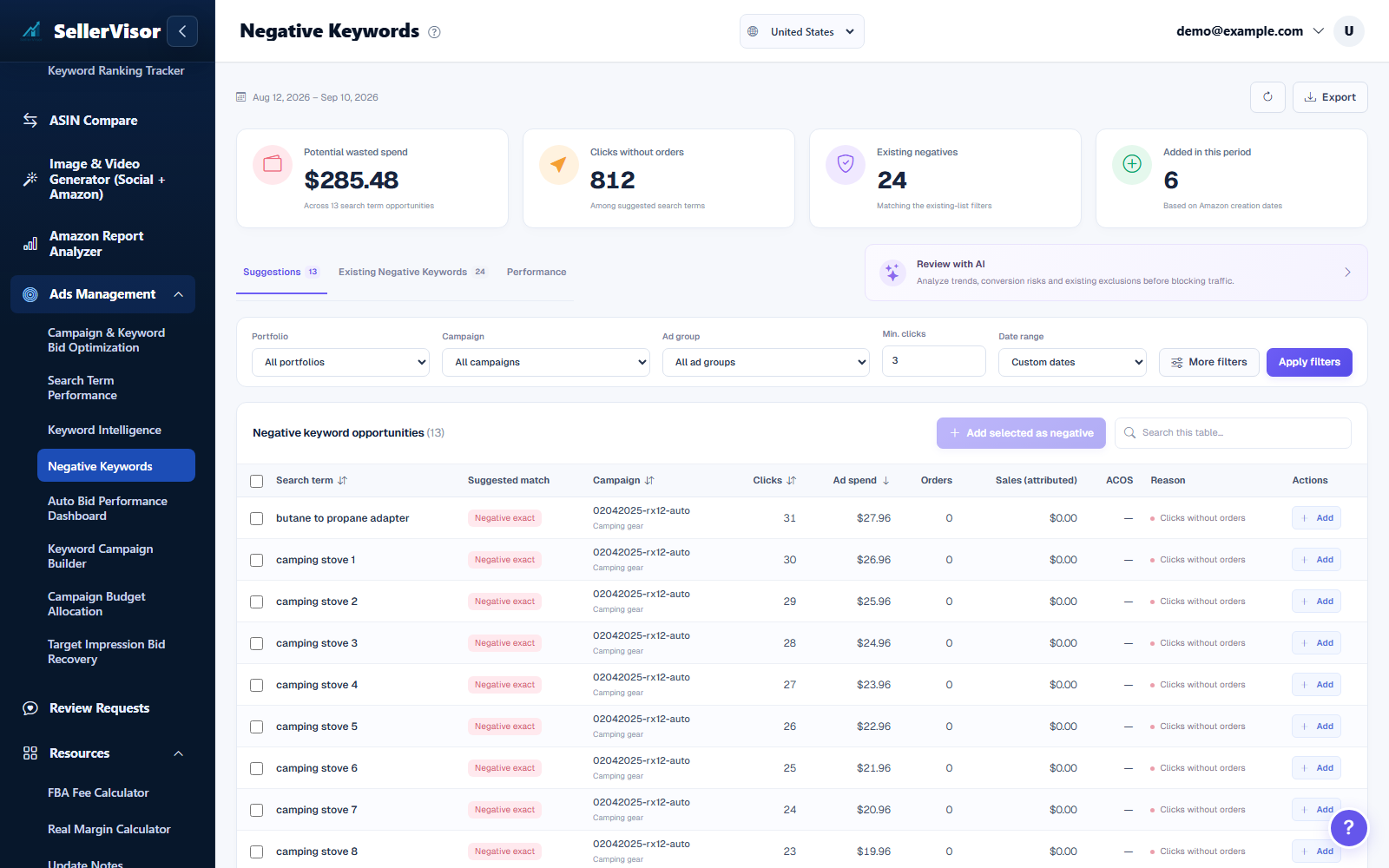
Negative keywords
Stop hunting through individual campaigns to find negative keywords. Manage every new negative in one clean, centralized workspace.
Explore feature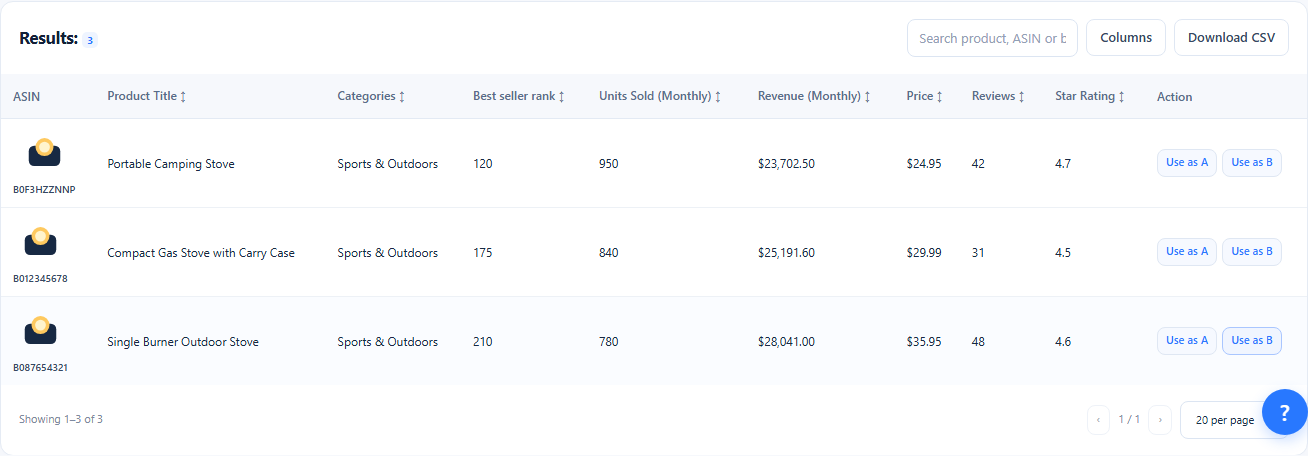
Product Research
Open the Product Research tab, select categories or a preset, and adjust price, revenue, reviews, and competition filters. Review matching products and send an ASIN to A or B for deeper research.
Explore feature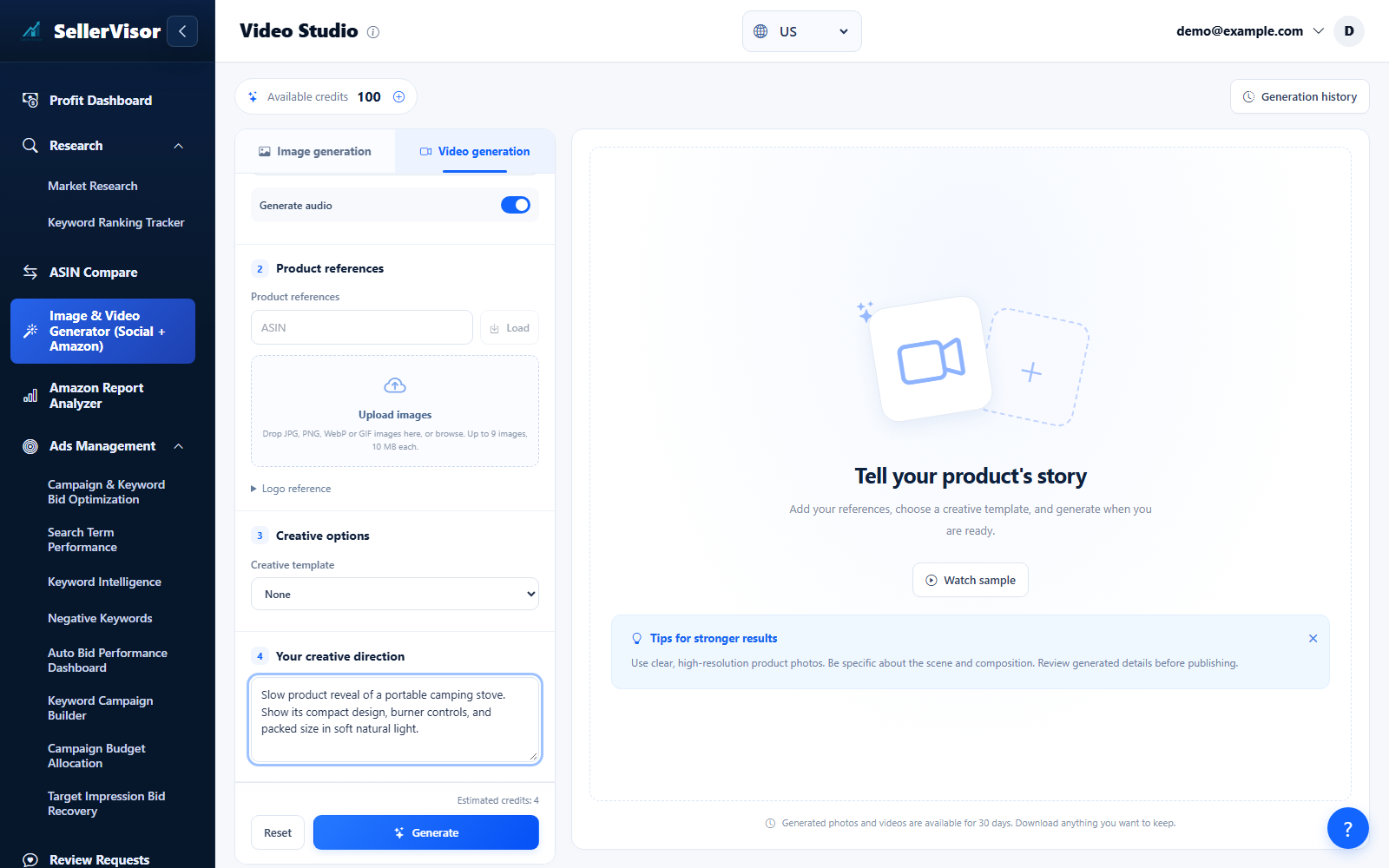
AI Video Generator
Turn a prompt or reference images into a product video. Choose the available generation settings, review the credit estimate, and download the finished result.
Explore feature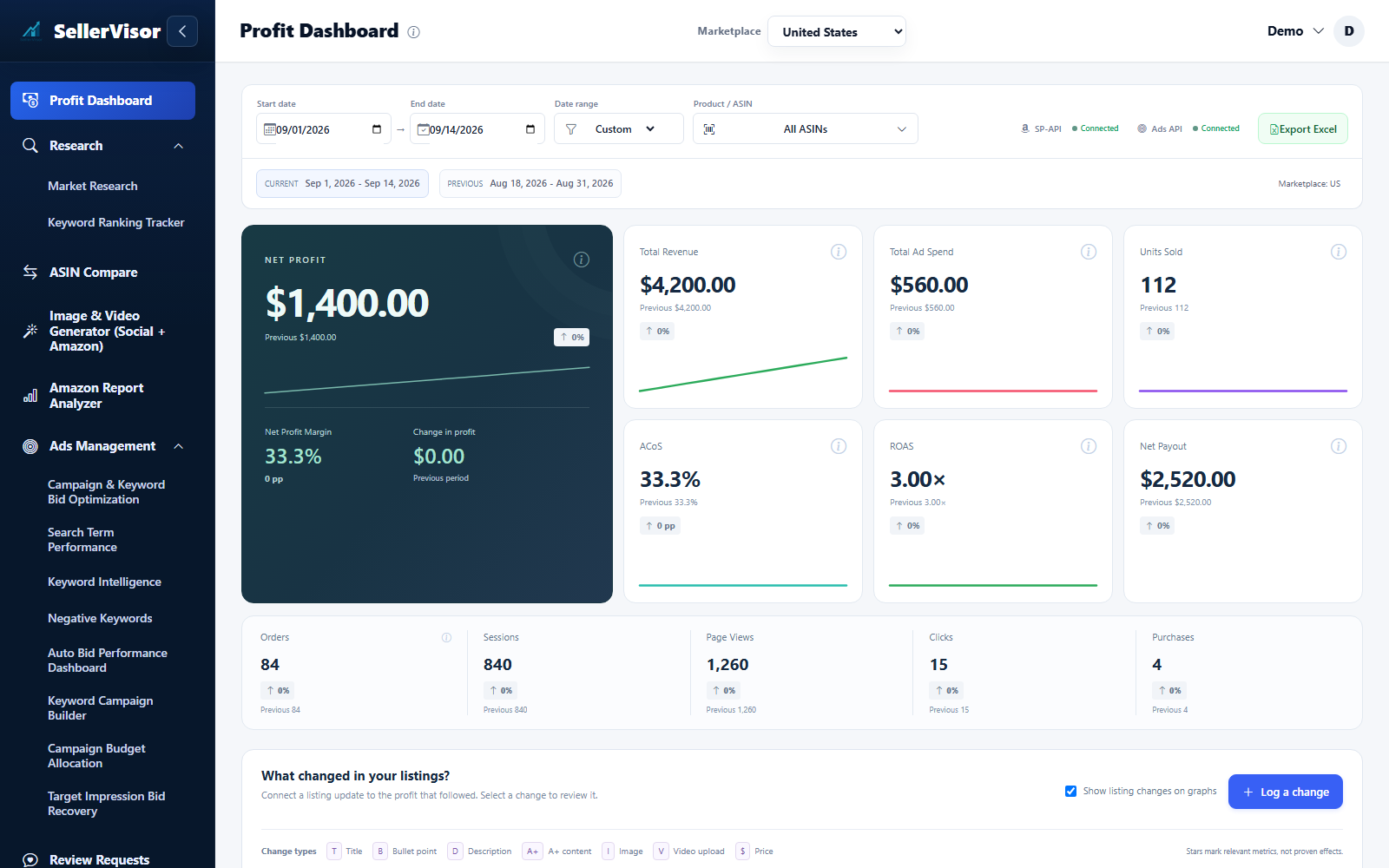
Profit Dashboard
Review revenue, costs, advertising, and net profit by marketplace and date. Compare periods and inspect the products and changes behind the totals.
Explore featureAds Management
Review campaign performance, manage bids and negatives, and monitor automation from one workspace.
Explore feature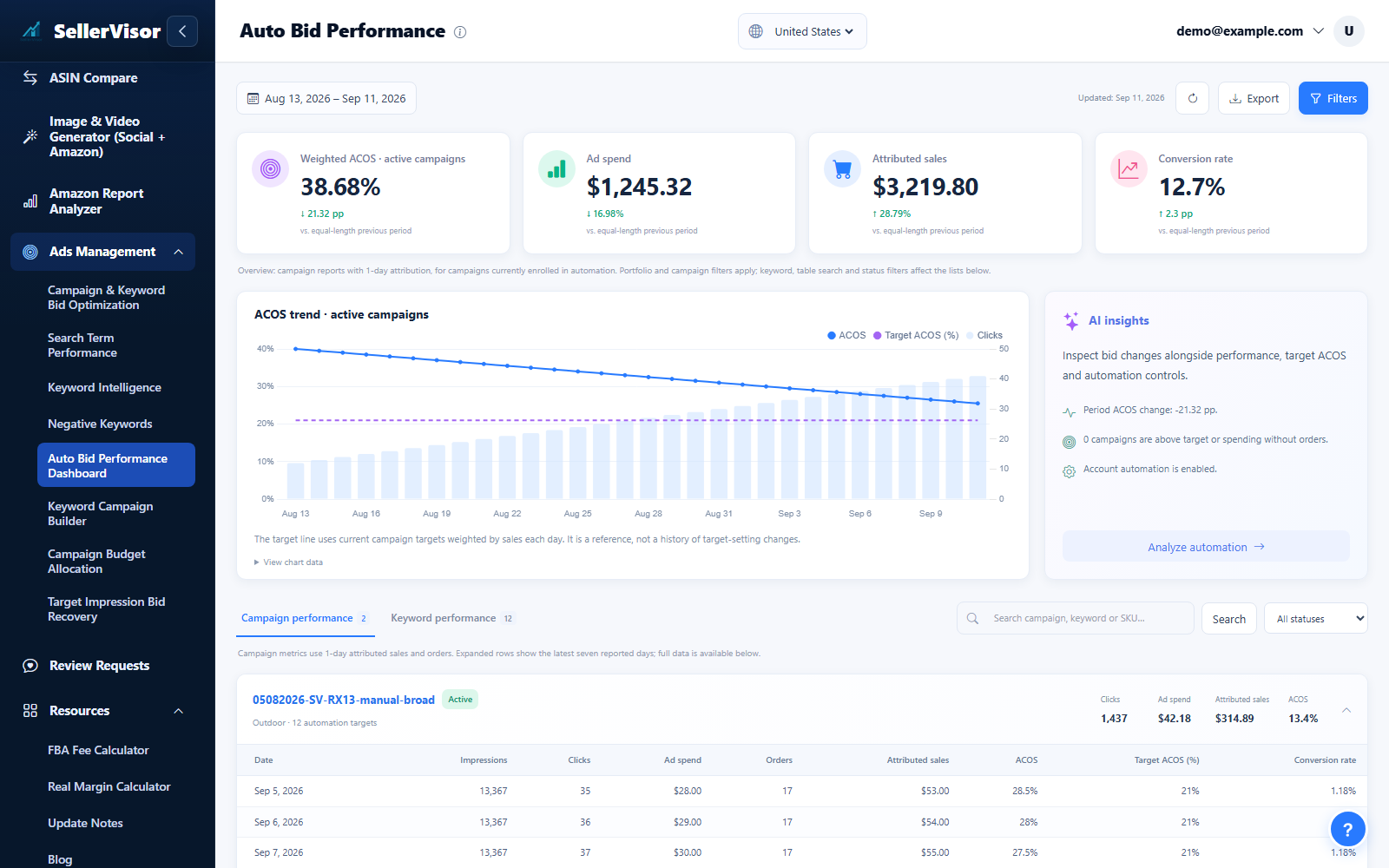
Bid Automation Performance Dashboard
Review how bid automation adjusted bids and placements based on RPC performance, and inspect detailed bid history to understand the impact on conversions.
Explore feature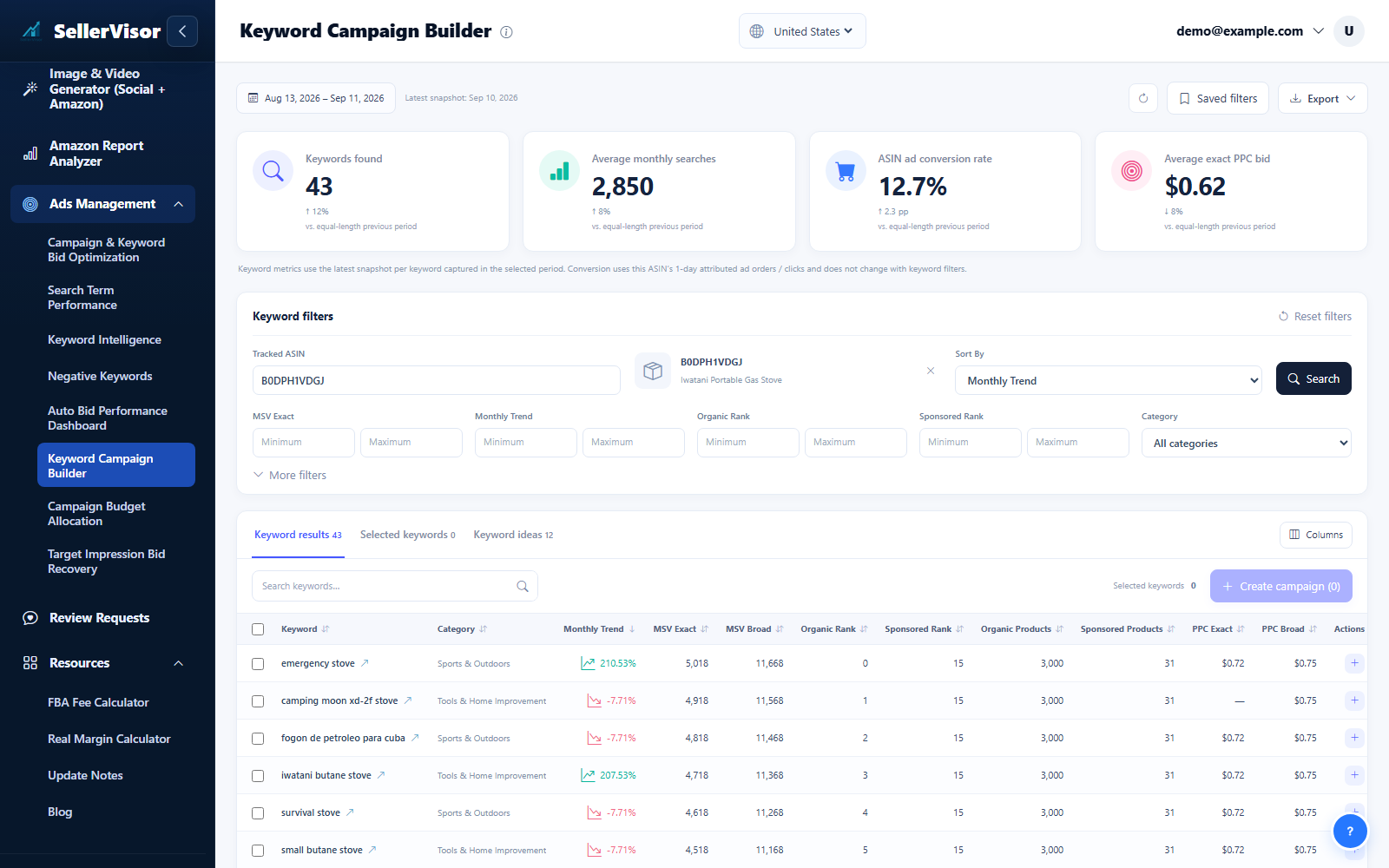
Keyword Campaign Builder
Choose the marketplace and a tracked ASIN, then run the keyword search. Narrow results with search volume, bid, category, and keyword filters.
Explore feature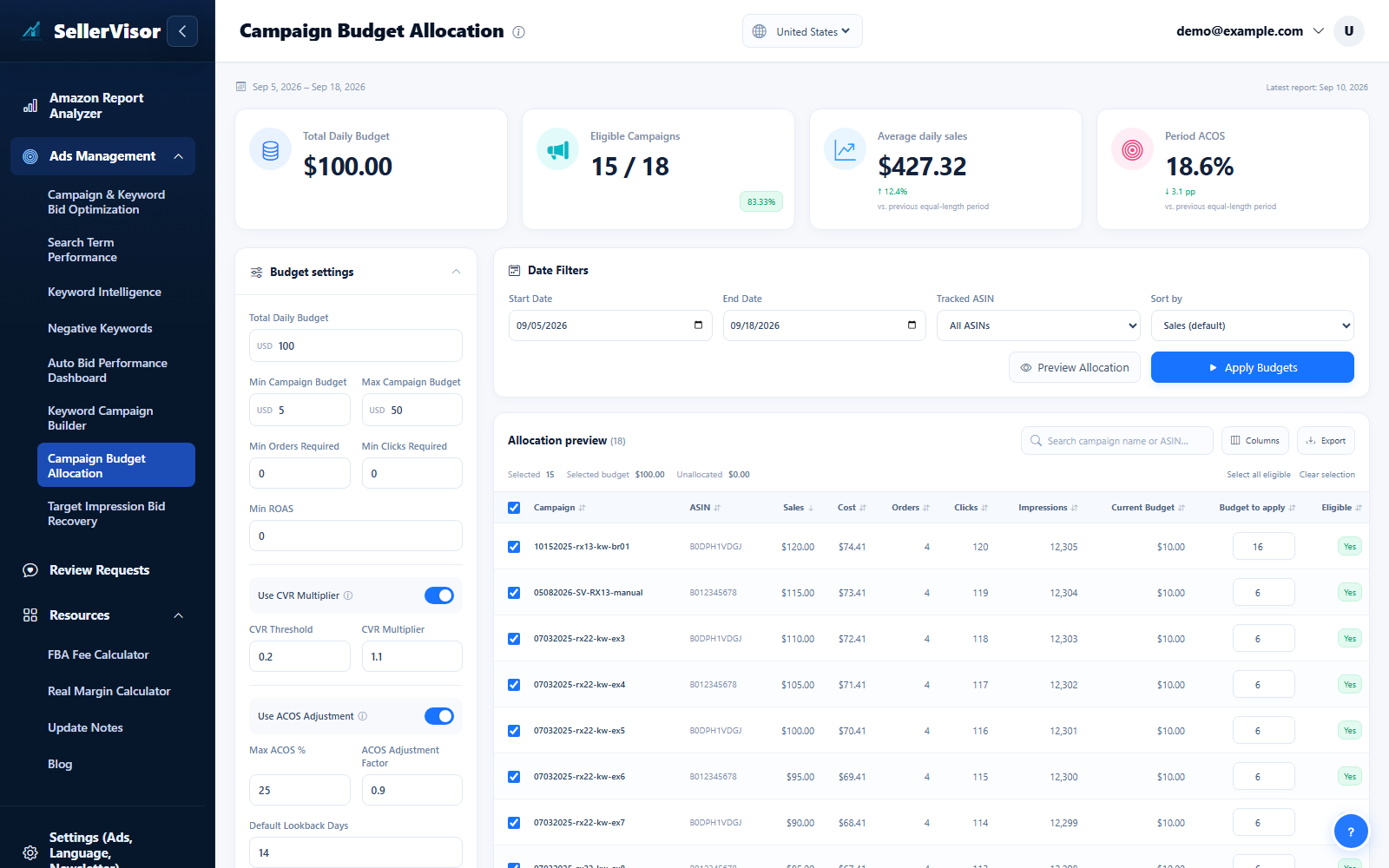
Campaign budgets
Open Campaign Budget to review spend and budget recommendations. Filter the campaigns, inspect the proposed amounts, and confirm only the budget changes you intend to apply.
Explore feature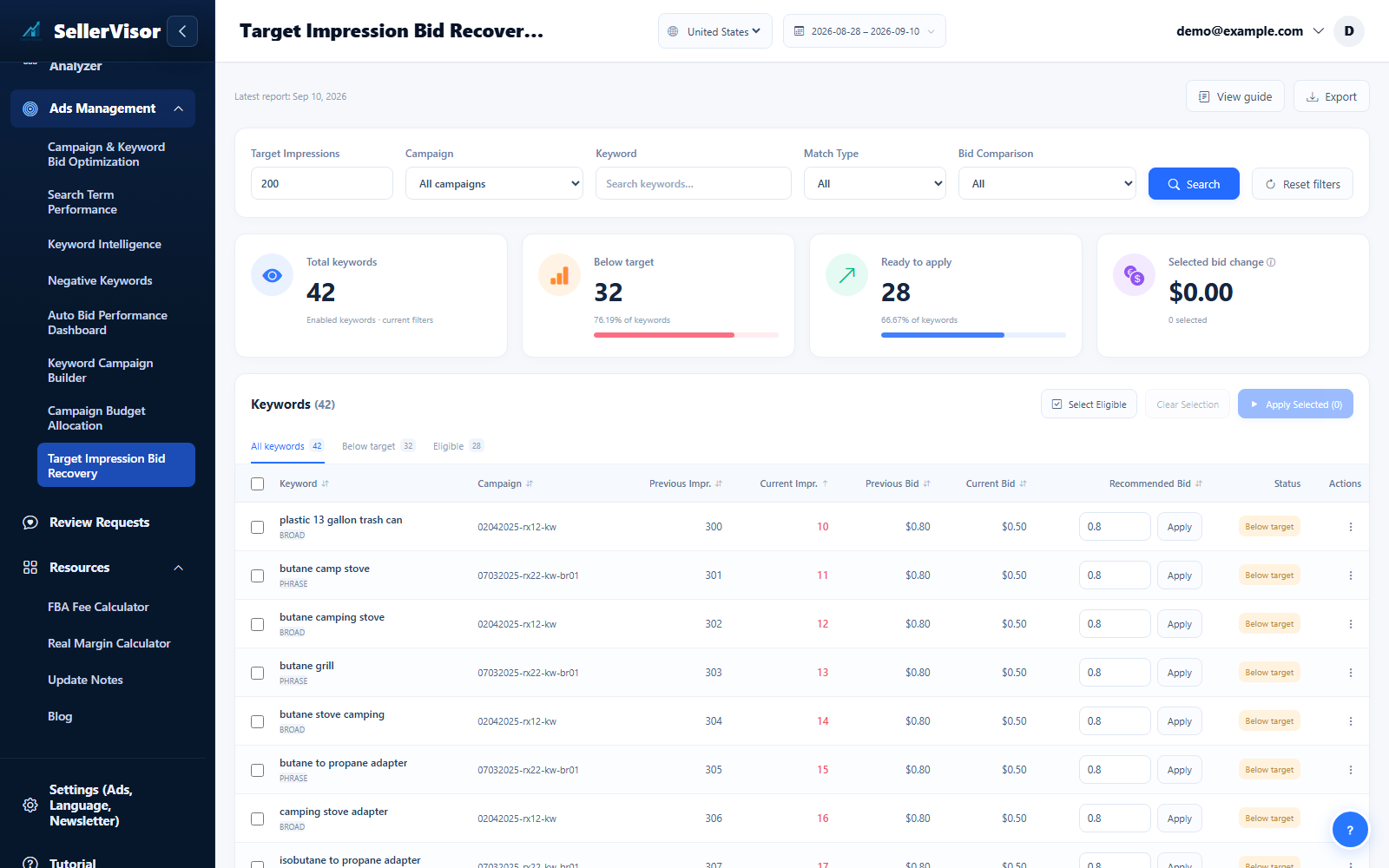
Target Impression Recovery
Use Target Impressions to find targets that need attention. Inspect the campaign, current bid, delivery, and suggested adjustment before selecting and applying a recovery action.
Explore feature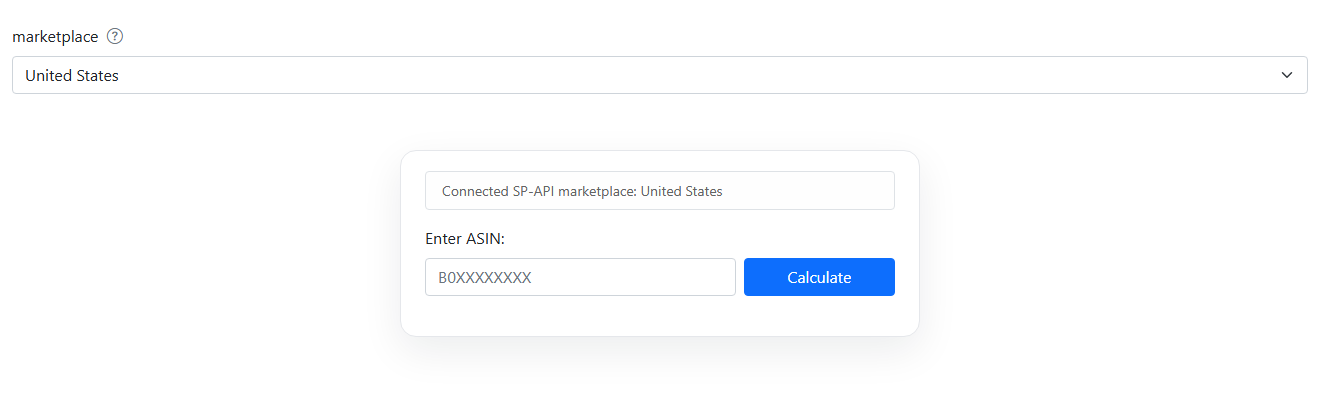
FBA Fee Calculator
Estimate fulfillment fees and compare product profitability scenarios.
Explore feature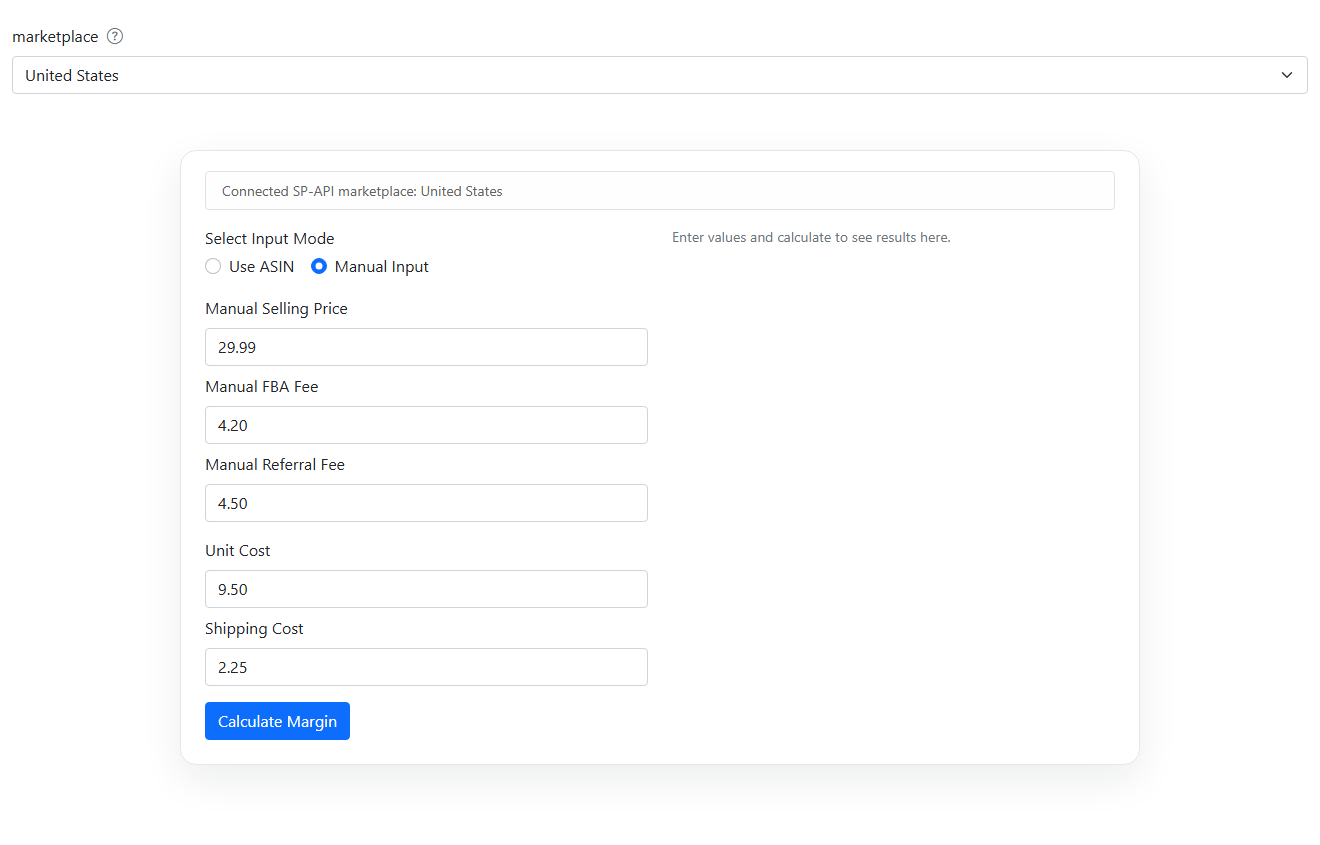
Real Margin Calculator
Estimate fulfillment fees and compare product profitability scenarios.
Explore feature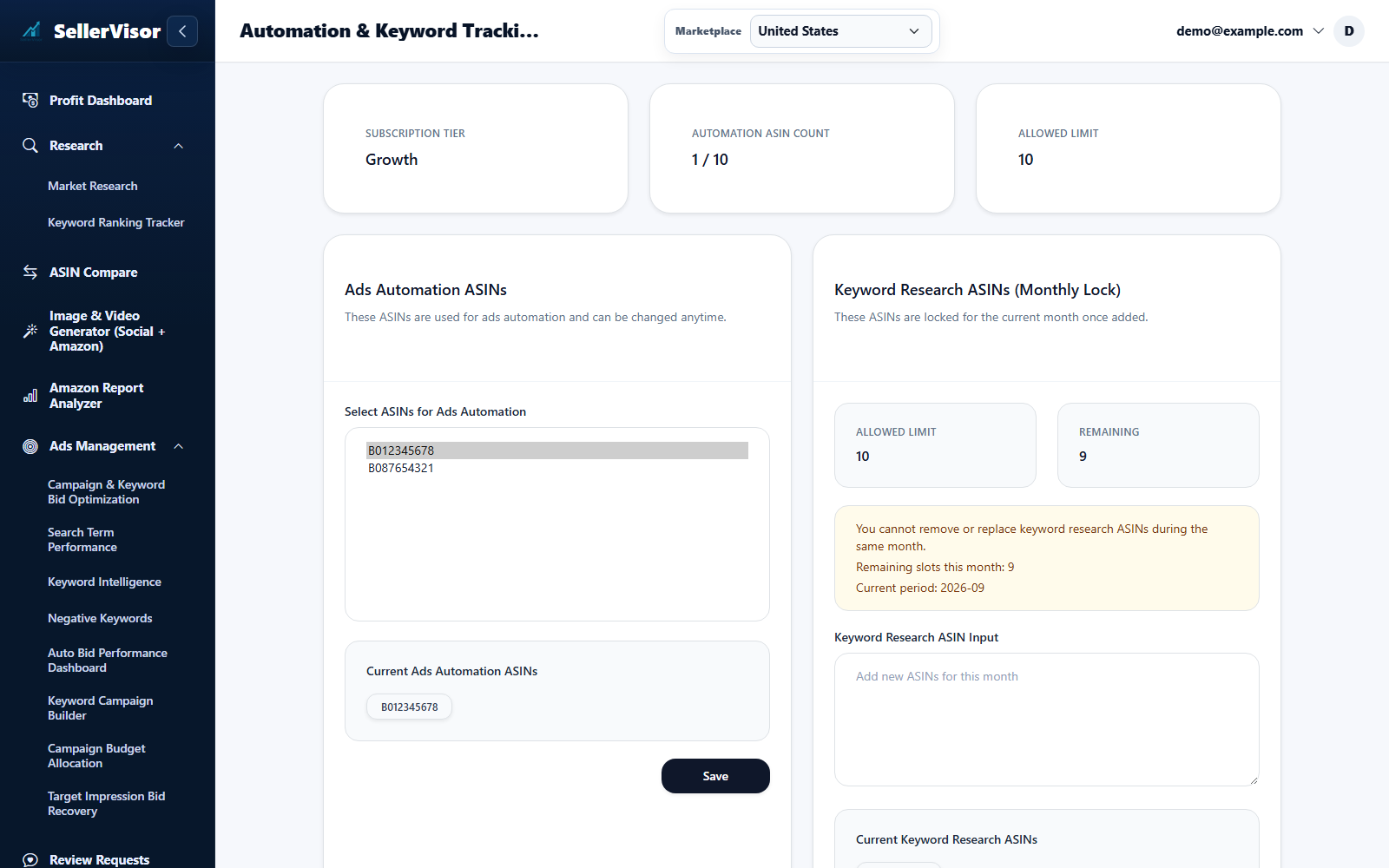
Tracked ASIN Settings
Open Automation & Keyword Tracking ASIN Settings from your account menu and select the marketplace.
Explore feature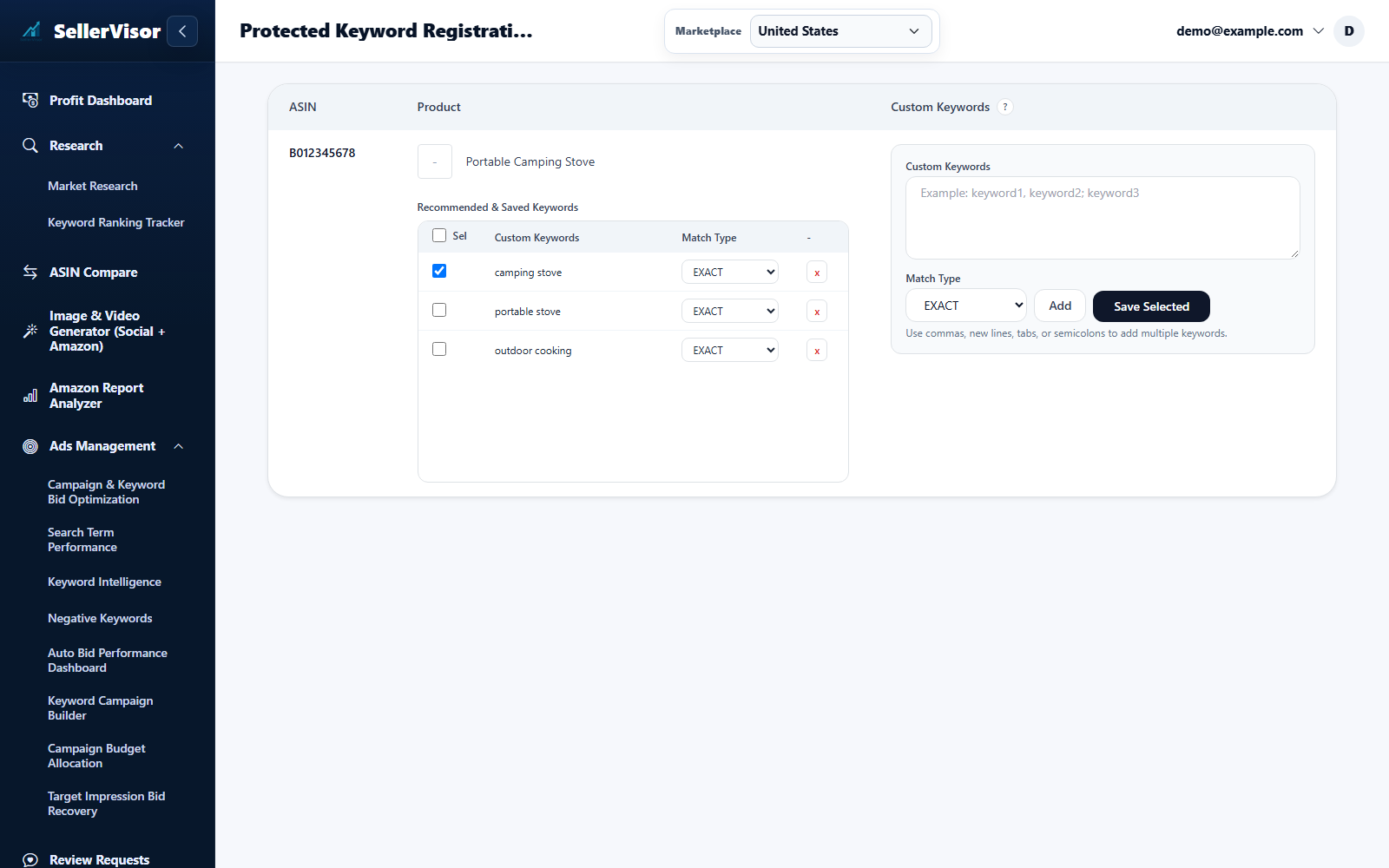
Protected Keywords
Open Protected Keyword Registration and select the marketplace and product ASIN. Review the recommended terms.
Explore feature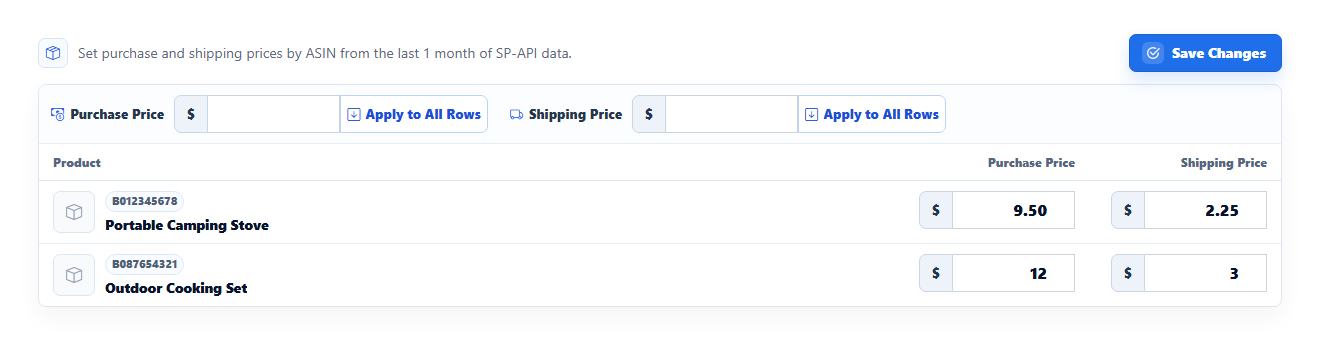
Product Cost Settings
Enter purchase cost and shipping cost for each product. Use Apply All only when the same amount should apply across the displayed products.
Explore feature