Payment Dashboard – Excel Export Added
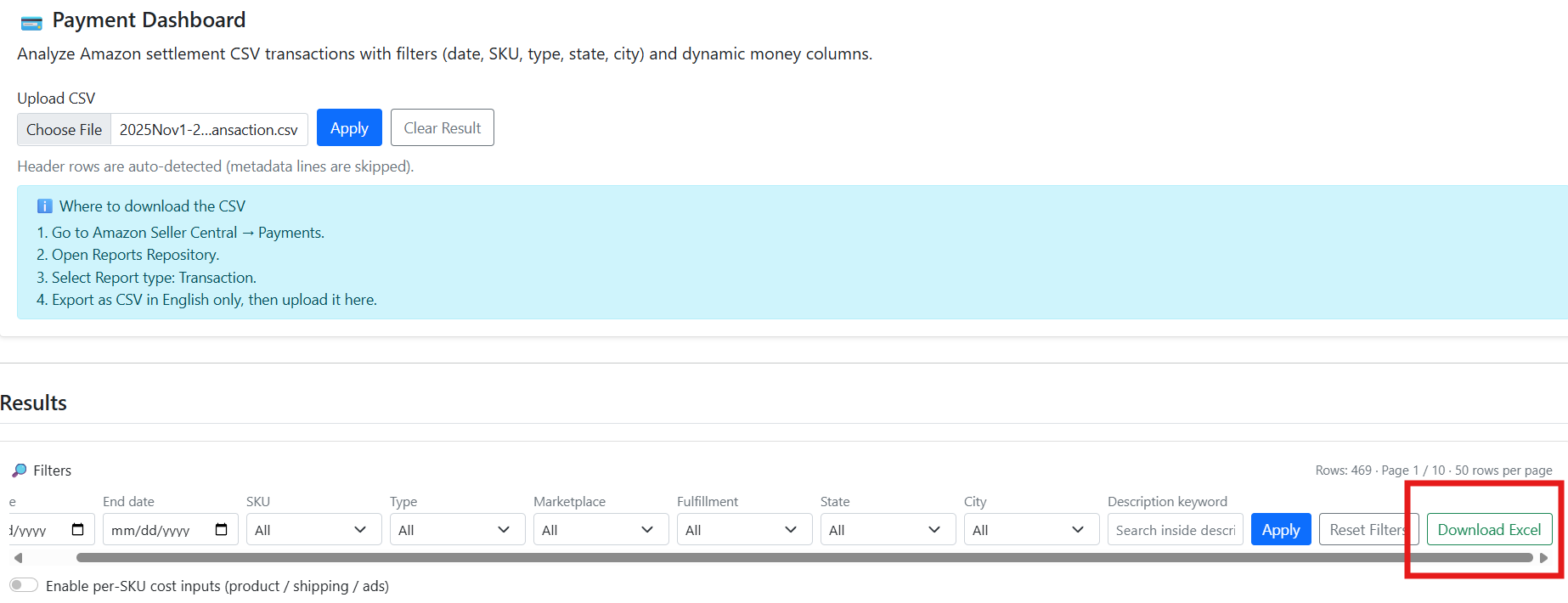
You can now export your filtered Payment Dashboard results directly to Excel. This makes it easy to back up raw data, share reports with your team, and run additional custom analysis (pivot tables, extra formulas, etc.) outside of SellerVisor while keeping the same filters you used on the screen.

SKU Cost – Copy & Paste from Spreadsheet
The SKU cost section now supports bulk copy & paste from Excel or Google Sheets. Just copy rows of Product Cost / Shipping Cost / Ads Cost from your spreadsheet and paste them into the cost table. Values will automatically fill down across SKUs, so you can update cost assumptions for many products in one shot instead of editing each field manually.

Image Generator – Larger Custom Prompt Input
The custom prompt field for the image generator has been upgraded to a larger, more readable input box. This gives you more space to write detailed prompts (tone, scene, angles, text overlays, etc.) without feeling cramped, helping you describe creative needs more clearly and generate better images with fewer retries.
