
Hello. Thank you to all customers using SellerVisor.
You cannot add all products to automation at once. Each plan has a set number of automation ASIN slots, and keyword research ASINs are locked monthly. This article will sequentially explain what to check first on the Automation & Keyword Tracking ASINs settings screen.
Where to view
From the left menu, open Account → Automation & Keyword Tracking ASIN Settings(/account/tracked-asin-settings). The screen is divided into two areas: Ads Automation ASINs on the left and Keyword Research ASINs (Monthly Lock) on the right.
1. Check your plan slots first
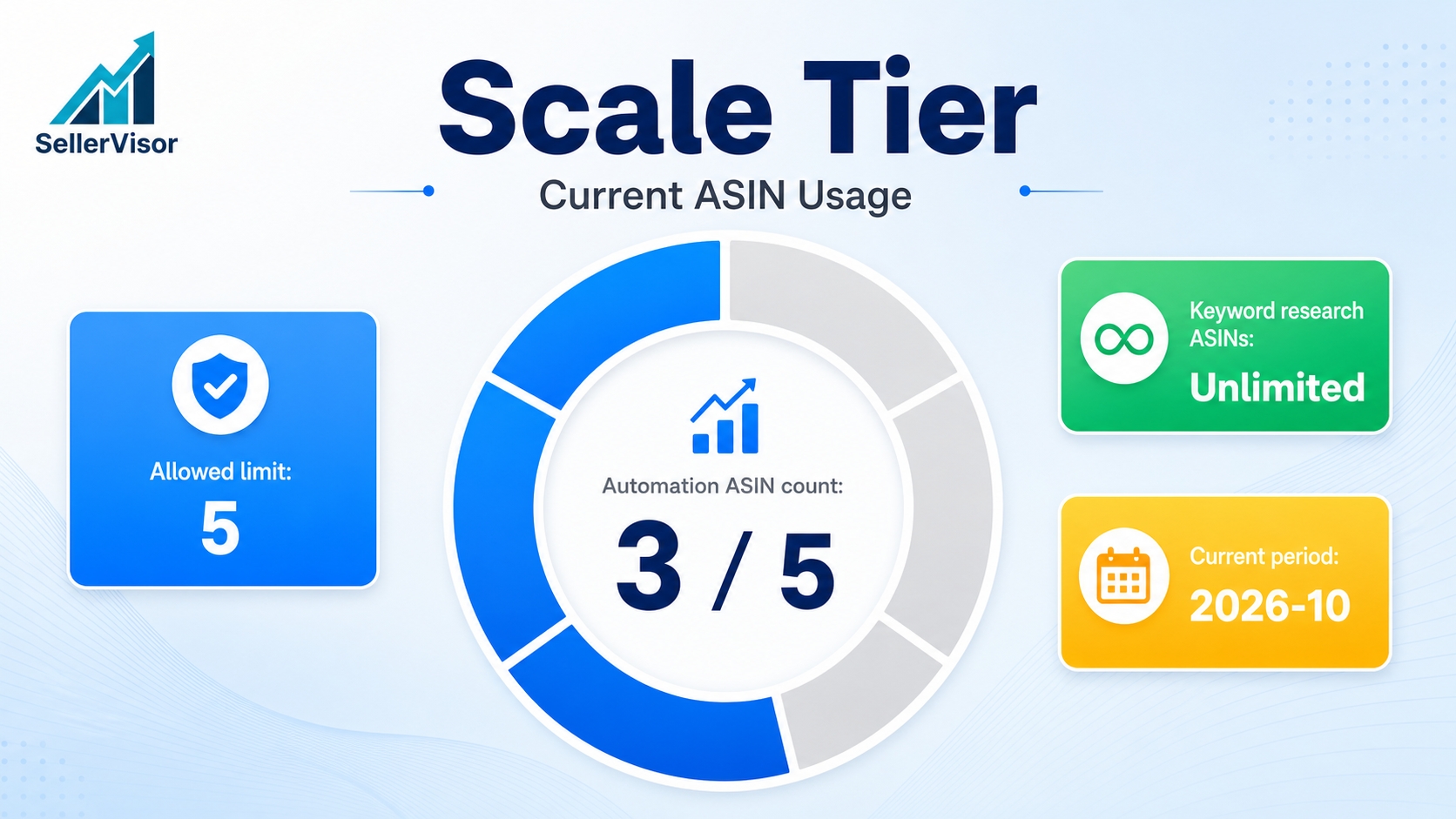
- SUBSCRIPTION TIER: Scale
- AUTOMATION ASIN COUNT: 3 / 5
- ALLOWED LIMIT: 5
Automation is not a feature that expands infinitely with the number of products. It operates only within the slots defined by your plan, so you must check the remaining slots before adding new products to automation.
2. Automation ASINs can be changed at any time
The on-screen guidance reads: These ASINs are used for ads automation and can be changed anytime.
- Select ASINs for Ads Automation: Select products to add to automation from the list
- Current Ads Automation ASINs: Check products currently registered for automation
- Save: Save changes
The order is: Select → Check current list → Save. You can replace them at any time, so there's no need to make a perfect decision from the start. However, once the plan slots reach their limit, you cannot add more, so it's advisable to remove lower-priority products.
3. Keyword Research ASINs are locked monthly
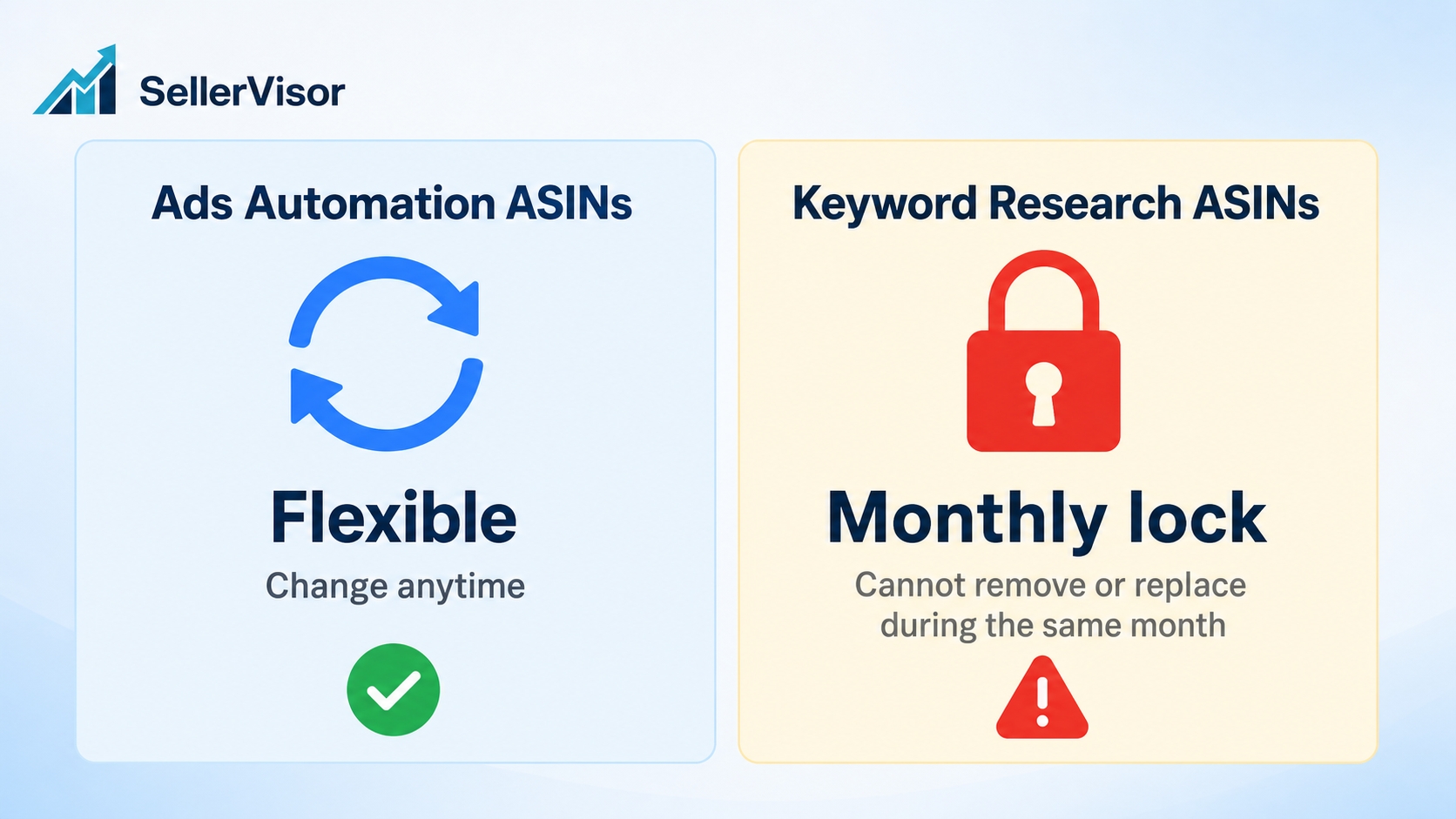
- ALLOWED LIMIT: Unlimited / REMAINING: Unlimited
- These ASINs are locked for the current month once added.
- You cannot remove or replace keyword research ASINs during the same month.
- Current period: 2026-10
There is no quantity limit, but the key is that they cannot be reverted. ASINs added this month cannot be removed or replaced within the same month. Therefore, before adding, you must first confirm if the product is indeed for research this month.
4. Pre-addition checklist
- Check if there are any remaining automation slots.
- First, confirm the products to automate and check them in Current Ads Automation ASINs.
- Add Keyword Research ASINs only based on the current month (cannot be reverted within the same month).
The Keyword Research ASINs for the current example account are in "No ASINs added." status. This month's research targets are still empty, and slots are Unlimited. This means that currently, the automation slots (3 / 5) are the real limitation, and for research, you only need to be careful that once added, they cannot be reverted.
Frequently Asked Questions
What happens to existing settings if I change automation ASINs? Automation ASINs can be changed at any time. Change your selection in the list and click Save to apply.
Can I revert Keyword Research ASINs if I add them incorrectly? They cannot be removed or replaced within the same month. You must wait until next month, so it's important to confirm before adding.
Is there a limit to the number of Keyword Research ASINs? Based on the screen, both ALLOWED LIMIT and REMAINING are Unlimited. Monthly locking is the real constraint, rather than a quantity limit.
What if I run out of plan slots? If the AUTOMATION ASIN COUNT reaches the ALLOWED LIMIT, you can no longer add more. You must remove lower-priority products or adjust your plan.
Are automation slots and research slots the same? No, they are not. The Ads Automation ASINs on the left are affected by the plan slots (5), while the Keyword Research ASINs on the right are only subject to monthly locking.
Conclusion
The way to reduce errors in automation settings is to follow the sequence: Check remaining slots → Confirm automation ASINs → Add keyword research ASINs. Especially since the last step cannot be reverted during this month, proceed only when the research target is certain.
Request a Live Demo
If you wish to check the Automation & Keyword Tracking ASINs settings with your own account, please request a live demo. We will open the screen together and show you the slots and locking rules.