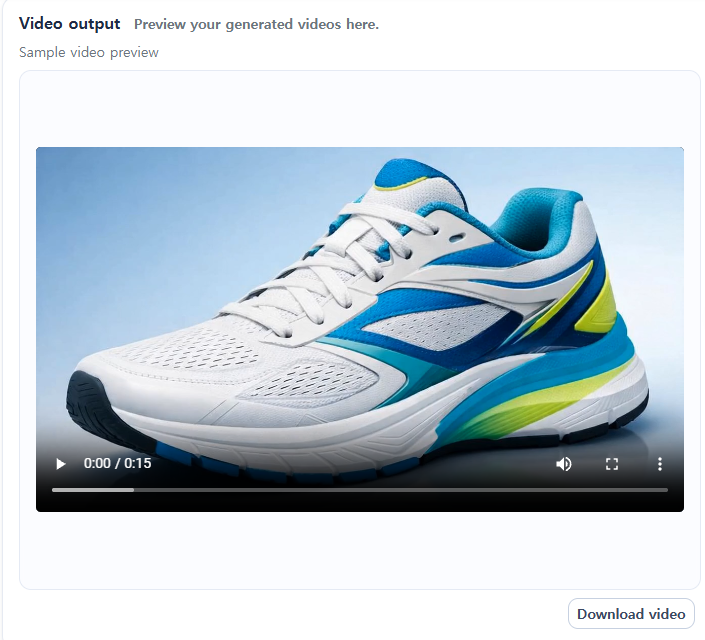
Introduction: Product videos — still outsourcing to studios?
If you sell on Amazon, you've probably wondered this at least once.
"We need to make a product promotional video… studio costs are expensive, and the waiting time is too long."
In reality, many Amazon sellers exchange emails with studios for weeks and pay $500–$1,500 in production costs to create a single video. What if the carefully produced video you upload to your ads underperforms? You may not have the time or budget to reshoot from a different angle.
But that approach is changing.
AI video generation technology has advanced rapidly, ushering in an era where you can create studio-quality product promo videos in as little as 60 seconds without a studio. At the center of this trend is the globally talked-about Seedance 2.0, now available directly within the Amazon-seller-focused platform SellerVisor.
This article will walk you step-by-step through creating product videos using SellerVisor's Seedance 2.0.
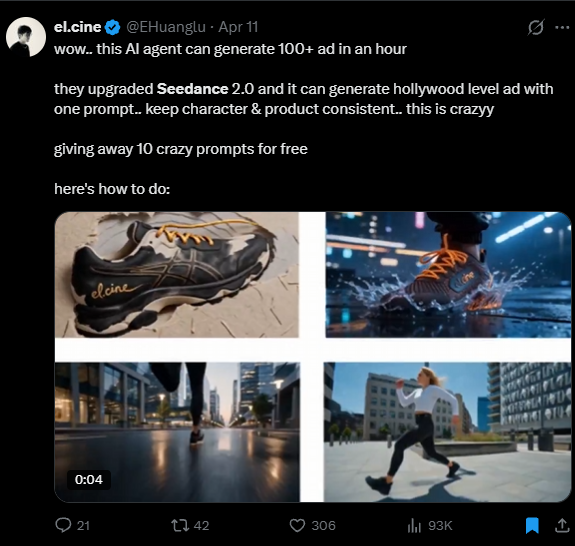
What is Seedance 2.0? Why is it trending now?
Seedance 2.0 is attracting attention as a model that boasts the highest quality among current AI video generation models. It goes beyond simply animating images and produces commercially usable visual quality and natural motion.
Compared to existing AI video tools, Seedance 2.0 stands out in three major ways.
- Video quality: While older tools suffered from awkward motion and low resolution, Seedance 2.0 generates natural, sharp, high-quality videos.
- Product fidelity: Older tools often distorted product shapes, whereas Seedance 2.0 faithfully maintains product details.
- Commercial viability: Previous AI videos had limited use cases, but Seedance 2.0's outputs are at a level ready for Amazon advertising creatives.
The platform that integrates Seedance 2.0 and optimizes it for Amazon sellers' workflows is SellerVisor.
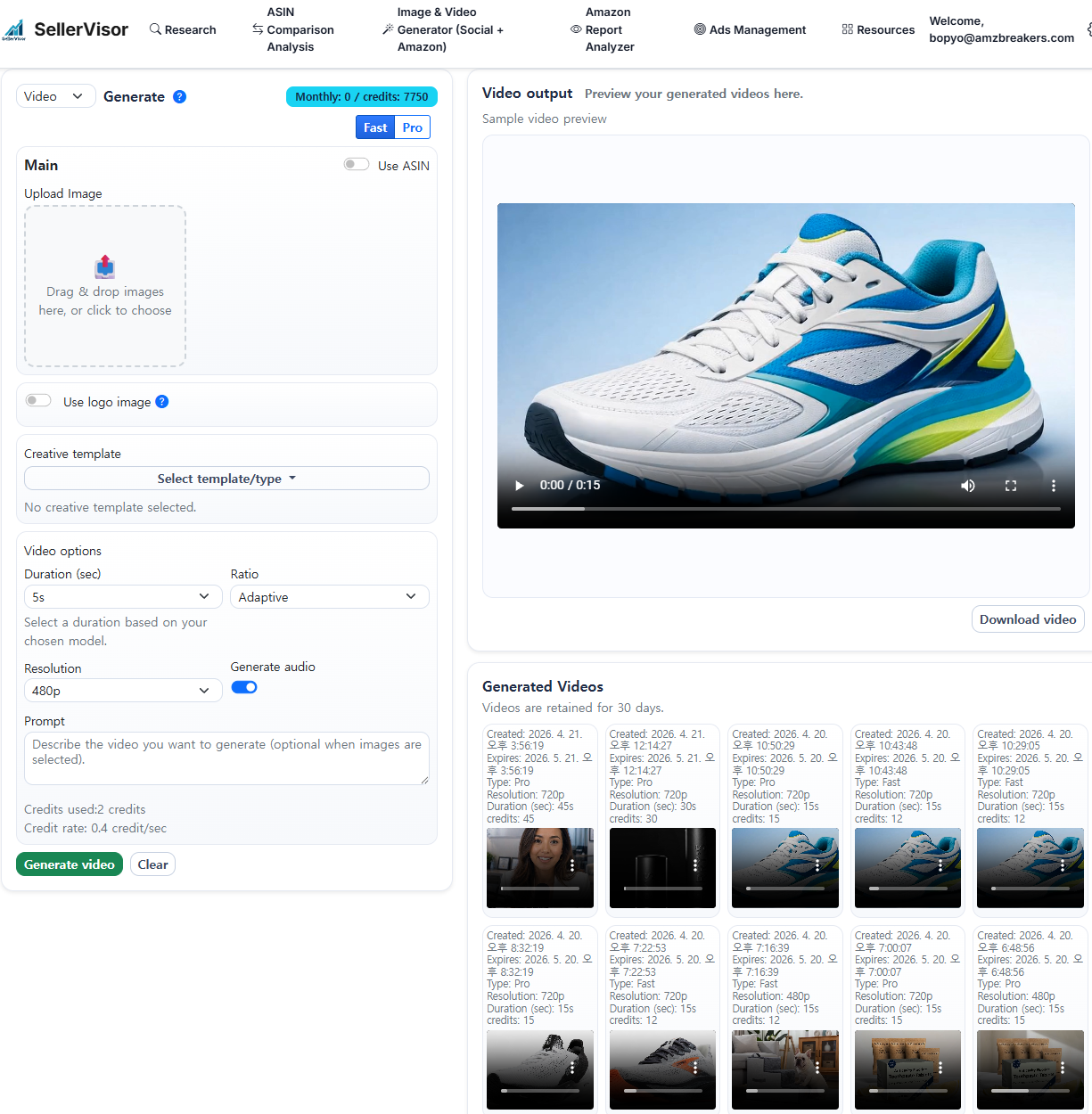
What is SellerVisor?
SellerVisor is an all-in-one AI marketing tool designed for Amazon sellers. It supports sellers by handling the creative tasks they need—from listing optimization to image and video generation—within a single platform.
Among its features, the newly updated Video Generator uses Seedance 2.0 to automatically create studio-level promotional videos from product images.
Actual usage: Create a product promo video in 60 seconds
Step 1. Sign up for SellerVisor and start the free trial
Visit the official SellerVisor website and create an account.
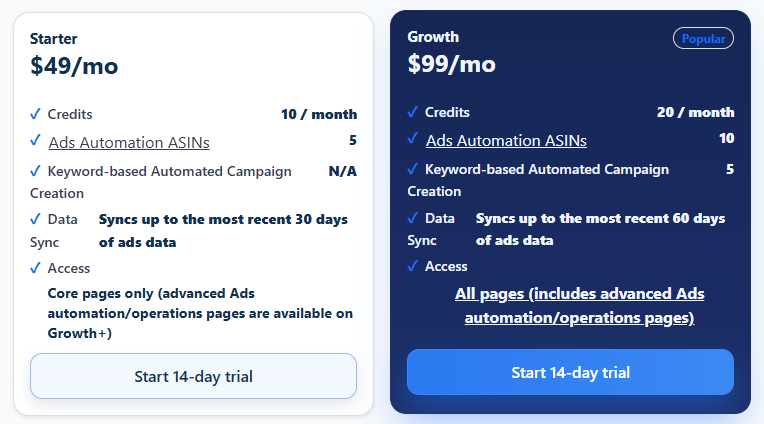
- $99/month Growth Plan starts an immediate 14-day free trial.
- You need to enter credit card information to start the free trial, but you will not be charged within the 14 days.
- If you do not want to subscribe, cancel the subscription before the 14 days end.
- A small amount of free credits is granted when the trial begins.
💡 Tip: Use the free credits to create a 5–10 second video first. Check the quality yourself before deciding on full use.
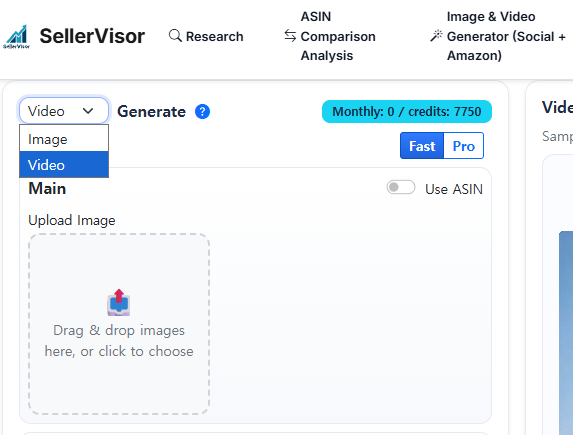
Step 2. Enter the Image Video Generator menu
After logging in, click "Image Video Generator" in the left menu.
This feature supports two main modes:
- Image mode: Generate product images
- Video mode: Generate product promotional videos ← the mode we'll use today
Select the "Video" tab.
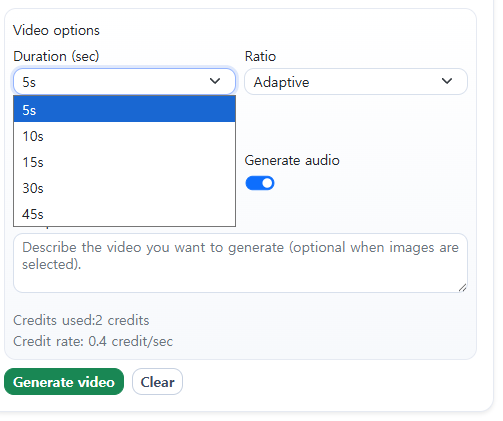
Step 3. Enter product information and video specs
In Video mode, enter the following information:
- Product name or description: Briefly enter what the product is (e.g., "stainless tumbler", "vitamin C serum")
- Video length: Choose 5 seconds or 10 seconds
- Video style/mood: Select the desired ad tone (minimal, dynamic, etc.)
The simpler the input, the faster the AI processes it. Start with the default settings at first.
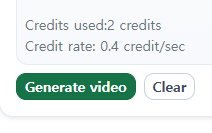
Step 4. Click the Generate button
Once all information is entered, press the "Generate" button.
Seedance 2.0 will generate the video within tens of seconds. You can work on other tasks while waiting.
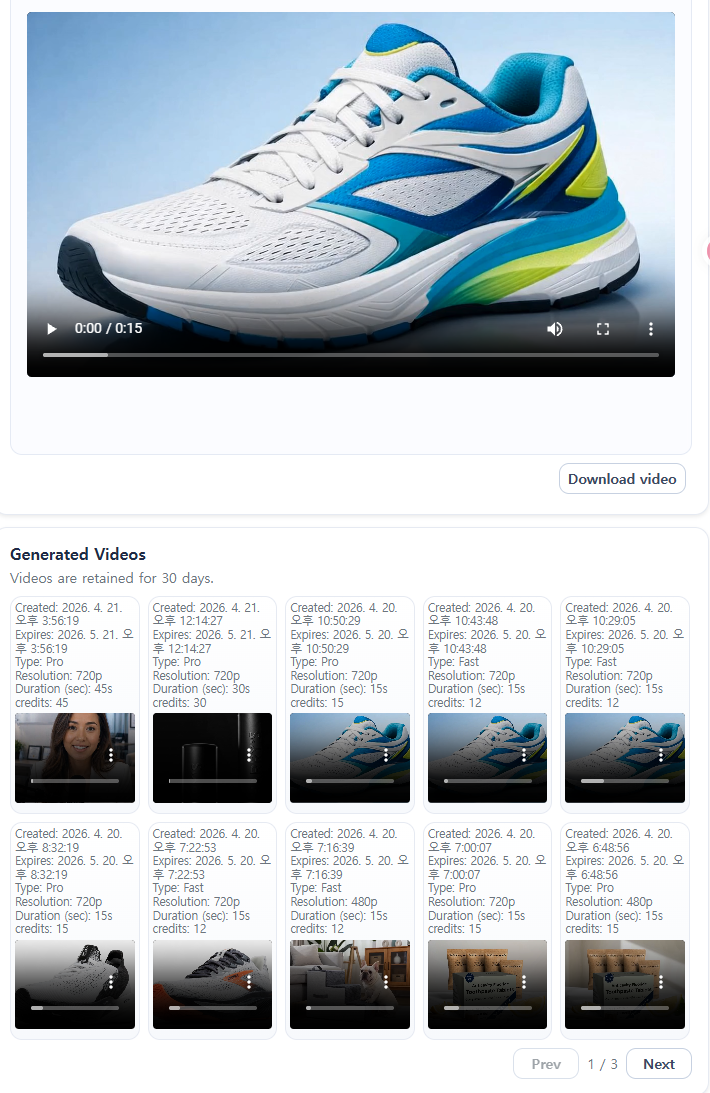
Step 5. Review and download the output
When generation is complete, you can preview the video on the preview screen.
- If you like the result, download it immediately and use it as Amazon ad creative.
- Need a different feeling or angle? Press Generate again to instantly create a new version—without the cost and time burden.
Why is this approach advantageous for sellers?
✅ Testing costs are overwhelmingly cheaper than studio shoots
Studio videos are hard to revise once made. But with SellerVisor, you can quickly create multiple versions and directly test which creative converts better.
✅ Faster launch speed
When launching new products, schedules are often delayed by video production. If video creation is reduced to 60 seconds, you can avoid missing product launch timing.
✅ Small sellers can operate like big brands
Previously, video creatives were the domain of larger sellers with sufficient budgets. Now, even new sellers can run the same level of video ads.
✅ Direct help improving ACOS
If you can quickly test a variety of video creatives, you can find high-conversion materials faster, which in turn leads to improved ACOS.
Practical Tips
1. Test multiple versions simultaneously
Create 3–5 videos of the same product with different background colors, motion styles, and moods, and use them for A/B testing in Sponsored Brand Video ads.
2. Prepare seasonal videos in advance
If you produce videos ahead of major events like Black Friday, Prime Day, and the year-end season, you can act quickly on ad timing.
3. Start with short videos
At first, check quality with a 5-second video that consumes little credit; if satisfied, we recommend creating a 10-second version.
4. Product image quality matters
The clearer and cleaner the product image you input, the higher the quality of the generated output. Try using high-resolution images with a white background.
In Closing
The importance of video creatives in Amazon advertising will only grow. And who can test faster and more diversely will be the key variable determining ad performance.
SellerVisor's Seedance 2.0 is the tool that narrows that gap. No studio booking, no long production waits. With a single product image, in under 60 seconds, you can start right now.
Try it yourself with a 14-day free trial.
If you don't like it, you can cancel within 14 days.
If you found this article helpful, please share it with the Amazon seller community. We hope more sellers learn efficient creative production methods.