Reviews are cheaper than ads. If two products of the same price are side-by-side in search results, the one with more recent reviews gets the clicks and conversions. Ads buy exposure, but reviews increase the conversion rate itself. The problem is that reviews don't accumulate on their own, which is why most sellers try "review requests" once and then give up.
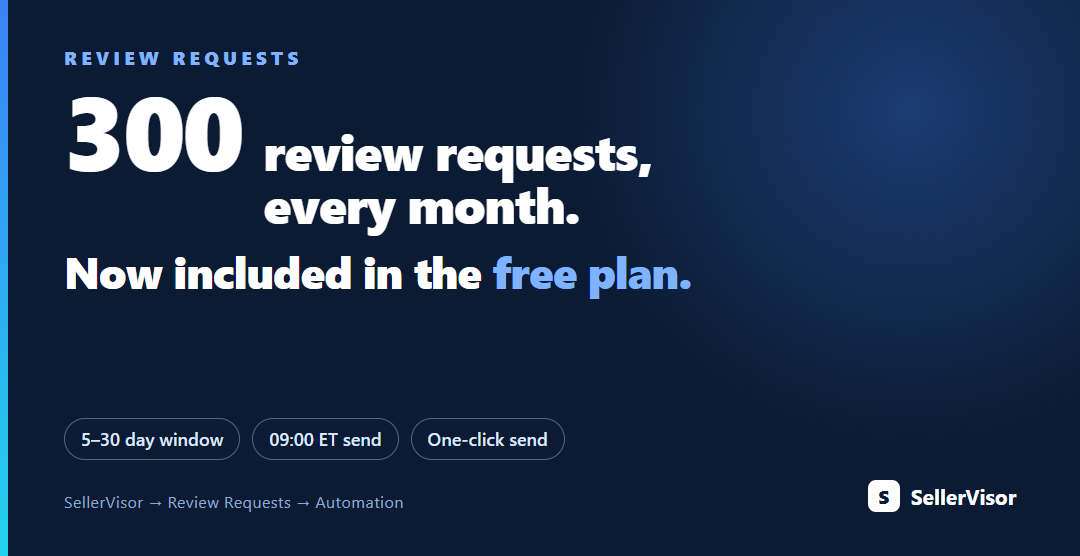
Amazon allows a window of only 5-30 days
Amazon allows review requests only after 5 days and within 30 days of delivery completion. If sent before then, it will be rejected, and after that, the opportunity itself disappears. In other words, review requests are not something to do "someday," but rather something that must be sent on the exact day based on the delivery date for each order.
No one can count delivery dates for each order
On an account with several orders coming in daily, the task of counting each order's delivery completion date and sending emails on the exact day between 5-30 days is unsustainable for a human. What's needed, therefore, is not memory, but automation.
SellerVisor Review Requests — Set it once and forget it
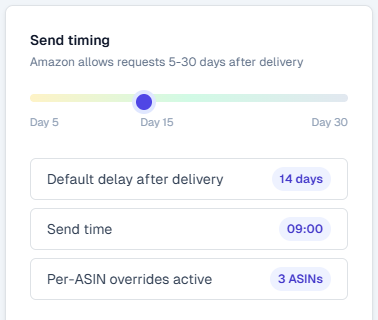
- Automatic Sending: Sent automatically 14 days after delivery completion, daily at 09:00 (Eastern Time). This is within the window (5-30 days) and when the unboxing memory is still fresh.
- Exclude Returned/Refunded Orders: Requests are not sent for returned or refunded orders.
- ASIN-specific Overrides: If different delays are needed for each product, you can specify the number of days and sending time separately at the ASIN level.
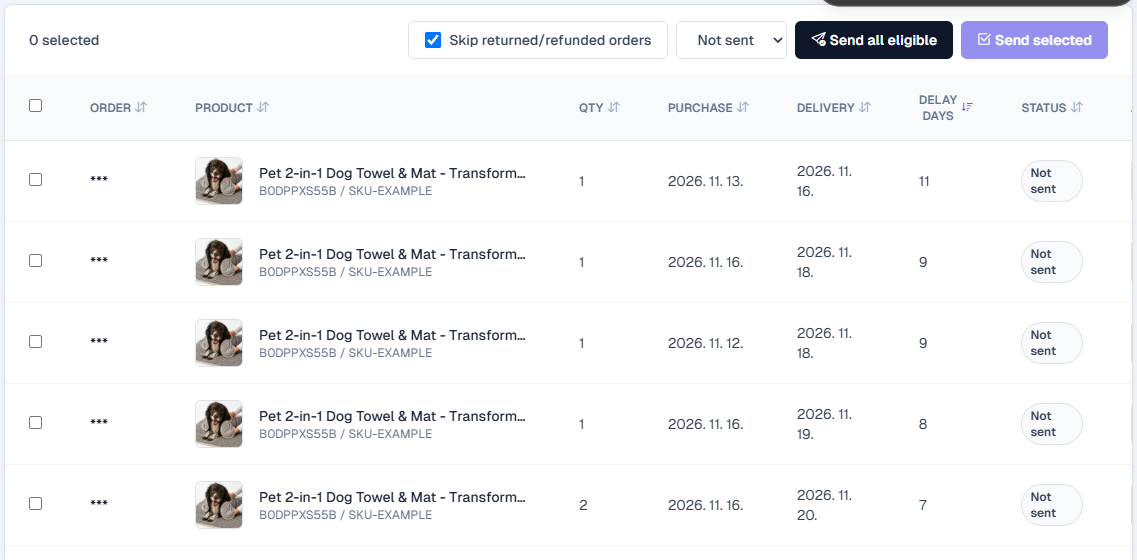
- Send All at Once: Backlogged orders can be processed all at once using Send all eligible, and individual orders can be sent using row-level Send.
- Status Management: Order status is recorded as Not sent · Sent · Outside window · Returned/refunded · Error.

Free Plan Includes 300 Requests per Month
Review requests are not a paid add-on. Even with a free plan, you can send 300 requests per month, and you can use it immediately by connecting your Seller Central. If your volume increases, simply upgrade your plan — Light $29 for 500 requests · Starter $49 for 1,000 requests · Growth $99 for 3,000 requests · Pro $199 for unlimited.

Backlogged Orders are Processed All at Once
Orders accumulated before enabling automation are also gathered on one screen based on Eligibility (ready to send). Send all eligible sends requests to all orders within the window. For reference, our account's actual performance this month is 43 sent · 100% activity rate · 8 scheduled for the next 7 days.
Start in 3 Steps Today
- After signing up for SellerVisor free, Connect Seller Central
- In Review Requests → Automation: Confirm Enabled, 14 days delay, Send at 09:00, Exclude returned/refunded.
- Use Send all eligible to send requests starting with orders currently within the window.
Once reviews accumulate, they become an asset that works continuously without ad costs. By automating only the task of sending requests, that asset grows little by little each month.
Start for Free → sellervisor.com