 SellerVisor
AI Video Generator
Bring your product story to life with video
Turn a prompt or reference images into a product video. Choose the available generation settings, review the credit estimate, and download the finished result.
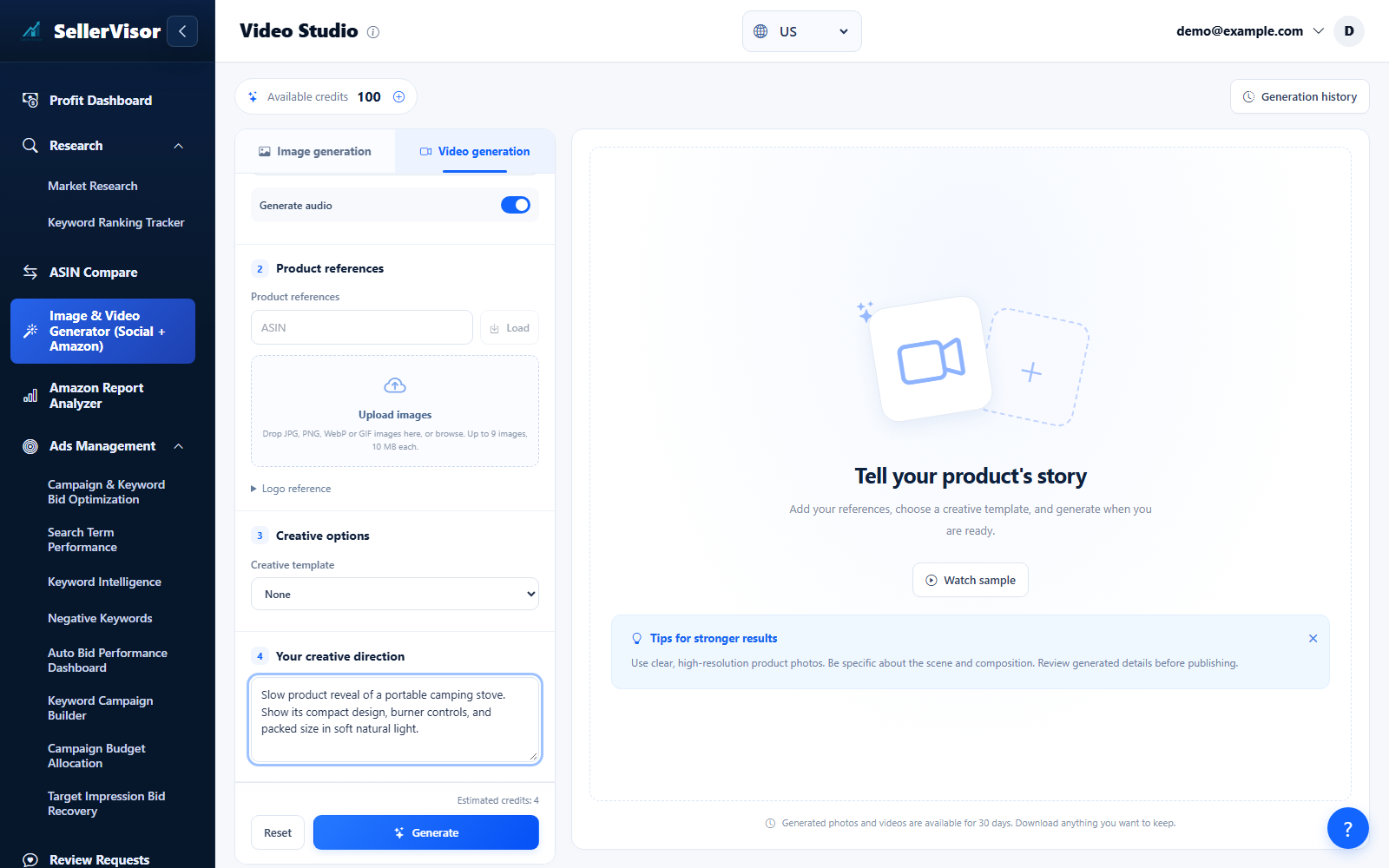
Choose Image or Video, add your references, and review the model, format, quality, and credit estimate before confirming generation. Use saved history to revisit finished work.
1
Creative Studio
Create product videos
- Start with a prompt or add reference images for your product.
- Choose an available model, duration, resolution, aspect ratio and audio options. Review the estimated credits before confirming.
- Track generation progress, download completed videos, and revisit saved history.
Screenshots are in English and may contain sample data. Available features depend on your plan, connections, and data.